AI Video Generators for YouTube: 5 Free Tools in 2026 – Features, Uses & Limitations
Making quality videos does not require an expensive camera, editing software, or even a whole team of people any more. I am able to make visual concepts, short videos, social media posts, and YouTube videos using AI video generators.
However, I noticed that the term “free” is rather misleading. Some platforms provide monthly credits; some give a one-time trial, watermarked export, low resolution, or non-commercial use only.
This review will include a comparison of five AI video makers according to the list of features, whether it is free, how it can be used in practice, and its limitations. Since the prices for free plans change very often, I suggest checking the official pricing page.
What I Look For in a Free AI Video Generator
When I evaluate an AI video creator, the visual performance alone does not constitute the basis of judgment; a video may be well-done, but if the generator uses credits too fast, it is not going to work for content creators.
The most important criteria for me are:
- Free credits and limitations on their usage
- Quality of videos and resolutions
- Text-to-video and image-to-video capabilities
- Watermarks
- User-friendliness
- Suitability for YouTube and social media
- Restrictions in commercial use
Also, I consider whether it is Understandable even for a beginner to operate with it without wasting hours studying the editor’s interface.
Review Method: I compared these AI video generators based on their publicly listed features, free-plan availability, supported video workflows, and documented limitations. Free credits, pricing, and export conditions can change, so readers should verify the latest details on each platform’s official website.
1. Pika
Best for: Creative short clips, visual effects, and beginners
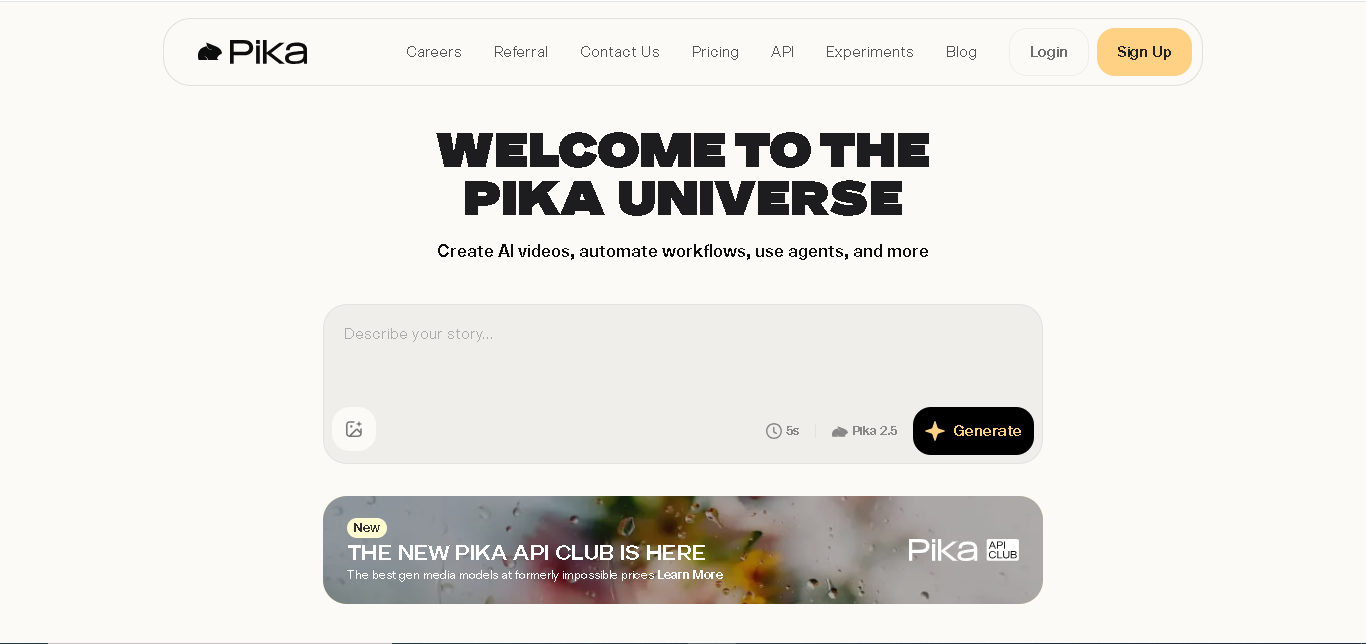
“Pika” is one of the friendliest tools for content creators experimenting with AI-generated video creation. The platform caters to short video forms, effects, transformations, and text-to-video generation.
For me, Pika can be used for creating YouTube Shorts, Instagram Reels, and visual hooks, and experimenting with AI. It is best suited for cases where a creator does not require a long video but only a short visual.
Specifications
| Feature | Details |
|---|---|
| Free plan | Basic plan available |
| Free credits | 80 monthly credits reported |
| Video generation | Text-to-video and creative effects |
| Free resolution | Up to 480p on documented Basic access |
| Best use | Short clips and visual effects |
| Main limitation | Low free-plan resolution |
The basic plan offered by Pika includes monthly video credits and 480p for Pika 2.5. It is necessary to confirm the number of credits and features before publishing the comparison article.
My Recommendation
If creativity and simplicity are valued more highly than a full professional video, I would pick Pika over other platforms because it can be a good beginning for creators interested in learning the effect of prompts on videos.
Limitation 1: The free resolution option might be limiting for those who need high-quality YouTube videos.
Limitation 2: Monthly credits will run out very quickly for those who constantly experiment with prompts and effects.
2. Runway
Best for: Creative professionals and image-to-video experiments
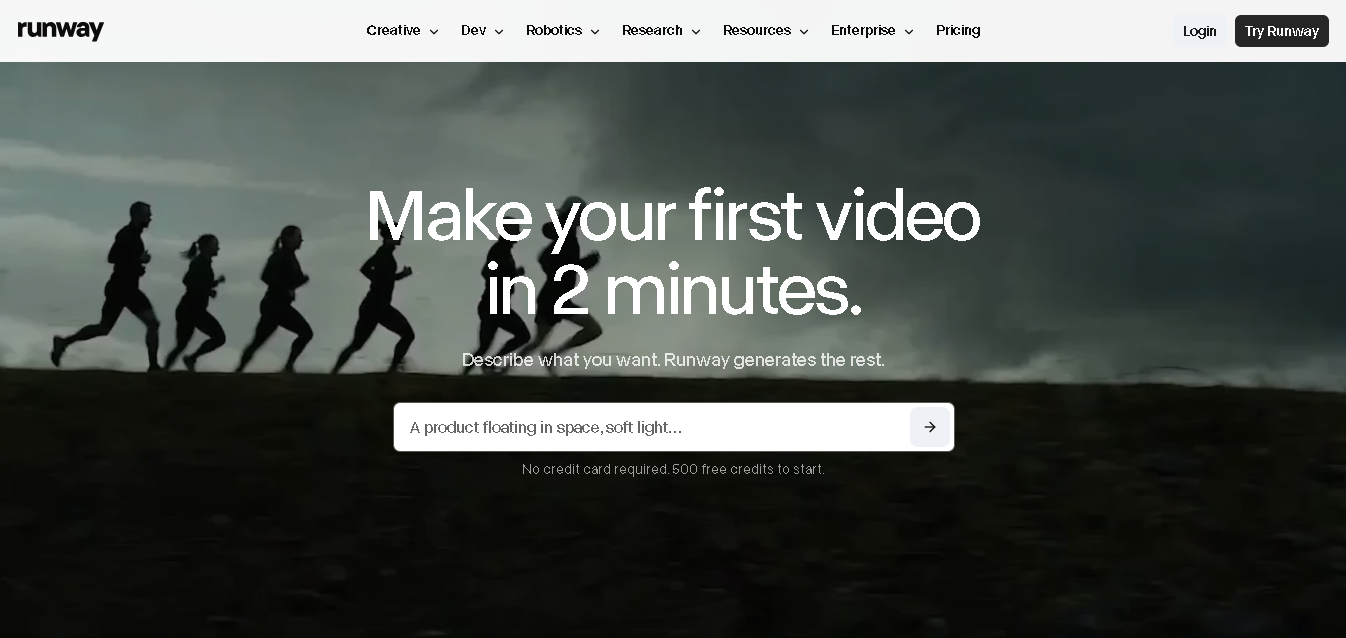
Runway is for more sophisticated creative processes. This software merges the ability to generate videos with tools meant for artists who wish to have more control over their work.
I think Runway can be used for cinematic ideas, product designs, story sequences, and image-to-video experimentation. But it is important for artists to know the difference between the trial version and completely free video generation.
Specifications
| Feature | Details |
|---|---|
| Free access | Free plan |
| Free credits | 125 one-time credits |
| Generation type | Image-to-video access documented |
| Watermark | Free videos carry a watermark. |
| Best use | Creative testing |
| Main limitation | Credits do not regularly renew |
The free documentation plan from Runway includes 125 one-time credits and Gen-4 Turbo image-to-video capabilities. Free text-to-video capabilities are not included in the current documentation from Runway, as competing platforms offer.
My Recommendation
If I am interested in getting into a professional creative environment, then Runway can be explored, as it can be useful to someone who wishes to enter advanced video making.
But I would not go for it just because an article talks about Runway as a free text-to-video generator.
Limitation 1: Free credits are single-use credits instead of getting a monthly allocation of credits.
Limitation 2: The presence of a watermark in exported videos makes the free version of Runway less suitable for client-branded videos.
3. InVideo AI
Best for: Script-based videos and social media content
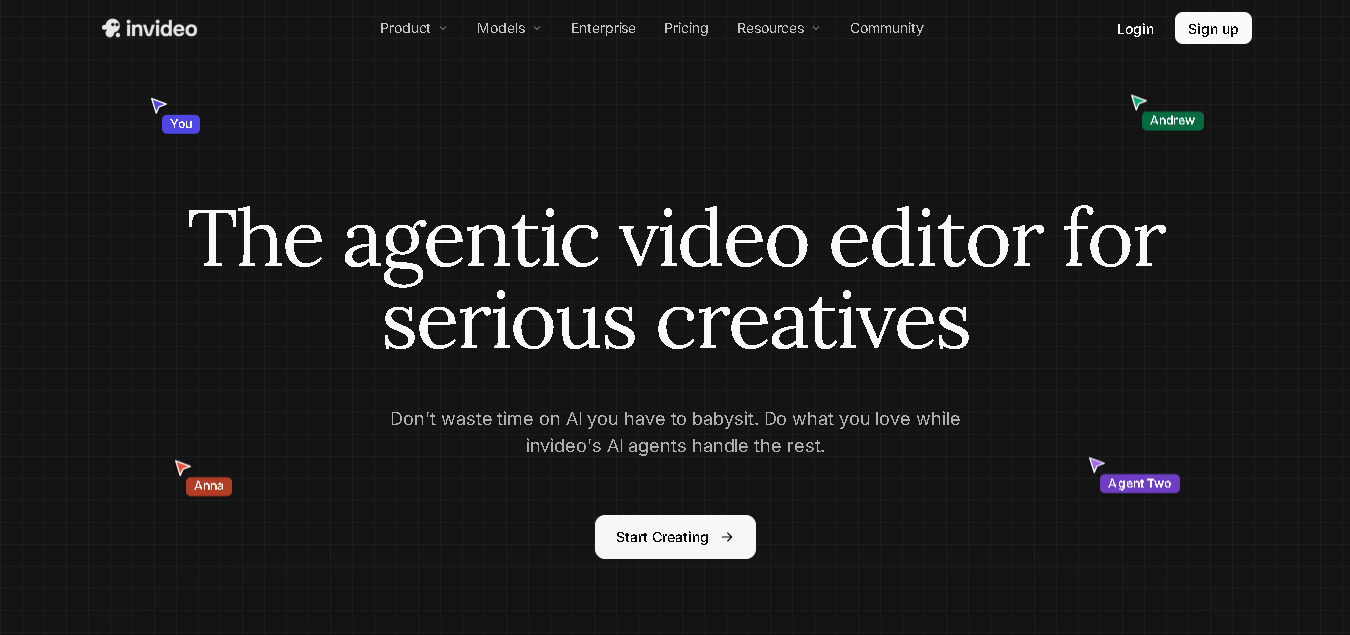
Unlike pure cinema video generators, InVideo AI uses another strategy. It does not concentrate solely on generating AI videos but helps users create videos based on text scripts.
It can be used to generate educational videos, explanatory videos, list videos, marketing videos, and videos for beginners on YouTube.
Specifications
| Feature | Details |
|---|---|
| Free plan | Available |
| Video workflow | Text-based video creation |
| Best use | Explainer and social content |
| Free access | Limited credits |
| Watermark | Check current export conditions. |
| Main limitation | Free-plan restrictions |
The credits in the free plan of InVideo are said to refresh every week. The export limitations and watermarks should be verified within the account, as the terms can vary.
My Recommendation
I would recommend using InVideo AI when the task is to convert a concept or a script into a coherent video. It could save time in the first phase of production, at least for those who don’t need to edit all shots individually.
Nevertheless, I would check out the script, the visuals, narration, and timing before releasing it. Videos created using AI often need a significant amount of work to look unique and interesting.
Limitation 1: Videos created for free have watermarks and limitations for commercial use.
Limitation 2: Automated videos could have inappropriate visuals, repeated shots, or incorrect narration.
4. Canva
Best for: Simple social videos and visual content
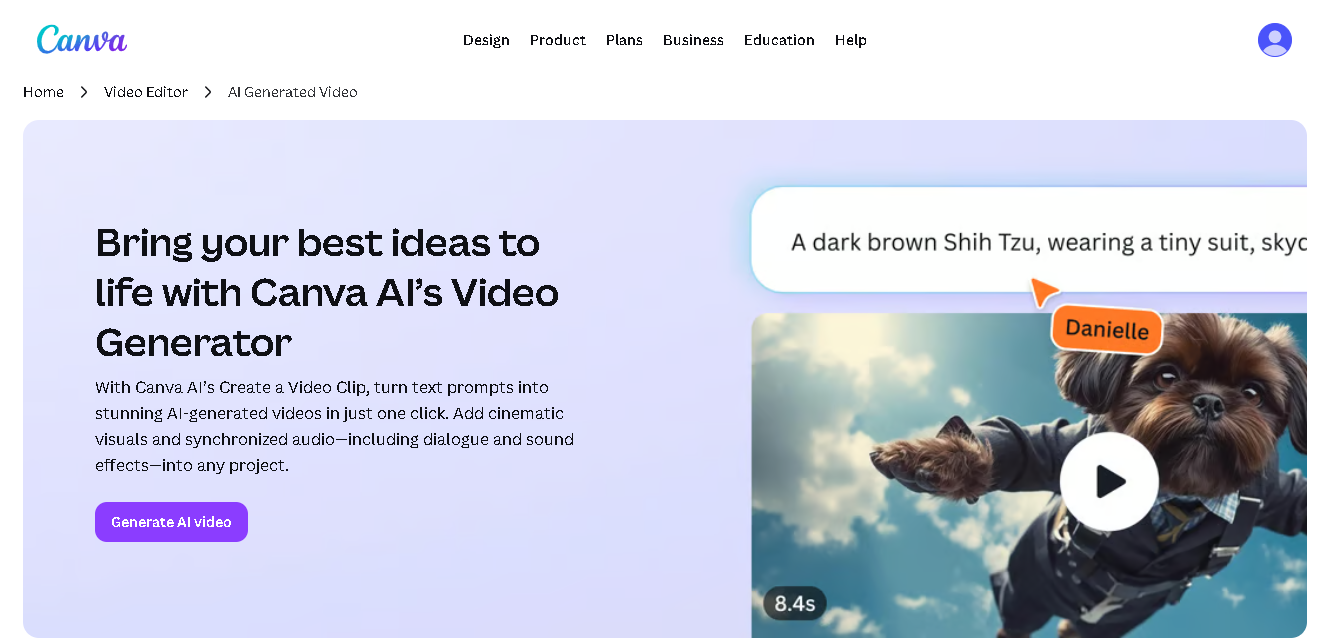
Canva is already popular for presentations, thumbnails, social media designs, and simple video editing. With its AI functionality, Canva is an easy tool for those who are going to do both design and video production in the same place.
I would apply Canva to create short promotional videos, educational videos, branding materials, and social media posts.
Specifications
| Feature | Details |
|---|---|
| Free access | Canva Free |
| Main strength | Design and video workflow |
| Best use | Social content and branded visuals |
| AI allowance | Depends on feature and plan |
| Editing | Templates, text, graphics, and video tools |
| Main limitation | Advanced AI features may require payment |
Different Discounts in Canva are set according to the specific features and plans used. Published information currently shows a single discount per month for both image and video generation; however, video generation access needs verification.
My Recommendation
Canva is a good option if I wish to make videos, along with creating thumbnails, title cards, and other visuals.
While Canva may not be my primary tool for making detailed AI scenes that have a cinematic element, the software’s design capabilities can be useful to those who need branding for their YouTube channel.
Limitation 1: Some advanced AI features and models are available only on premium versions of the software.
Limitation 2: The free quota can be shared among various AI capabilities of the software, leaving less for video creation.
5. CapCut AI Video Generator
Best for: YouTube Shorts, social media videos, AI-assisted editing, and beginner-friendly content creation
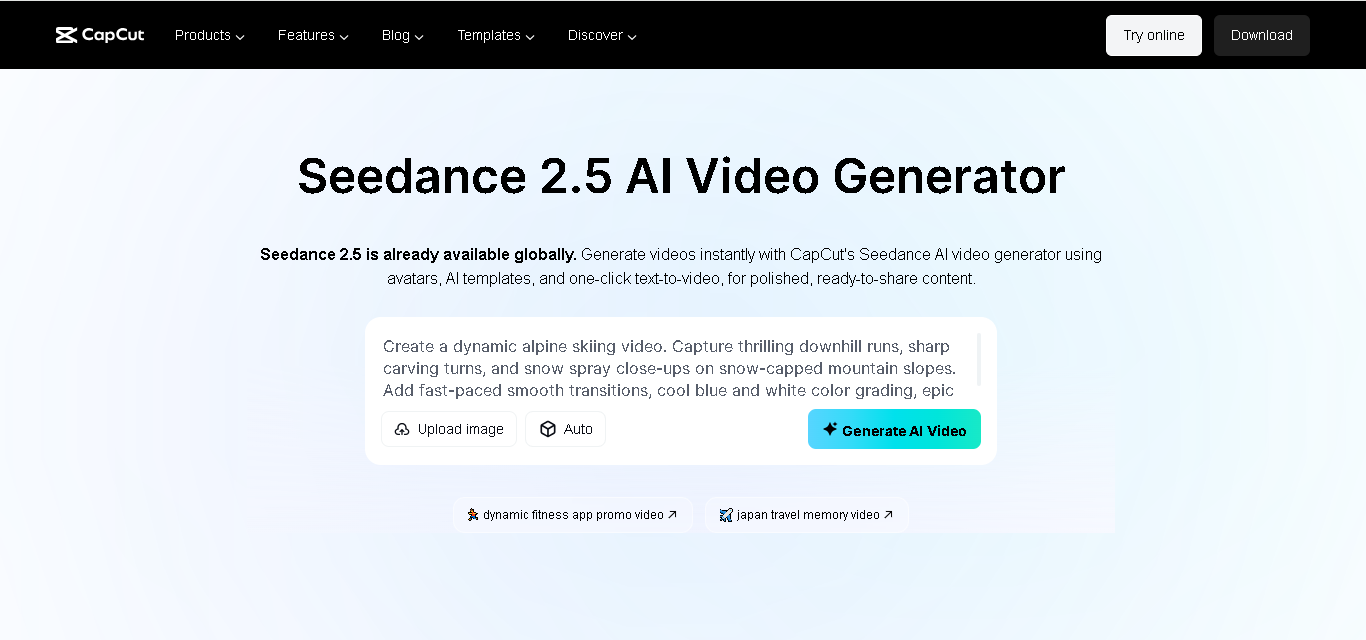
CapCut is not just a video editor application because its AI-based video generation features can be used by content creators to make videos out of their ideas or scripts, play around with avatars made by AI, and mix automatic and manual work.
In my opinion, CapCut is perfect for those who want to create short videos, promotions, educational content, and social media posts without constantly switching between different platforms.
Specifications
| Feature | Details |
|---|---|
| AI video generation | Available |
| Text-to-video | Supported through AI video tools |
| AI avatars | Available features include digital avatars. |
| Editing tools | Captions, effects, music, and video editing |
| Platforms | Web and desktop, with mobile availability |
| Best use | Shorts, social media, and quick video creation |
| Free access | Availability depends on the tool and account |
The AI video generator on CapCut features AI avatars, templates, automatic storyboards, and a text-to-video maker. It is necessary to verify the list of tools and export options available on the page before publishing
Key Features
AI Video Creation
With the help of AI, CapCut users can generate videos from a story or script that they already have in mind. It could help video creators save time that would have been spent on thinking about the scenarios and gathering initial footage.
AI Avatars & Voiceovers
AI avatar capabilities help create videos with presenters without needing them to be there physically. It is convenient to use when creating videos related to education, announcements, or products and when the user is reluctant to appear in the video.
Automated Editing
Editing capabilities such as adding captions, music, effects, and adjusting pacing, among others, make it possible for me to edit AI-generated videos manually instead of using them as they are created by the AI.
My Recommendation
CapCut is a possible choice if I seek both AI creation and video editing functions in a single application. This application might be beneficial for people who create short-form videos on a regular basis.
However, I would not take for granted that all the AI features provided by CapCut are free and available in any country. I would review the current prices and restrictions before using it for commercial purposes.
Limitation 1: Certain AI functions, effects, and export capabilities might only be available through paying for a subscription or under certain conditions.
Limitation 2: AI-generated scenes and automated videos might need to be edited manually so as to avoid repetition, improper timing, and incorrect information.
Bonus: Krea
Krea is a free AI video generator that actually works without a credit card. I tested its free plan myself — you get daily credits and the video output has no watermark. Good option for YouTube creators on a zero budget.
Disclosure: the Krea link above is a sponsored placement.
Quick Comparison of the Best Free AI Video Generators
| Tool | Free Plan | Best For | Pros | Cons |
|---|---|---|---|---|
| Pika | Free credits available | Creative AI clips | Easy to experiment with | Credits/resolution can be limited. |
| Runway | Free plan available | Professional AI video | Powerful creative controls | Free usage is limited. |
| InVideo AI | Free access is available. | Script-to-video | Fast video creation | Free exports have restrictions |
| Canva | Free plan available | Simple video + design | Easy all-in-one workflow | Advanced features require a paid plan. |
| CapCut | Free features available | Social media videos | Easy editing and AI tools | Some advanced features are paid |
Tips for Better AI Video Results
In order to receive high-quality videos generated by artificial intelligence, it is important not only to pick the proper service but also to pay attention to the quality of prompts, sources used, and post-editing.
1. Use Detailed Prompts
Try not to use short prompts such as “a city at night.” Instead, mention the subject, surroundings, camera movement, lighting, mood, and style you expect from the scene.
2. Create Short Clips
It is much easier for AI technology to create video scenes than long videos. Therefore, you should generate short clips that can be merged into one video using CapCut or Canva editors.
3. Pick the Proper Aspect Ratio
Before generating the video, think about how you plan to publish the video. Use a vertical aspect ratio for TikTok, Instagram Reels, and YouTube Shorts videos, and a horizontal one for YouTube videos.
4. Adjust your prompts
The first generation might not meet all your expectations. Experiment with the wording, camera angle, motion, or visuals until you achieve something close enough to what you had in mind.
5. Edit the Generated Footage
The generation of the footage with the help of AI is just the first step. The additional editing, such as captioning, adding music, voice-over, transitions, and other adjustments, can significantly improve the final video.
6. Review the Final Video
Before publishing any AI-generated videos, make sure to review them carefully. You should look out for any odd movements, distorted objects, wrong text, or any other mistakes that might have occurred.
7. Research Licenses and Conditions
If you want to use the generated video commercially, make sure to research the current licensing conditions and requirements of the platform you are using.
Frequently Asked Questions
Are free AI video generators truly free?
They provide users with free credits or features, although there will be some limitations to their use.
What AI video generator is the most suitable for beginners?
Pika, Canva, and CapCut are relatively beginner-friendly AI video generators.
Is it possible to use AI-generated videos on YouTube?
Yes, as long as one reviews the licensing and commercial use rules of that platform.
Does it apply watermarks on the generated videos?
Yes, some platforms may apply watermarks to videos generated on their free plan.
Is it possible to generate videos from text?
Yes, many platforms allow you to generate videos using text prompts or scripts.
Is it possible to use the AI videos commercially?
It depends on the platform and the plan you choose.
My Honest Opinion
There isn’t a perfect free video AI generator out there for all kinds of creators. The one you should use will depend on what kind of videos you will be making and on your budget and requirements.
My advice would be to try out two or three tools using the same concept and compare what the tools give you. Note that some free services might come with some constraints like limited credits, watermarks, lower resolutions, and usage limitations.
For more AI tools useful for daily tasks and productivity, see our list of 10 Powerful AI Tools That Actually Make Life Easier in 2026.
While AI might help you to save time, it is not everything. Good concepts, editing, narration, and human creativity will always matter the most.

4 Comments on “AI Video Generators for YouTube: 5 Free Tools in 2026”