Quick Answer: You can copy your voice with Fish Audio in five minutes. First, create an account. Next, upload a recording of your voice that lasts between ten and sixty seconds. Fish Audio will then build a voice model. After that, simply type any text. Listen as Fish Audio speaks it in your own voice.
Want to learn how to clone your voice with Fish Audio? You are in the right place. Fish Audio is one of the AI voice cloning tools available right now. You do not need any skills. You only need a recording of your voice and a free account. In this guide, I will walk you through every step of the process, share tips for the most realistic results, and answer the questions most people ask before they try voice cloning for the first time.
What Is Voice Cloning on Fish Audio?
Voice cloning is a process by which artificial intelligence makes a digital copy of your voice. You give an audio sample, and the artificial intelligence examines your tone, your pitch, and your speaking style. Then the artificial intelligence can read any text aloud so that the voice sounds like you.
Fish Audio is a text‑to‑speech platform that’s famous for natural-sounding artificial intelligence voices. The voice cloning feature of Fish Audio is special because it works from a short sample. You do not need hours of recordings. A clear clip that is shorter than a minute is enough to create a voice model.
People use voices for YouTube voiceovers, podcasts, audiobooks, and social media content. The process saves recording time while keeping a touch that robotic voices cannot match.
What You Need Before You Start
Get these things ready before you start so everything works well:
- A free Fish Audio account (signing up takes less than a minute).
- A quiet room where there is no background noise.
- A phone microphone or any simple mic (you do not need equipment).
- A recording that is between 10 and 60 seconds long of your speaking voice.
One important rule: clone your own voice. Cloning someone’s voice without their permission can go against Fish Audio’s rules and might be illegal in your country. Always make sure you have permission before cloning any voice that is not yours.
How to Clone Your Voice With Fish Audio: 5 Steps
Step 1: Create Your Free Fish Audio Account
Go to fish. audio and sign up using your email address or your Google account. The free plan has voice cloning, so you do not have to pay anything to use it.
Step 2: Open the Voice Cloning Page
Once you are logged in, find Voice Cloning. Create a voice option on the dashboard. Fish Audio has a simple design, so you will see it in the main navigation.
Step 3: Upload or Record Your Voice Sample
There are two options. I can upload an existing recording. I can record directly in my browser. To get the results, I record myself reading a paragraph out loud in my normal speaking voice. I aim for thirty to sixty seconds of audio.
Speak the way I normally talk. I do not exaggerate. The AI copies exactly what it hears. A natural sample gives me a natural clone.
Step 4: Name Your Voice. Create the Model
I give my voice a clear name so I can find it later. I add a description if I want. Then I click Create. Fish Audio usually builds my voice model within a minute or two.
Step 5: Test Your Cloned Voice With Text-to-Speech
Go to the text-to-speech section. Select your voice from the voice list. Type any sentence you want. Then click Generate. Listen carefully to the result. If the voice sounds like you, then your clone is ready to use for real projects.
5 Tips for the Most Realistic Voice Clone
The quality of your clone depends entirely on your sample recording. Follow these tips:
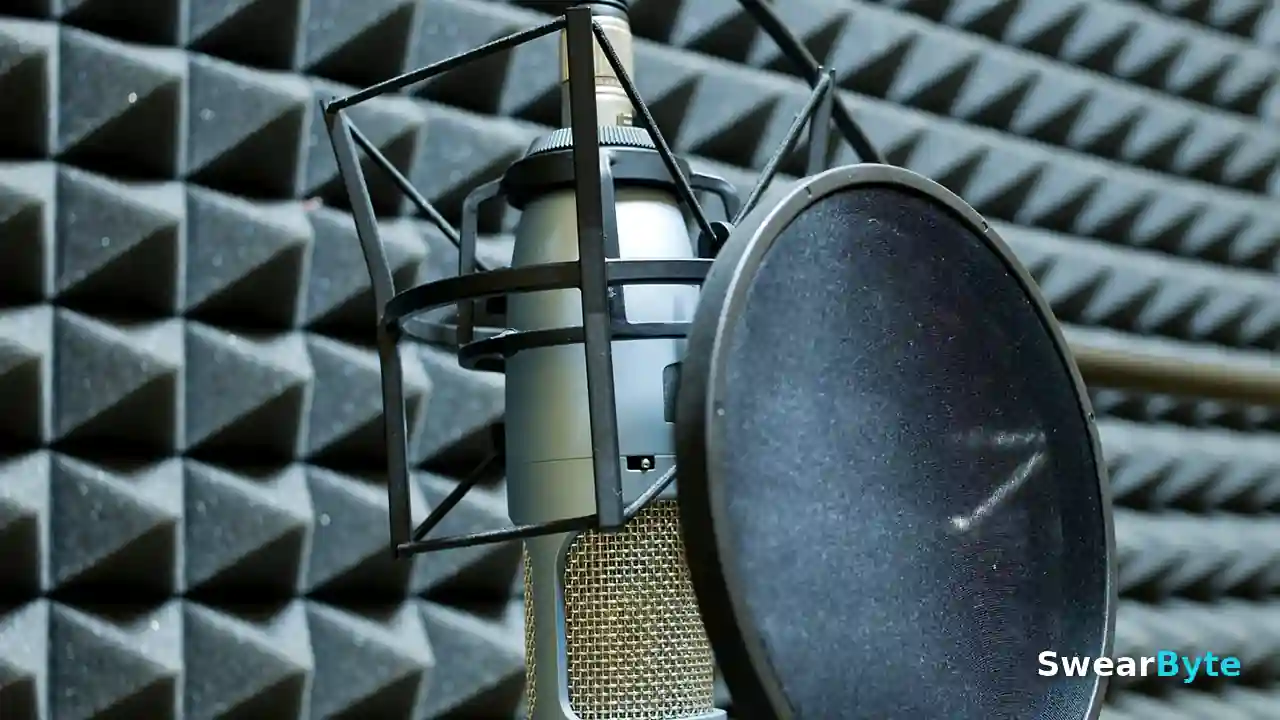
- Record your sample recording in a quiet room. Background noise confuses the AI. Lowers the quality of your clone.
- Speak naturally. Read your sample recording as if you were talking to a friend, not like a news anchor.
- Use a 30 to 60-second sample recording. Longer clean sample recordings give the AI more of your voice to learn from.
- Keep one tone in your sample recording. Do not switch between whispering and shouting in the clip.
- Music and sound effects. The sample recording should contain your voice.
Fish Audio Voice Cloning: Free vs Paid Limits
Fish Audio allows you to copy voices using the plan, and that is very generous when you compare it to other similar services. The free plan is good for trying out and doing projects.
If you want more time to create voices or higher limits on how much you can use, the paid plans, which offer higher limits. The prices might change, so make sure to look at the Fish Audio pricing page to get the latest details before you decide to pay.
For people who are just starting out, the free plan is enough to copy a voice and make normal content with it.
What You Can Do With Your Cloned Voice
I find that when your voice model is ready, many doors will open for you:
- YouTube videos: Narrate videos with your voice model instead of recording each time.
- Podcasts: generate episodes with your voice model. Fix mistakes without re-recording.
- Audiobooks: turn written content into audio using your voice model.
- Social media: create voiceovers for shorts and reels quickly with your voice model.
- Content, in languages: some creators use cloning of your voice model for localization.
Always tell people when you use an AI voice, especially if your platform or audience wants transparency. Transparency builds trust with your listeners.
Is It Safe to Clone Your Voice on Fish Audio?
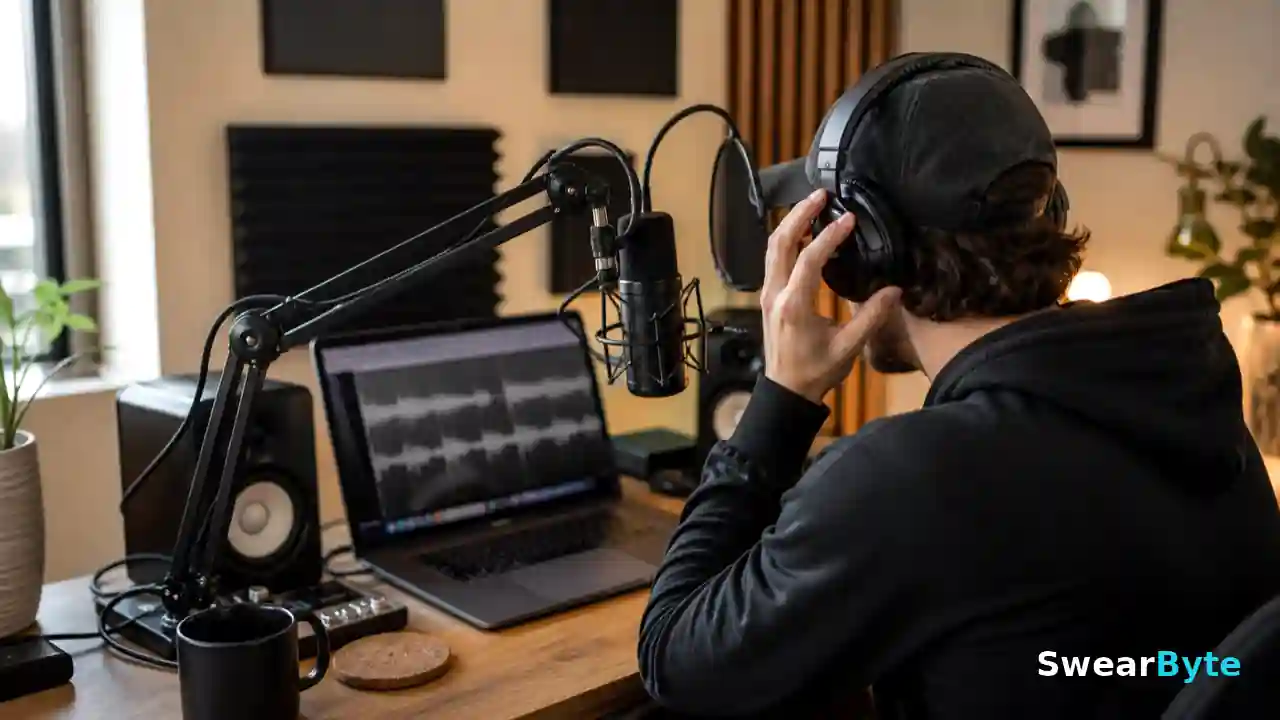
Fish Audio is a platform with millions of users, but you should still know how Fish Audio treats your voice data before you upload anything personal. I covered the safety side in detail in my review: Is Fish Audio Safe? Honest Review (2026). Read it if you want the full picture on privacy and data practices.
FAQs About Fish Audio Voice Cloning
How long does Fish Audio take to clone a voice?
The process usually takes one to two minutes after you upload your sample. Recording the sample itself takes less than a minute, so the whole thing is done in five minutes.
Is Fish Audio voice cloning free?
Yes, voice cloning is available on the plan. You can create a voice model. Generate audio without paying. Heavy users may eventually need a paid plan for limits.
How accurate is the cloned voice?
With a 30- to 60-second sample recorded in a quiet room, the clone sounds very close to the real voice. Noisy or short samples give weaker results.
Can I delete my cloned voice later?
Yes, you can. Delete your voice models from your Fish Audio dashboard at any time.
Can I clone someone else’s voice?
Technically, the tool accepts any sample. You should only clone a voice with that person’s clear permission. Cloning without consent can break platform rules and local laws.
Final Verdict
Fish Audio makes voice cloning simple enough for anyone to try. Upload a clean recording, follow the steps above, and you will have a working clone of your voice in minutes. Start with the free plan, test it on a small project, and upgrade only when you need more.
Read Next
Handpicked guides that pair perfectly with this one.
01
How to Clone Your Voice With Fish Audio: Easy 2026 Guide
Step-by-step tutorial to clone your voice safely.
→
02
AI Video Generators for YouTube: 5 Free Tools in 2026
Free tools to create videos for your channel.
→
03
6 Free AI Image Generators (No Sign Up Required) 2026
Create images without signing up.
→
04
AI Tools for Daily Life: 10 Powerful Picks
Handy AI tools for everyday tasks.
→
05
ChatGPT Plus vs. Claude Pro: Which Fixes Code Better?
We compared both for coding tasks.
→
Before You Go
If this guide helped you clone your voice, share it with a creator friend who still records every voiceover by hand.
And if you want more honest, hands-on AI guides with zero copied content, bookmark SwearByte and check back soon.