
Introduction:
I have tried many AI apps to understand which apps really make daily life easier in terms of writing, researching, studying, producing content, etc. Following my tests, I have chosen 10 AI tools for daily life use in 2026.
In this article, I will introduce my experience using these apps, describe the advantages of each tool, the situations where each app is the most useful, and the shortcomings of every tool. Let’s get started!
1. Grammarly
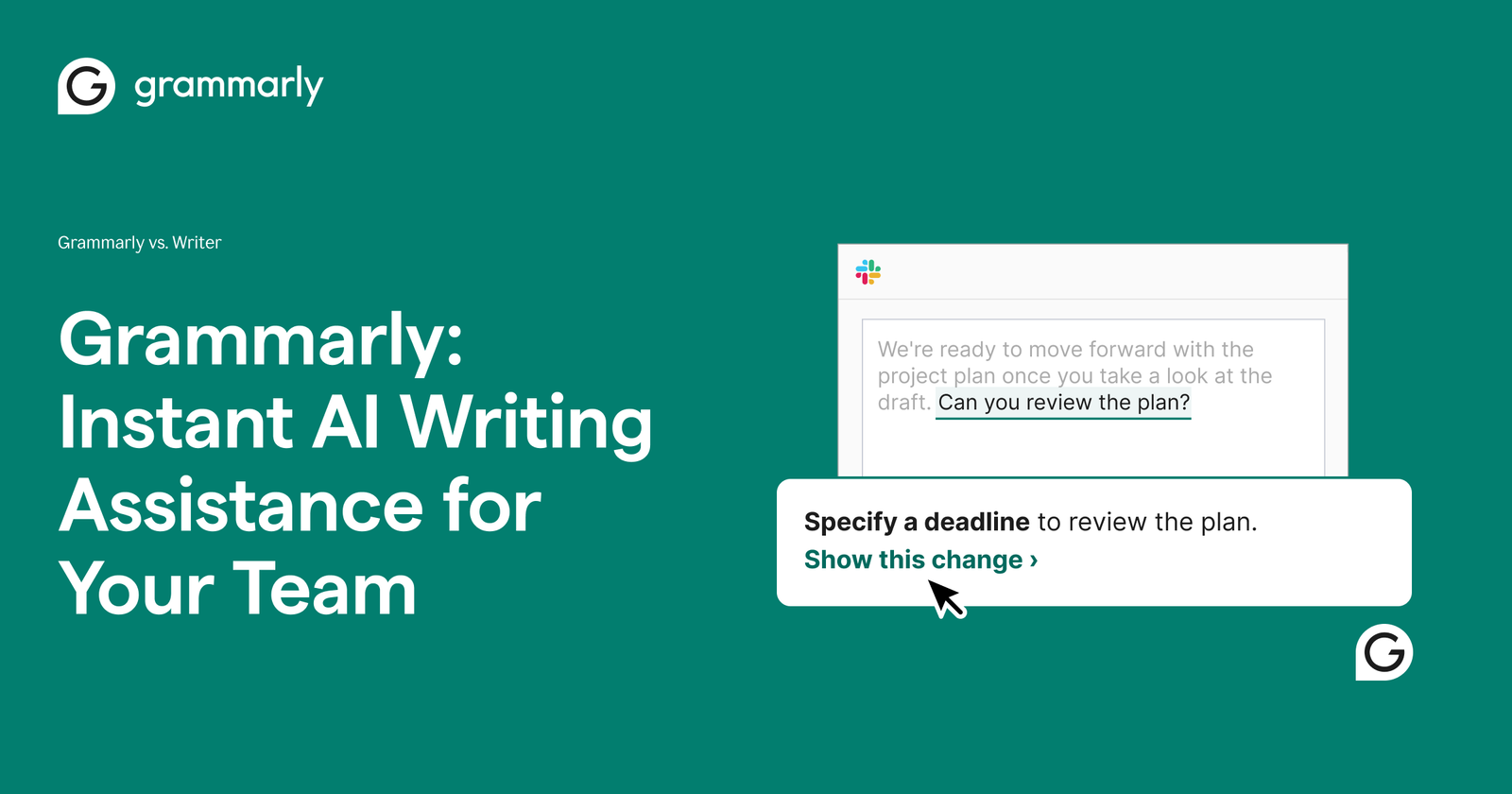
What is Grammarly?
Grammarly is an AI tool that is used as a writing assistant that helps you to fix your writing by correcting grammar, spelling, clarity, and tone, and improving writing quality. Grammarly is a useful writing assistant that can make everyday writing easier and faster.
Who is Grammarly for?
It helps everyone whose work is writing stories, paragraphs, professionals, and anyone who wants to improve their writing.
Free vs. Paid
Grammarly has a free plan that provides basic suggestions and corrections, while paid plans provide more benefits like tone changing and many more without any limits.
Best Applications
It can be used for every kind of work, like email writing, social media posts, and content writing. To be honest, this can help you a lot. Grammarly is also used in writing this article
limitations
Some advanced features require a paid plan, and Grammarly’s suggestions may not always match the writer’s tone and style. It can provide suggestions that are not necessary or inappropriate for the context. Totally depending on Grammarly can prevent its users from developing their own writing skills. Some features can work better in English than in other languages.
2. Otter.ai

What Does Otter.ai Do?
Otter.ai uses AI to record, transcribe, and summarize conversations. People use it to attend meetings, interviews, and lectures. It can save time by turning your conversations into notes.
Who Is Otter.ai For?
Students, teachers, journalists, professional interviewers, and all those who want to transcribe interviews and meetings will find it useful. I think it is useful for people who want to manage their work.
Free vs. Paid Options
In the Free plan, Otter.ai offers limited transcription minutes. Paid plans give you more transcription time and advanced features.
Top Cases of this AI Tool
Its best use is that it automatically creates notes from lectures or meetings. So you don’t have to write everything down yourself. It works with Zoom, Microsoft Teams, and Google Meet. This makes Otter.ai useful for these tasks.
limitations
- The free plan offers limited transcription time.
- Background noise and unclear voice can affect transcription accuracy.
- Multiple voices can cause problems.
- It can miss important details
3. Reclaim AI
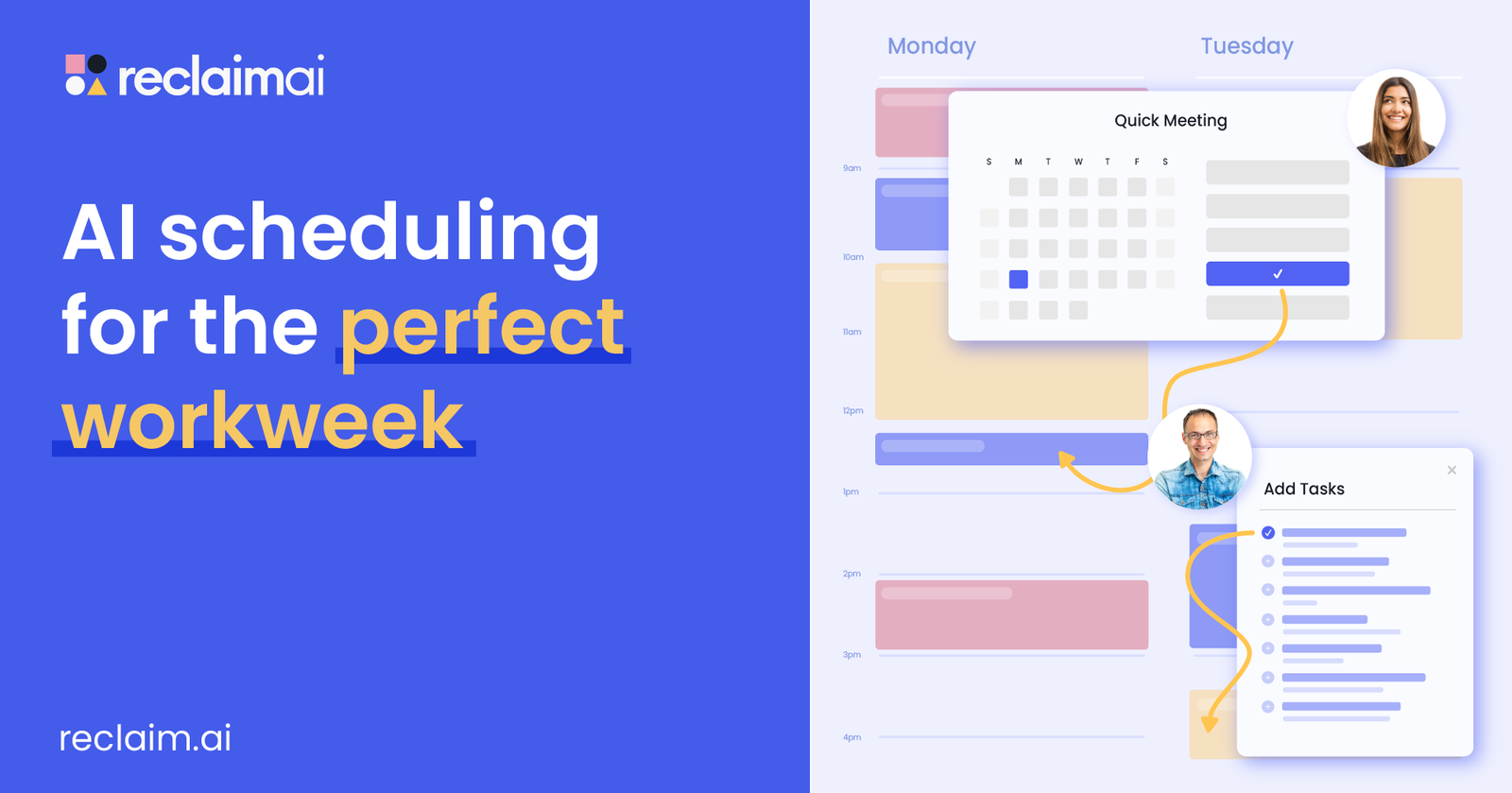
What Does Reclaim AI Do?
Reclaim AI is a scheduling AI tool that automatically creates space in your calendar for your tasks, routines, appointments, and other engagements. It may prove to be an effective tool in combination with other AI tools because it helps manage time without planning everything in advance.
Who is Reclaim AI for?
It is suitable for students, freelancers, professionals, managers, and people who struggle to manage their time. It can be a useful tool for those who are looking for AI tools for productivity.
Free vs. Paid Versions
Reclaim AI has a free version that comes with some basic scheduling capabilities. The paid version comes with advanced scheduling capabilities.
Use Cases
- Schedule tasks according to your meetings.
- Protects your time for important activities.
- Schedule personal tasks such as workouts.
- Manages priorities.
- Adjust your schedule when you make changes to meetings or tasks.
- Prevents your calendar from being overloaded.
Limitations
- There are some advanced functionalities that only come in paid plans
- The auto-scheduling might not always suit your tastes.
- It is more effective when you update your calendar regularly.
- If you like to have full control of your schedule, it is not for you.
- This AI tool can sometimes give you the wrong schedule
4. Cursor AI

What Does Cursor Do?
Cursor is an AI code editor tool that helps developers code and debug more quickly.
Who is Cursor for?
Its main purpose is to help software developers, coders, web developers, and programming students write and debug code.
Free vs. Paid Plans
The free plan provides restricted access, while paid plans offer extended limits on agents and many other benefits
Best Use Cases
- Creation of new code with the help of AI.
- Bug detection and bug fixing.
- Understanding unknown code.
- Modifications in old projects.
- Code generation by using language input.
- Assistance to developers for working on big code bases.
- Refactoring of code for better understanding and maintenance.
Limitations
- Generated code may have bugs and security flaws.
- Reviewing and testing of generated code is essential.
- Advanced functions require a subscription plan.
- It might fail to understand the complexities of a project.
- Beginners may rely too much on AI rather than learning programming basics.
5. Zapier AI
What does Zapier AI do?
Zapier AI uses AI and connections between apps to help automate the processes that involve moving information and accomplishing certain tasks automatically.
Who is Zapier AI for?
Zapier AI can be used by anyone who wants to automate some work and save their time, like entrepreneurs, marketers, freelancers, content creators, and other professionals.
Free and Paid Plans
There is a free plan offered by Zapier AI with limited automation tasks and paid plans with more options like, more tasks, advanced automation, and additional AI features.
Best Use Cases
- Automatically route leads to a CRM.
- Turn emails or other messaging into tasks.
- Manage and compile the incoming data.
- Link apps that don’t natively integrate.
- Automate repetitive marketing tasks.
- Send automated alerts and reminders.
- Transfer data among multiple apps without copying manually.
Limitations
- Advanced capabilities may need a premium plan.
- Complex workflows may be time-consuming to create.
- AI-powered operations may sometimes result in errors.
- The maximum number of automations depends on the subscription plan.
- Integration limitations vary.
6. Tome AI

Tome AI: What Does It Do?
It assists users in making presentations, documents, and images by giving a plain text command and saves them from spending time on manual creation of those things.
Tome AI: Who Is It For?
This software can help any student, teacher, professional in business or marketing, etc., as it makes presentations easy.
Free vs. Paid Plans
Tome offers both free and paid plans, where paid plans come with some additional features.
Best Use Cases
- Making presentations based on a single idea.
- Creating presentations from written information.
- Developing presentations that act as business pitches or proposals.
- Making presentations for classes or work purposes.
- Organizing your ideas quickly to make slides.
- Generating visually appealing presentations without requiring advanced design knowledge.
Limitations
- AI-generated content might need some editing and checking.
- Designs created by AI might not always fit your style.
- Some of the advanced functions might only be available with a paid subscription.
- Complex presentations might still require manual tweaking
7. Eleven Labs
What does ElevenLabs do?
ElevenLabs is a service for converting text to voice using artificial intelligence technology for voice generation, dubbing, and audio production.
Who is ElevenLabs for?
People such as YouTubers, content creators, podcasters, companies, audiobook authors, and developers can benefit from this software.
Free vs. Paid Plan
There is a free plan in ElevenLabs, while paid plans give access to many characters and voices and provide more credits for using text-to-speech services.
Best Uses
- Generating voiceovers for YouTube videos.
- Converting written articles into audio format.
- Creation of narrations for audiobooks.
- Dubbing content into other languages.
- Podcast narrations.
- Creation of game and app voices.
- Generation of promotional content that sounds professional.
Limitations
- It can be used freely only to a certain extent.
- Some additional features are available only after purchasing a subscription plan.
- AI voices may sometimes pronounce words wrongly.
- Voice generation may need some editing at times.
- The user must have the right permissions while generating voices.
8. Descript AI
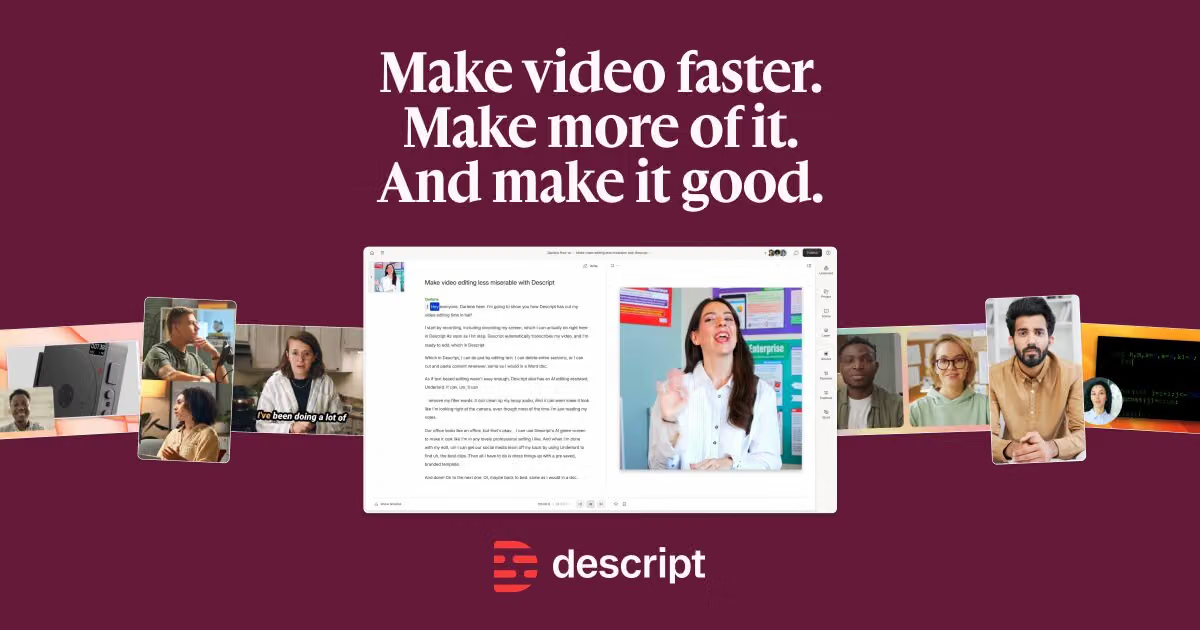
What Does Descript AI Do?
Descript AI is an audio and video editor that allows you to edit your recordings through the editing of transcripts. It is also capable of removing filler words, enhancing audio quality, creating captions, and helping with content generation. It can be useful for creators who want to produce content more efficiently.
Who is Descript AI for?
This software is ideal for YouTubers, podcasters, content creators, marketers, and video editors who wish to edit content quickly. It may also help creators work more efficiently.
Free vs. Paid Plans
Descript provides a free plan with some limitations, while its paid plans offer more transcription time, AI features, and editing capabilities.
Best Uses
- Edit videos using the transcription.
- Remove unnecessary words like “um” and “uh.”
- Generate automatic captions.
- Enhance bad audio quality.
- Transcribe interviews and podcasts.
- Convert long videos into short-form videos.
- Create and edit podcasts.
Limitations
- Advanced AI functionality requires a premium subscription.
- AI transcription is not always accurate, particularly when audio quality is poor.
- Advanced video editing needs conventional video editing tools.
- AI-generated edits might have to be reviewed manually.
- The processing of audio/video takes time.
9. Gamma AI
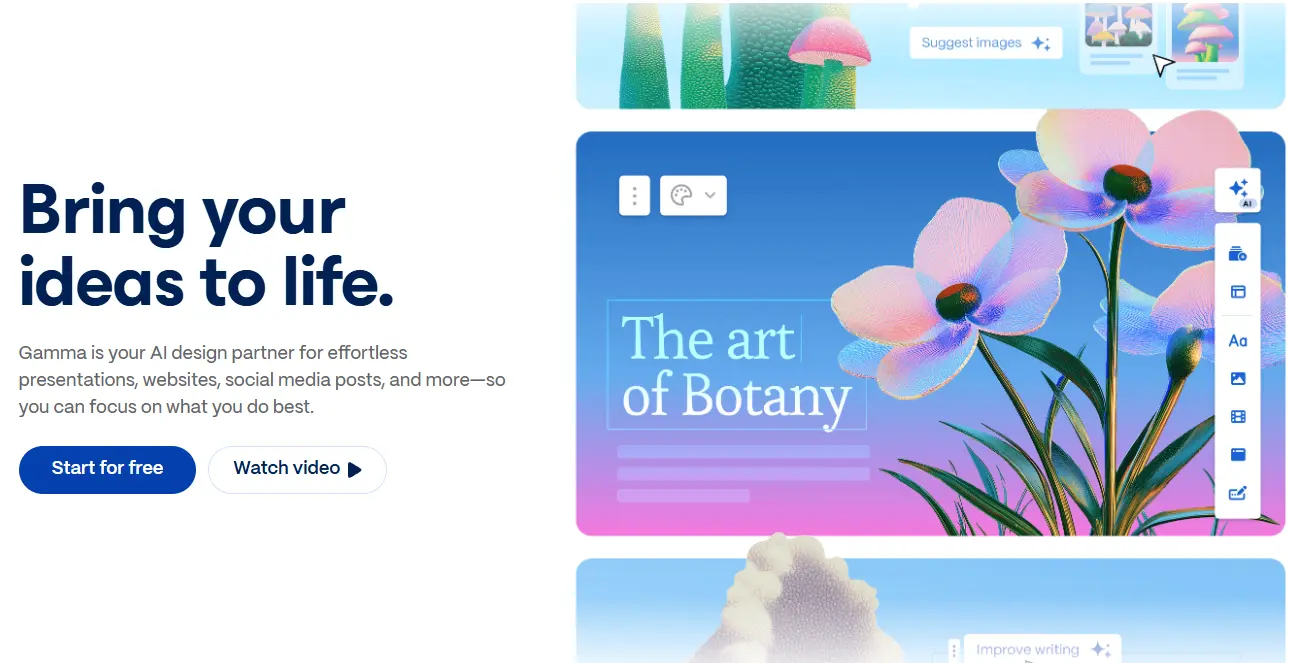
What does Gamma do?
Gamma AI allows you to make presentations, documents, and web pages using one prompt. It creates everything you need in terms of structure, text, and design automatically. It can help users produce structured work more quickly.
Who Is Gamma AI For?
The tool can be helpful for students, teachers, business people, marketers, freelancers, and other professionals who need to prepare nice presentations.
Free vs. Paid Versions
Gamma has a free version with a small number of AI credits and limited functionality, while there are also paid versions that offer more AI credits, customization options, and advanced features.
Best Use Cases
- Making presentation slides out of topics.
- Converting notes to presentation slides.
- Making a business proposal or pitch.
- Making webpages.
- Making educational presentations.
- Transforming thoughts into visuals quickly.
- Making professional-looking presentations without requiring much design knowledge.
Limitations
- The output might need editing and checking for facts.
- Sometimes designs can be too generic or repetitive.
- More advanced customization would require a paid plan.
- Sometimes complex presentations require some manual tweaks.
- Sometimes instructions are not properly understood by AI.
10. Perplexity AI
What does Perplexity AI do?
Perplexity is an AI search engine tool that gives answers to queries and citations of the sources that provide those answers.
Who is Perplexity for?
Perplexity will be helpful for students, researchers, writers, bloggers, professionals, and any person looking for information fast.
Free vs. Paid Plans
The Perplexity free plan provides only basic searches. The paid one allows greater limits and access to extra artificial intelligence models.
Best Uses
- Quick research on topics.
- Finding information for articles.
- Comparing products/services.
- Summarizing complicated topics.
- Finding up-to-date information.
- Researching a topic before writing on it.
Limitations
- AI responses can make errors.
- Sources need to be verified before taking useful information from them.
- Some advanced features have limitations in use.
- Some research features require you to pay for a subscription.
How to Choose the Right AI Tool?
Since many AI tools are available, your choice should depend on your actual needs. It is always recommended that you pick an AI tool depending on the problem you want to solve rather than popularity.
Examples:
- Writing: Grammarly or ChatGPT
- Research: Perplexity
- Scheduling: Reclaim AI
- Automation: Zapier AI
- Presentations: Gamma AI
- Voice Over: ElevenLabs
- Video Editing: Descript AI
- Coding: Cursor
Other aspects like cost, user-friendliness, features, privacy, and limitations should also be considered when selecting the right AI tool.
Conclusion
Having tried various AI tools, I understood that appropriate applications could indeed make your everyday routine easier and more productive, as well as save precious time. Each AI tool serves a certain purpose and provides its user with something unique.
Another thing I learned from my test is that it is unnecessary to utilize all of these AI tools. Your choice depends on your personal needs, workflow, and issues that you have. Certain tools may be appropriate for me, but they may not serve the same purpose for other people.
As AI technology develops and gets even more advanced, these applications will get more helpful in everyday life. I would suggest you try these tools according to your personal needs and find the one that increases your productivity.
If your Windows/Laptop is lagging, you should check this out.



8 Comments on “AI Tools for Daily Life: 10 Powerful Picks”