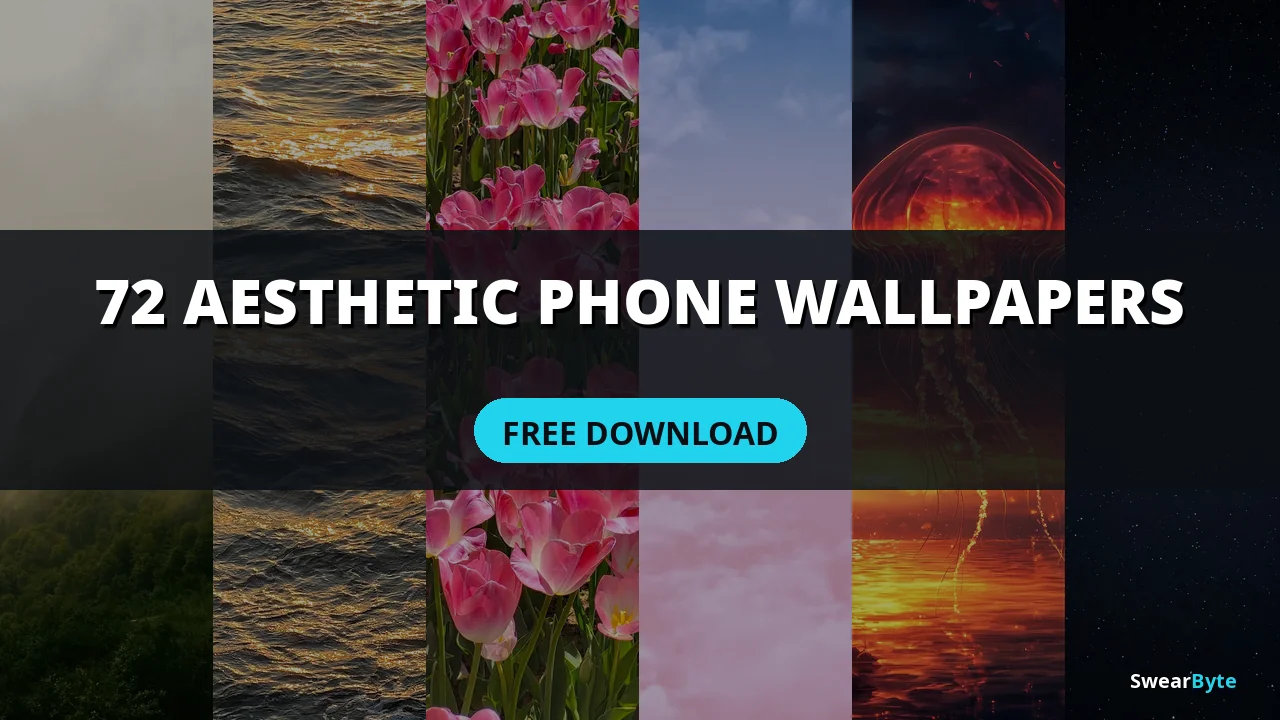
Quick Answer: Download 72 free aesthetic phone wallpapers in HD quality. Handpicked for iPhone and Android, no sign-up, no watermark.
Everyone wants a phone that looks nice. Aesthetic phone wallpapers are one of the most searched things on Pinterest, and for good reason. The right wallpaper makes your lock screen feel like it belongs to you every time you pick up your phone.
I chose 72 phone wallpapers across 9 styles, and you can download all of them for free. No registration. No watermark. Just choose your favorite. Set it as your background.
All photos are from Pexels, which means they are free to use under a license. I picked high-quality vertical photos that look clear on modern phone screens.
72 Free Aesthetic Phone Wallpapers
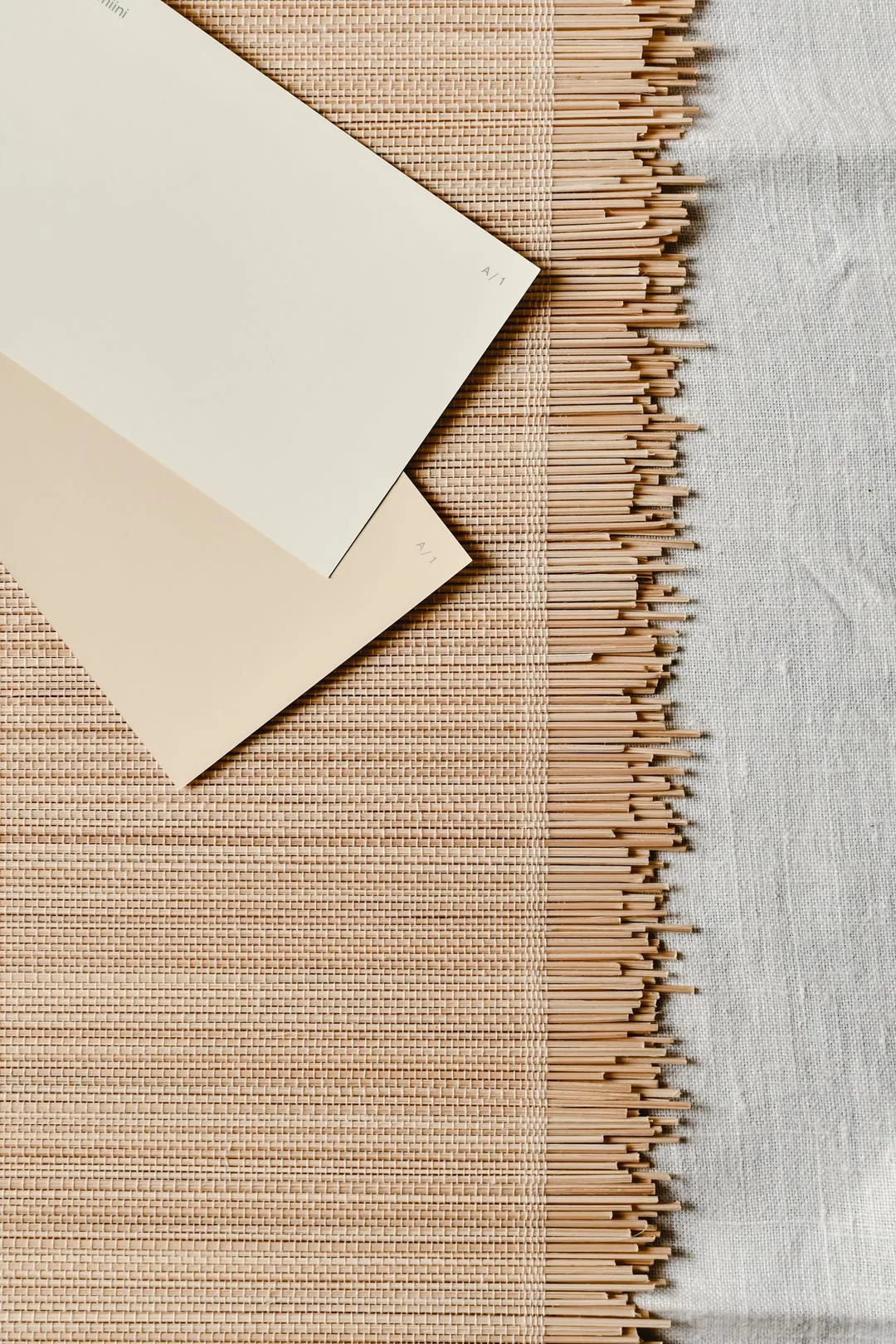
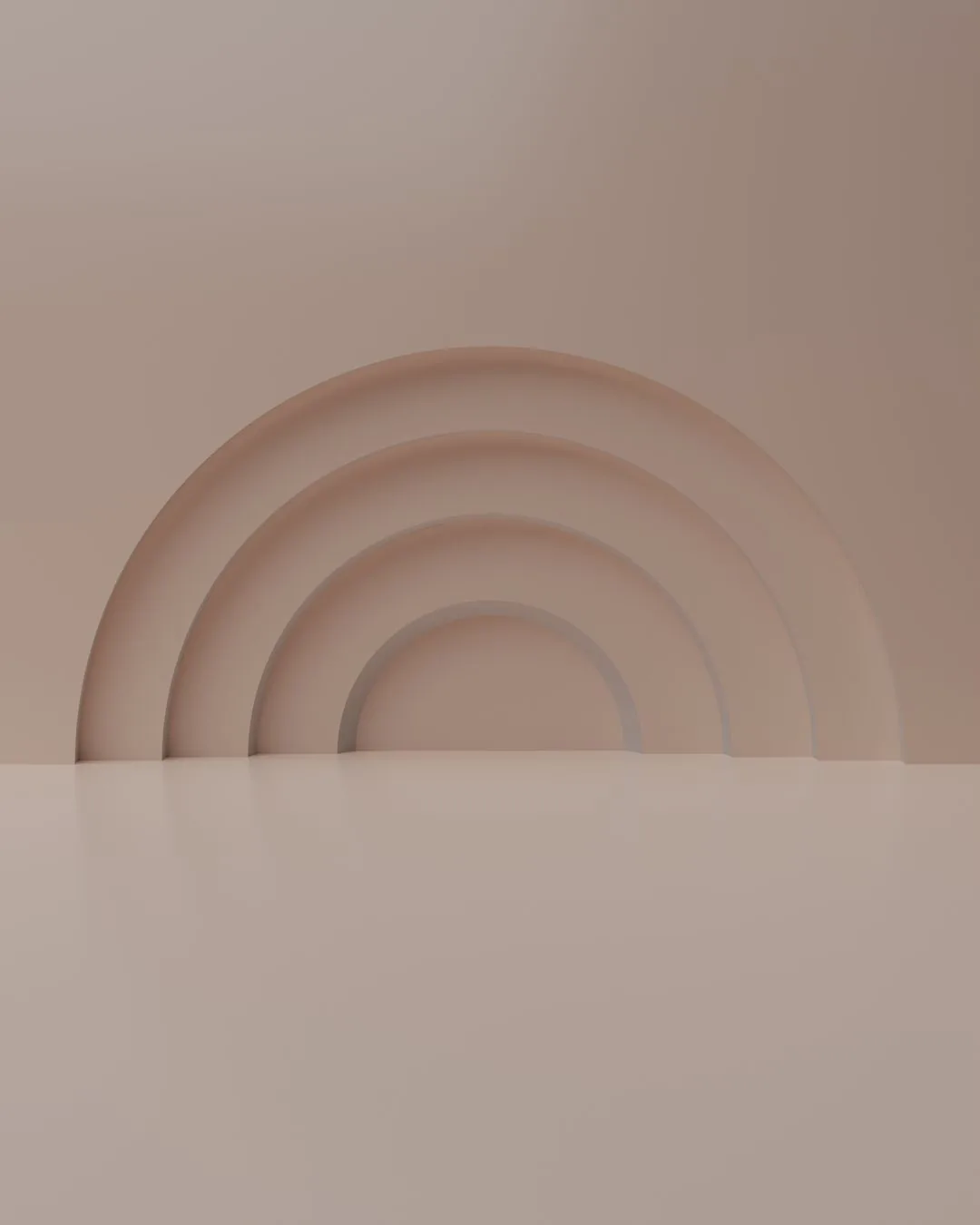
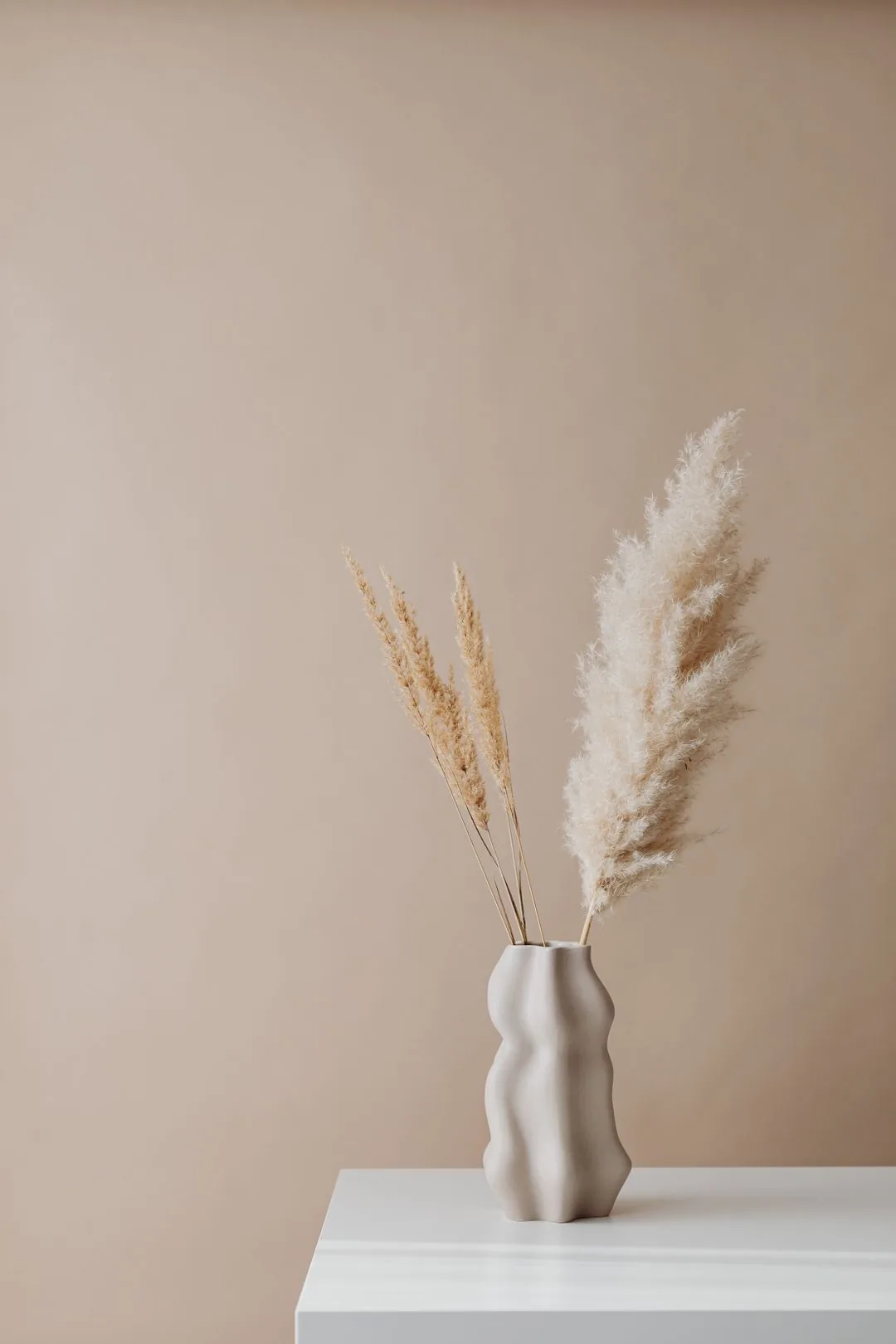
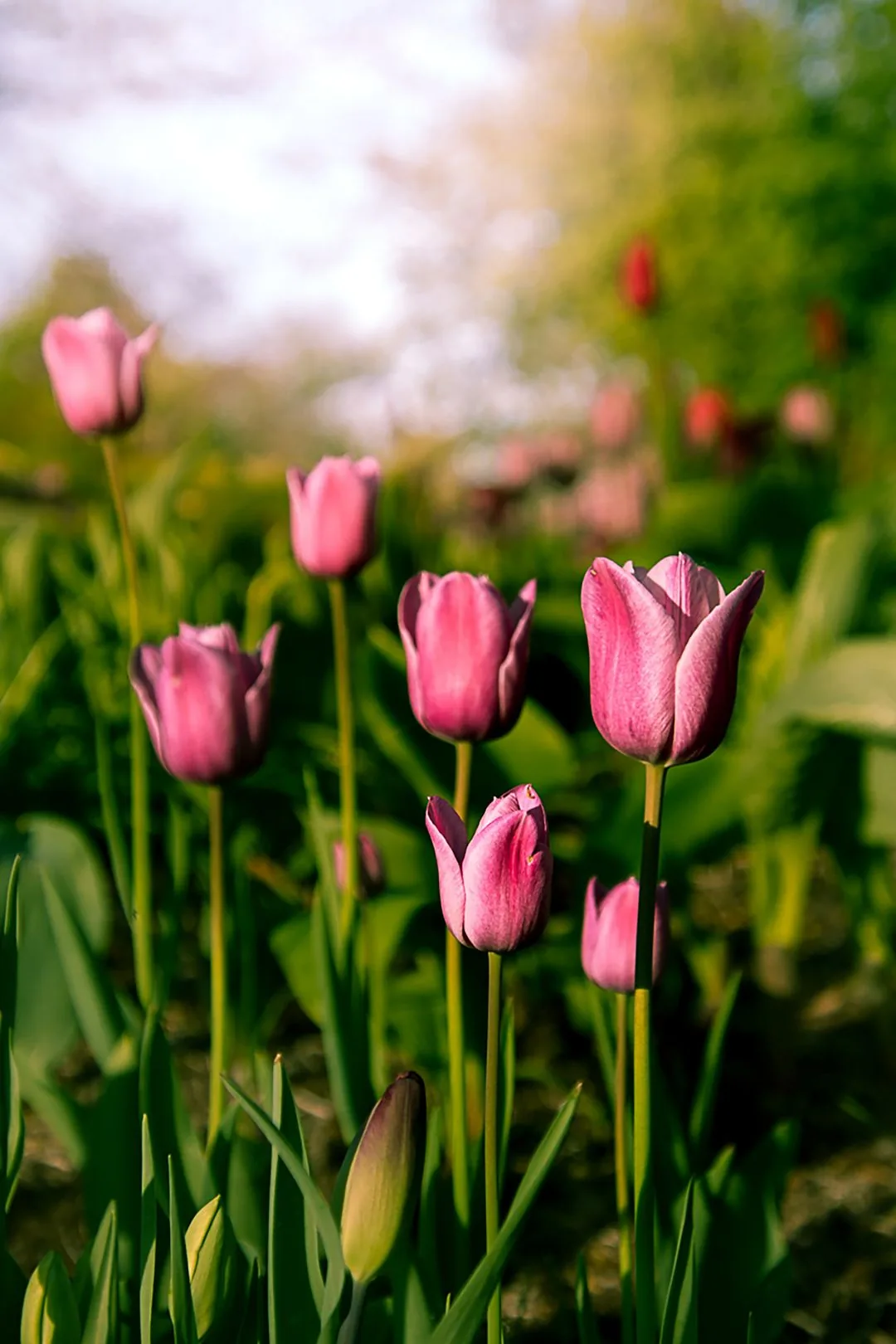
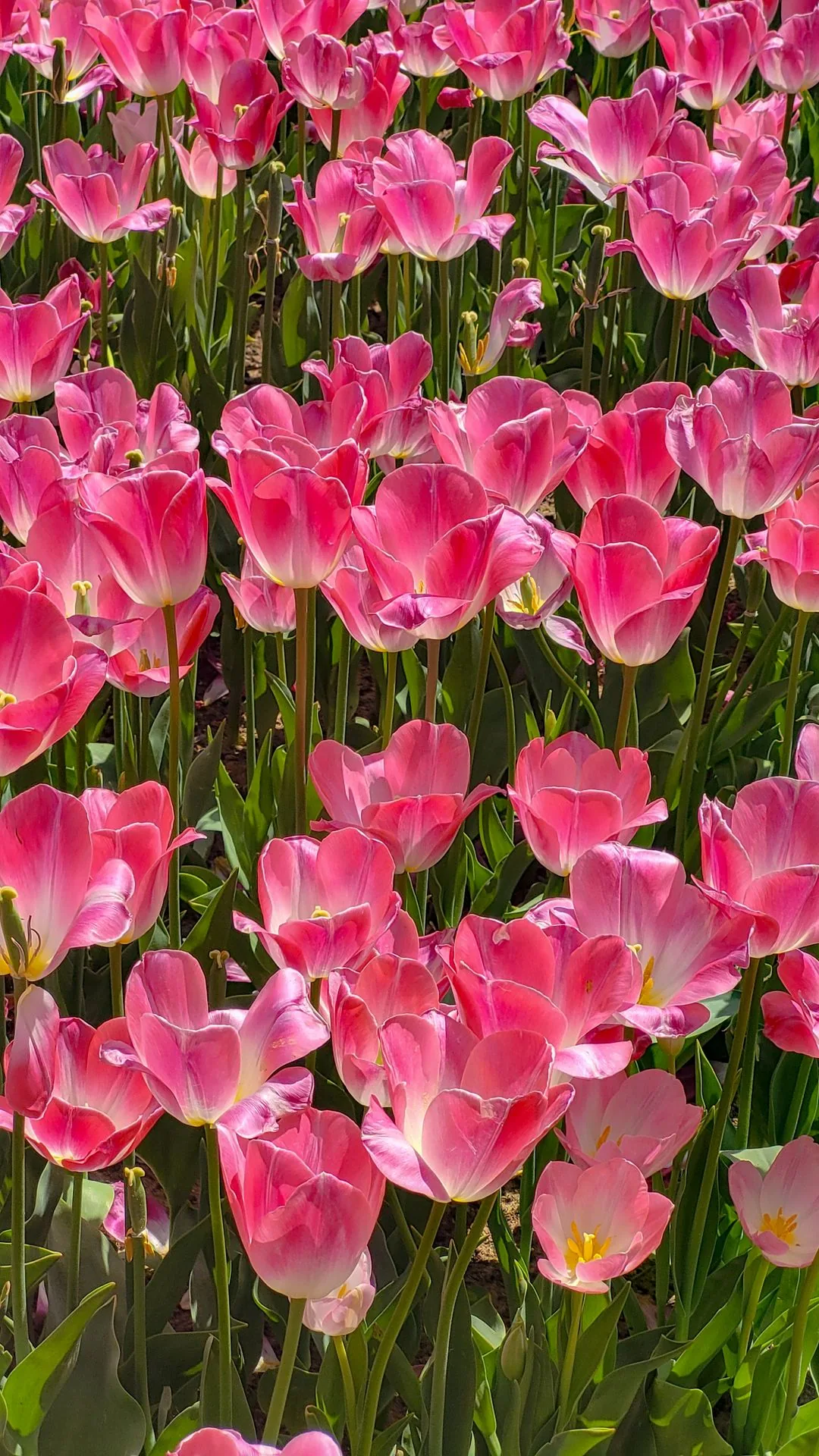
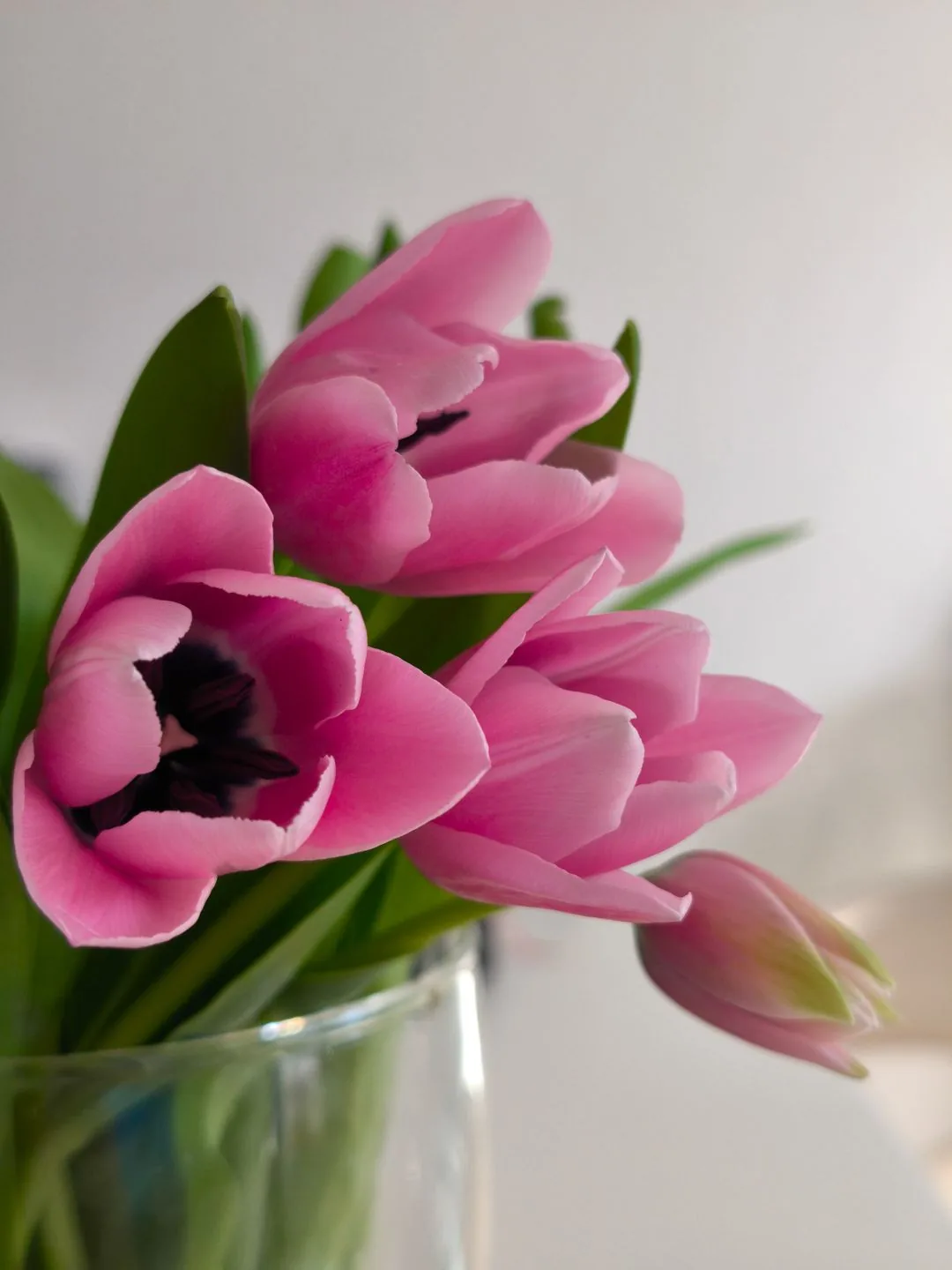
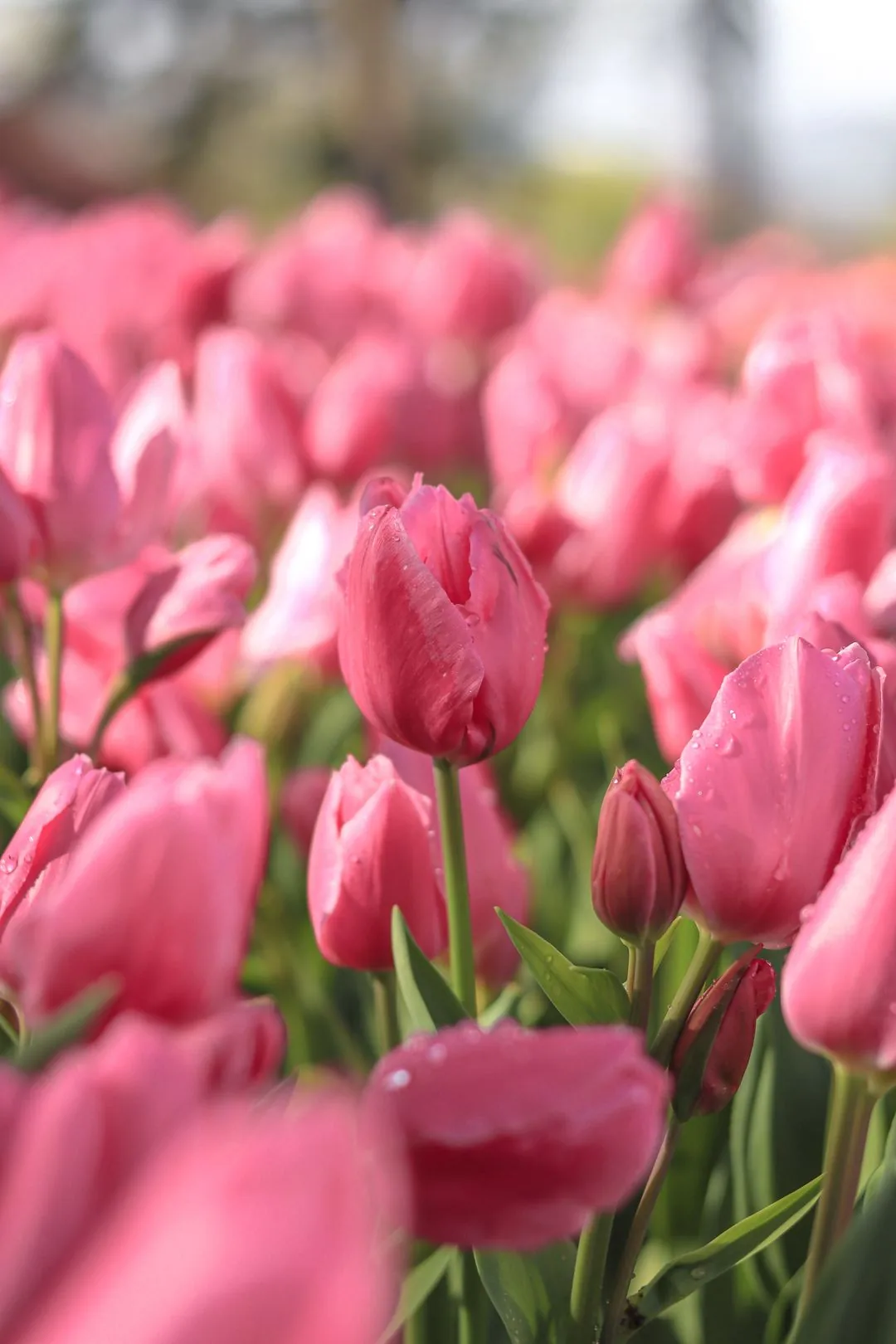
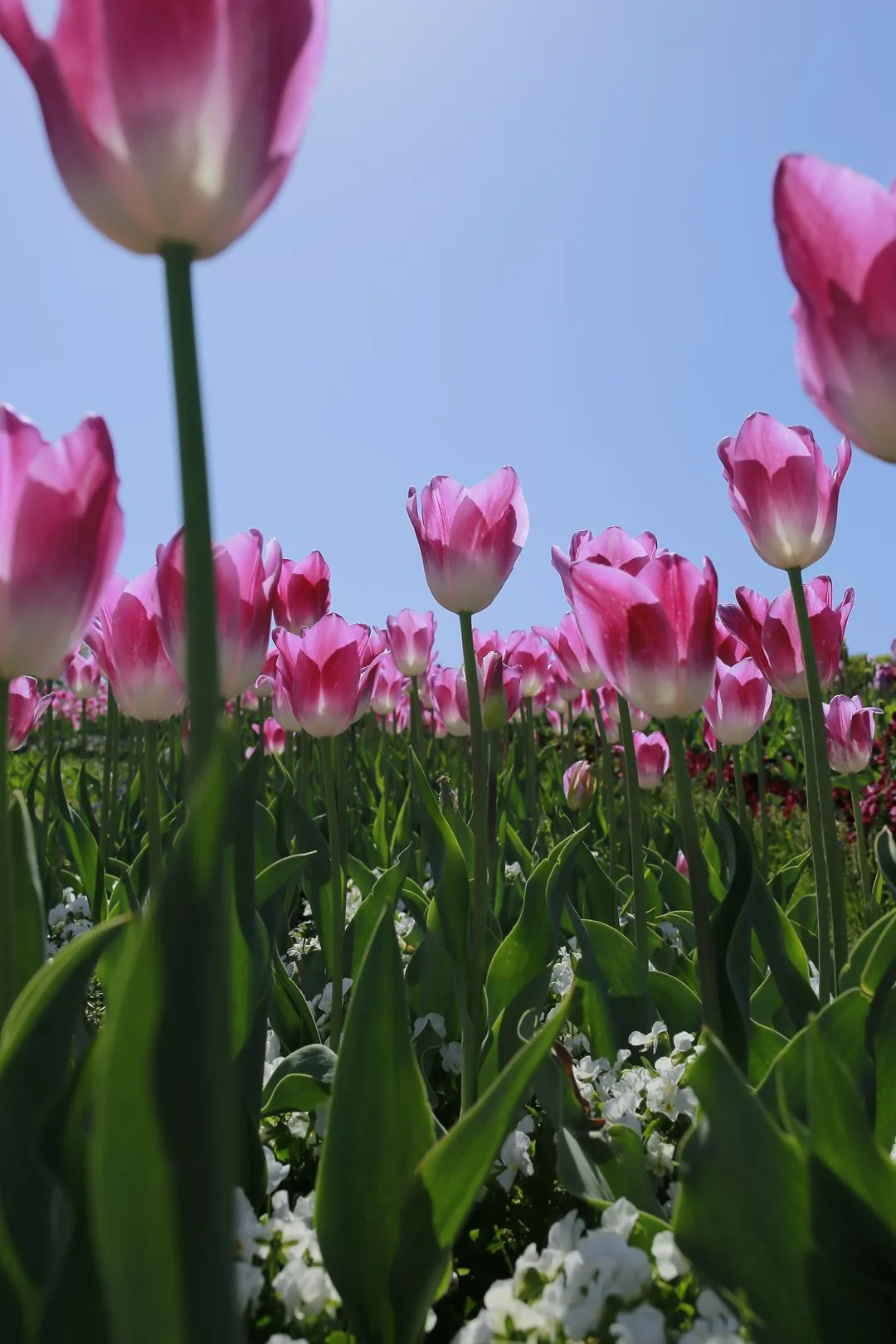
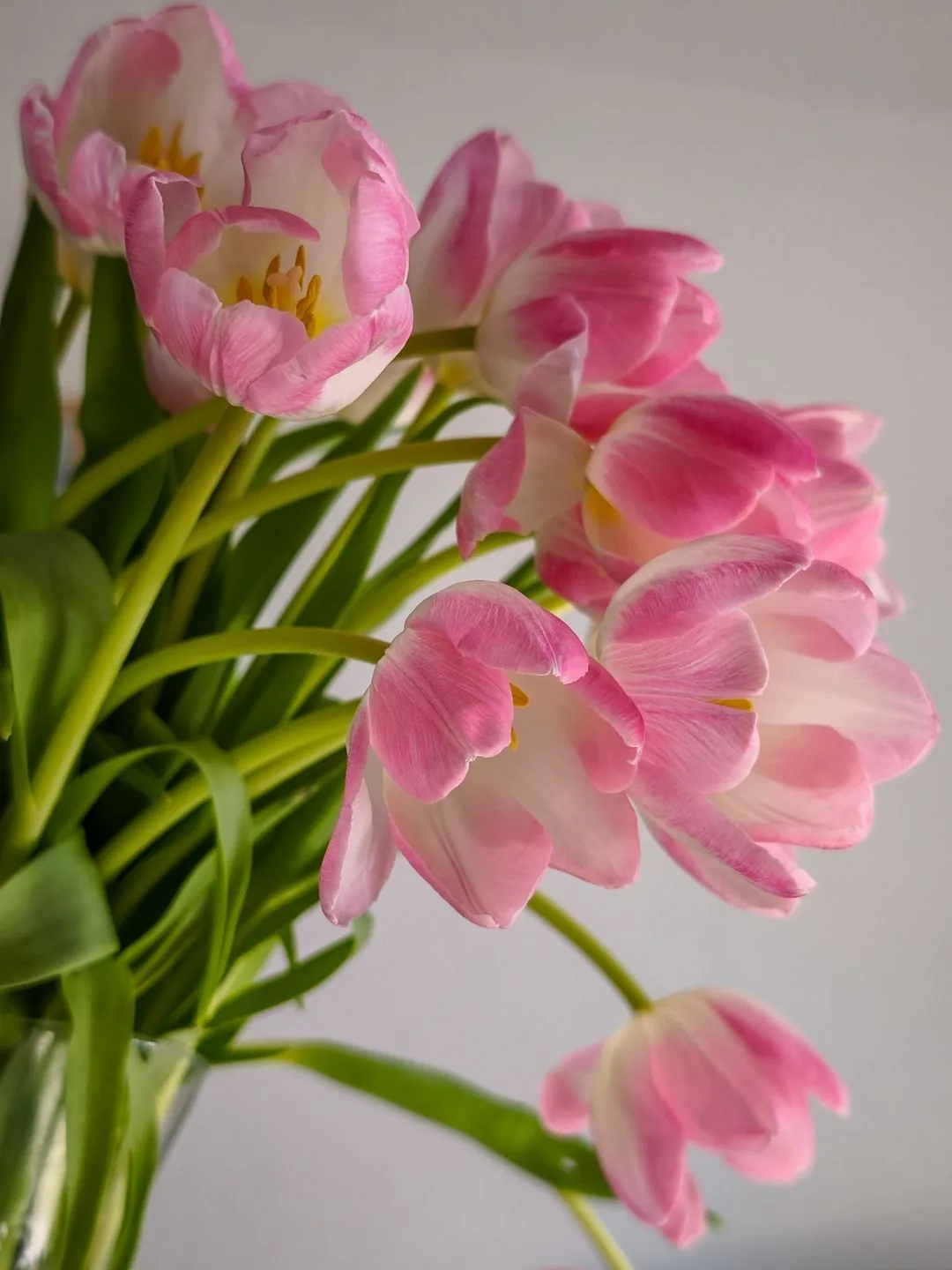
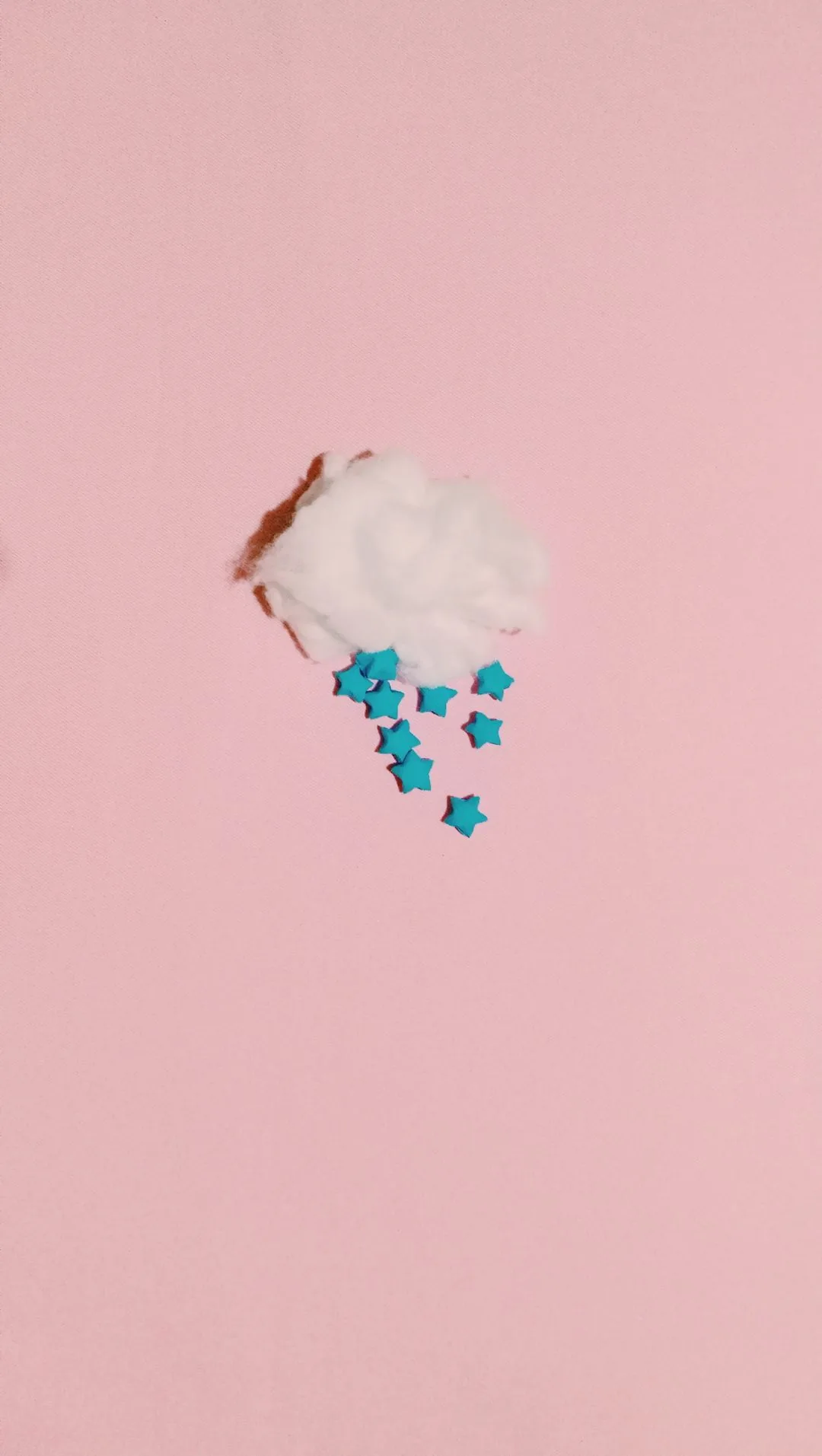
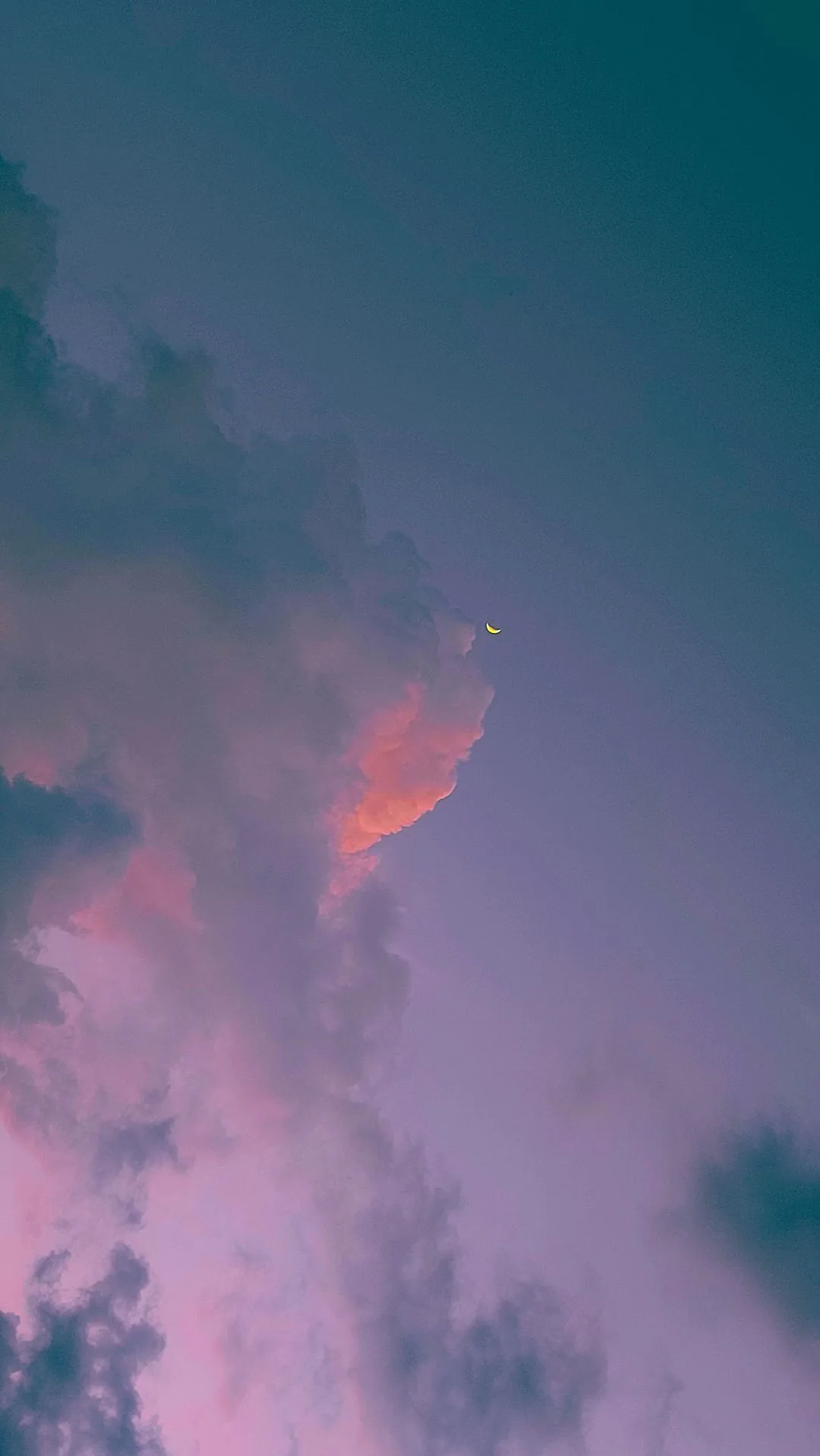
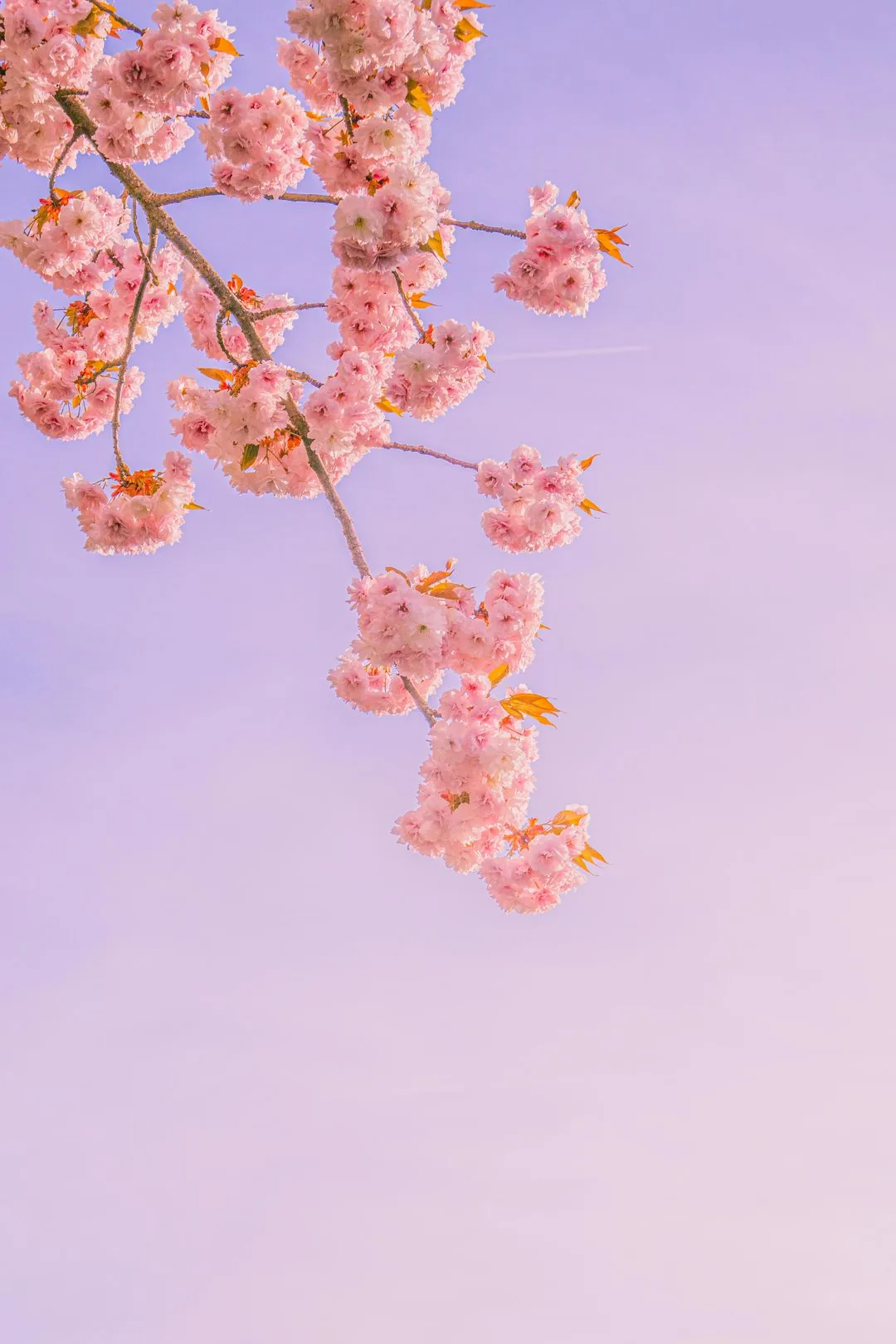
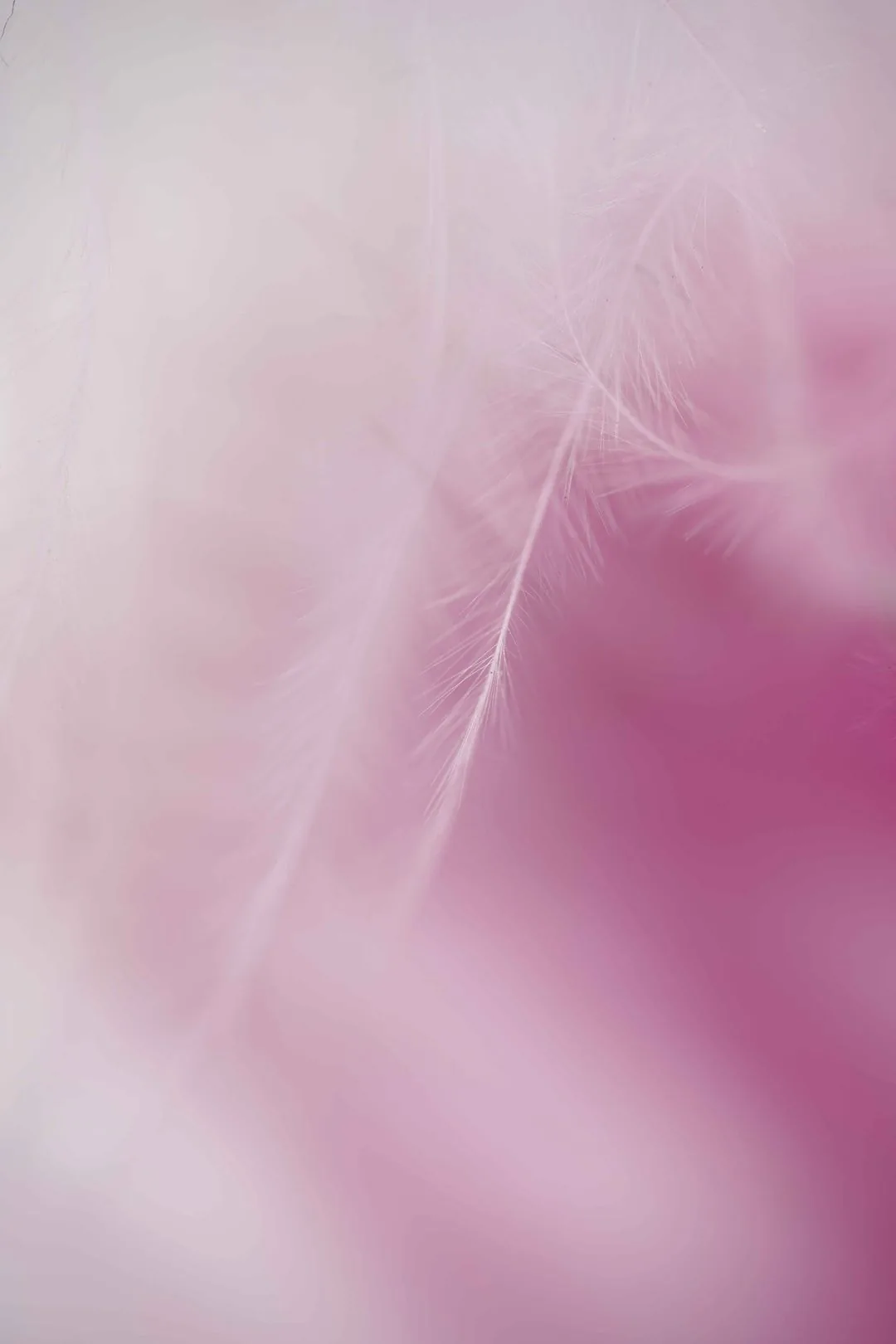
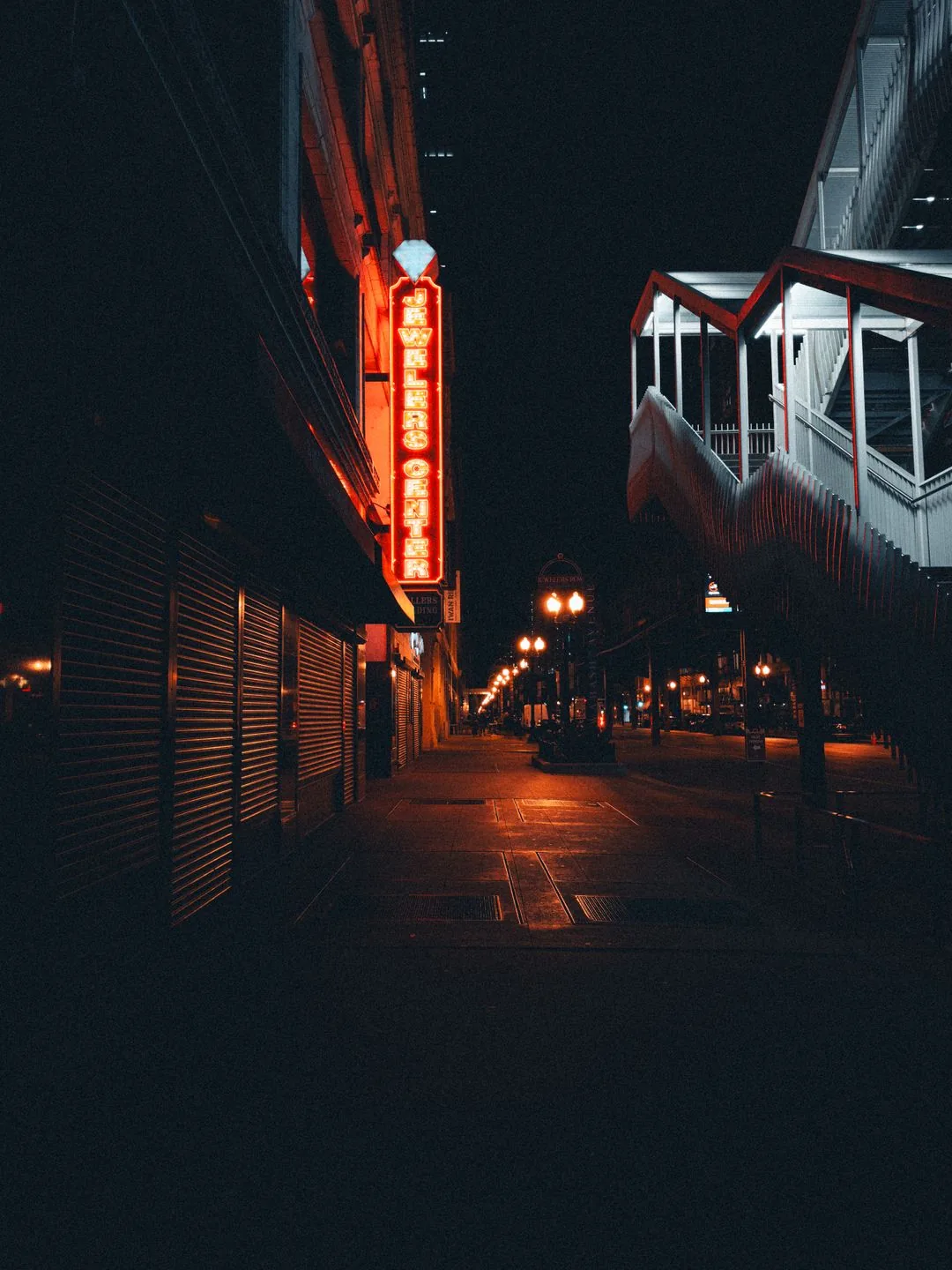
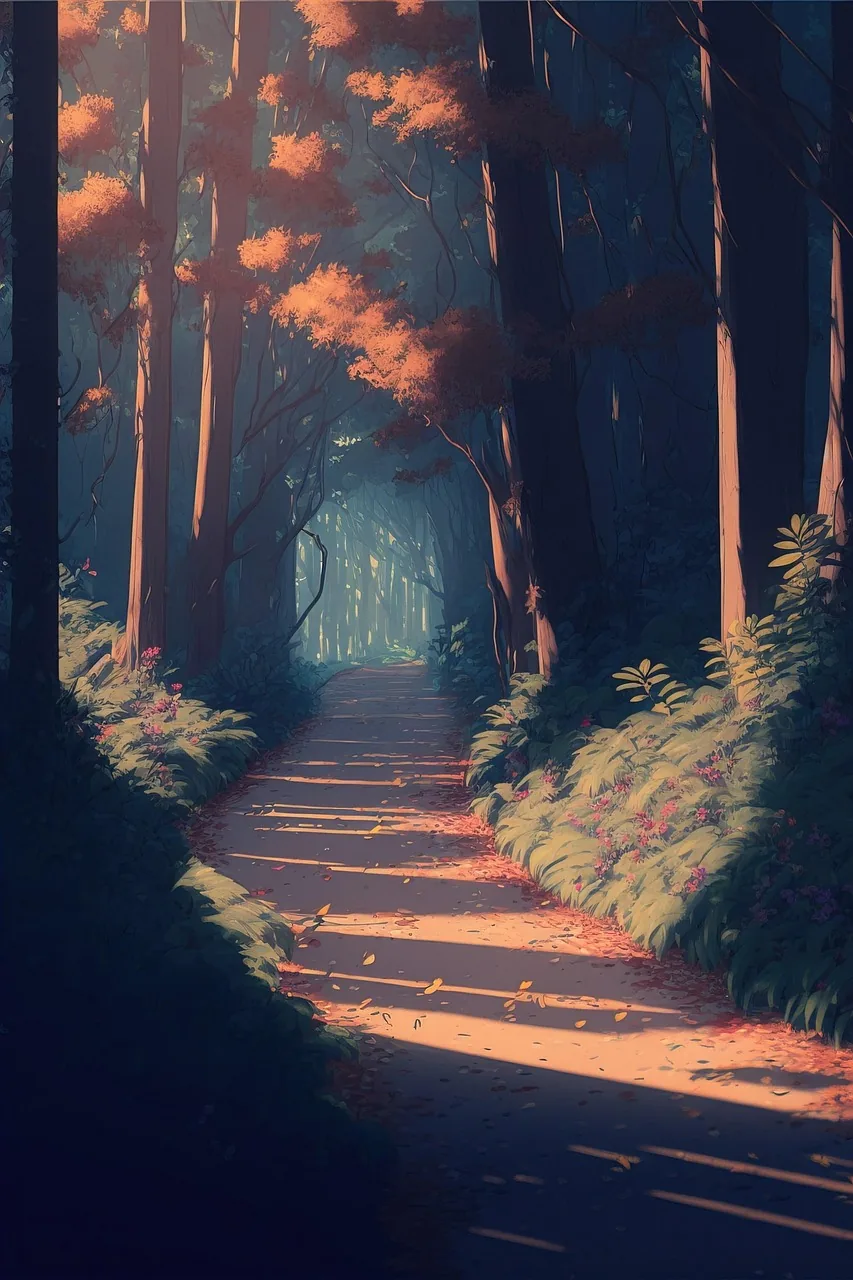
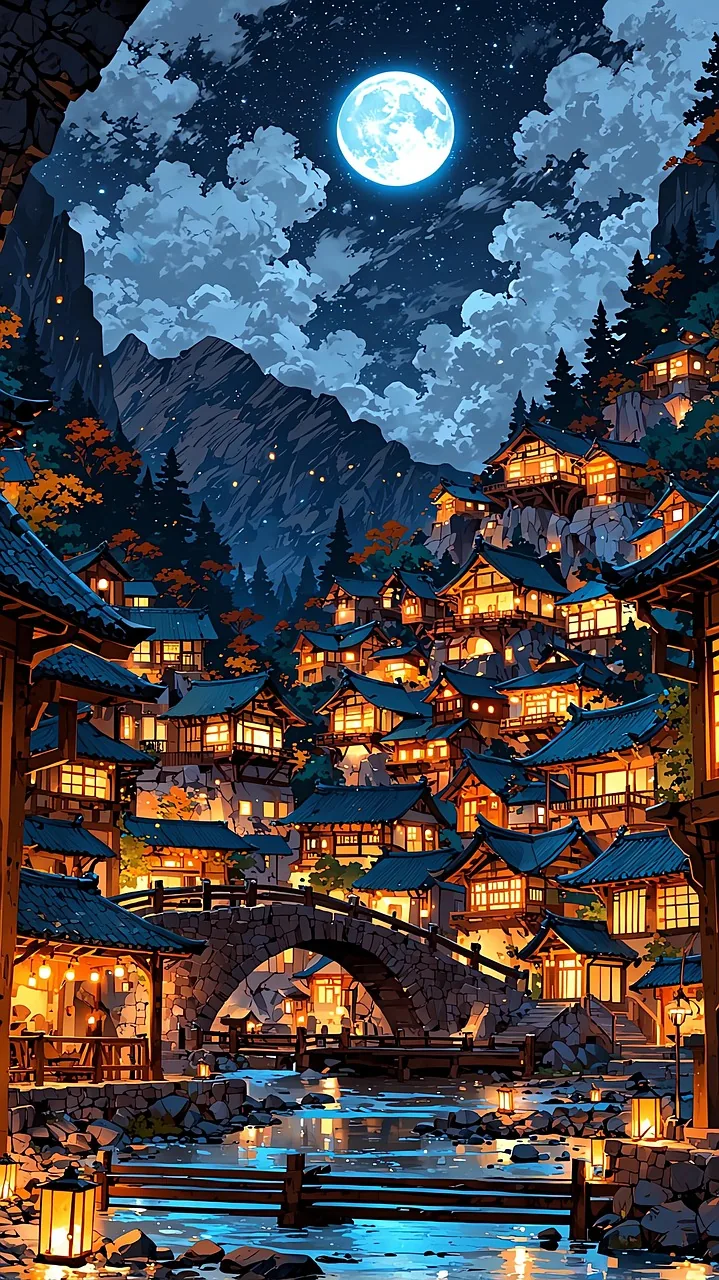
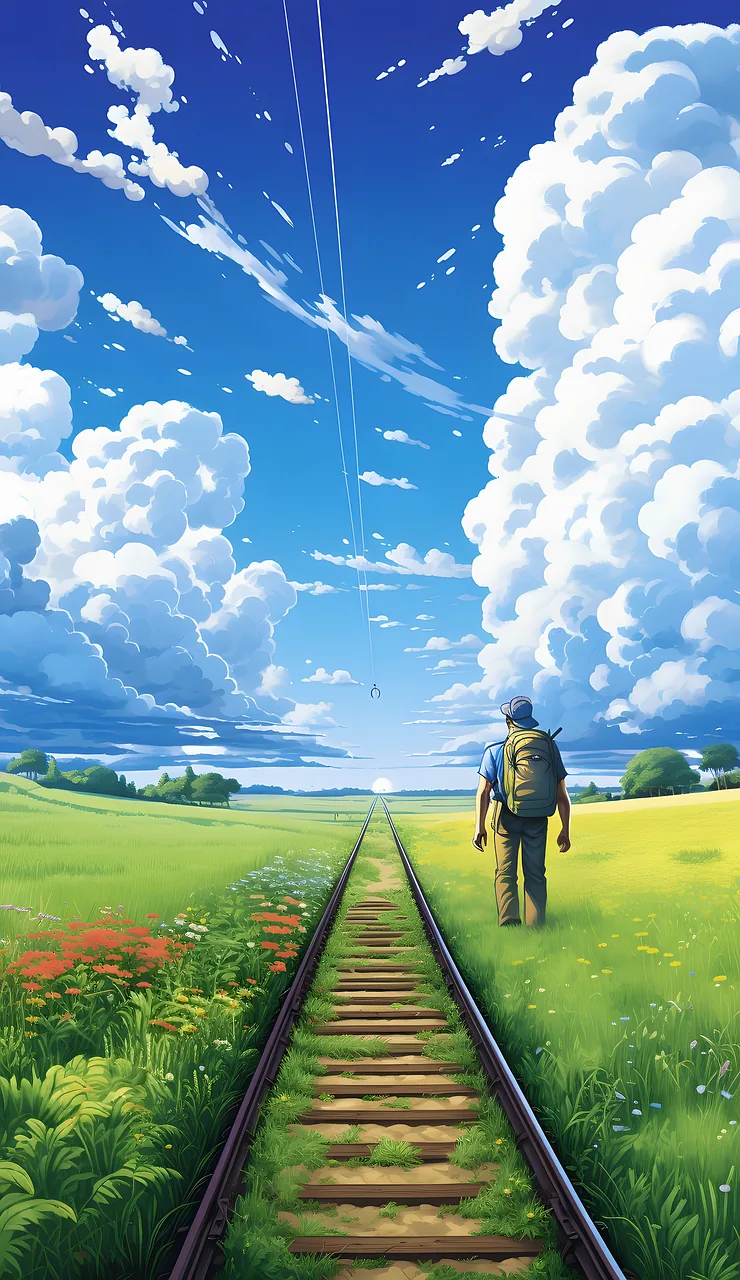
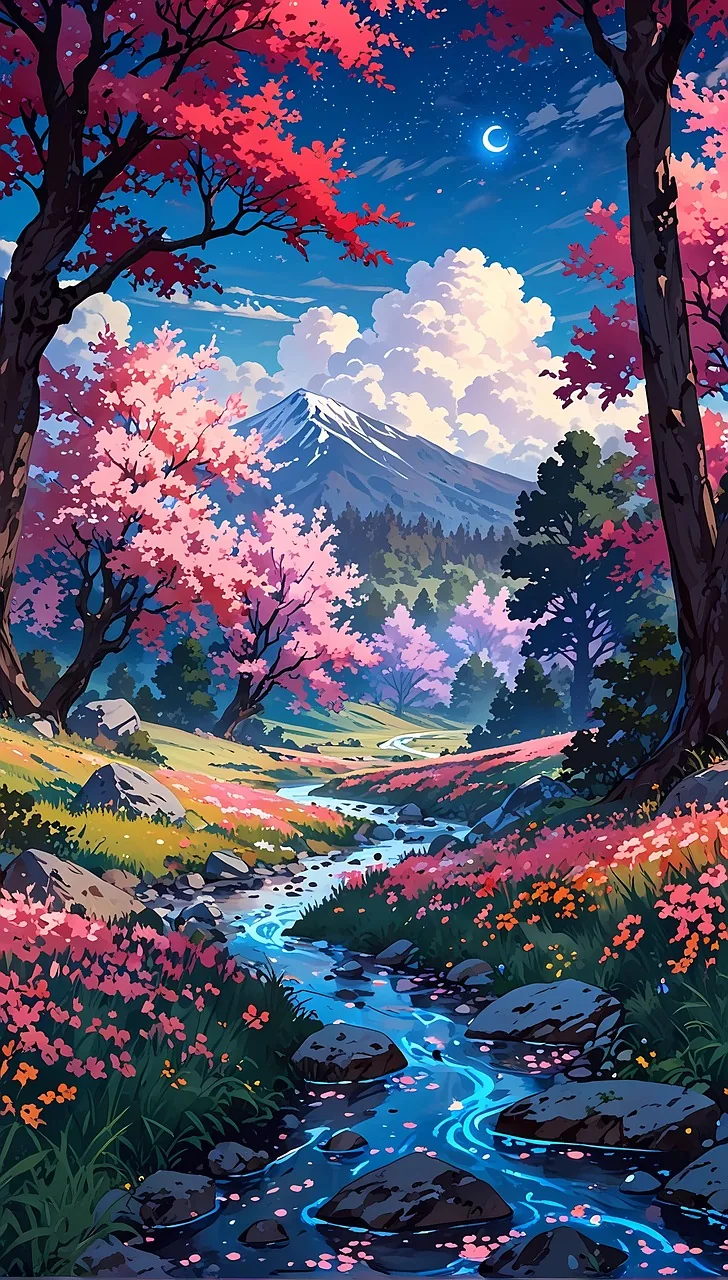
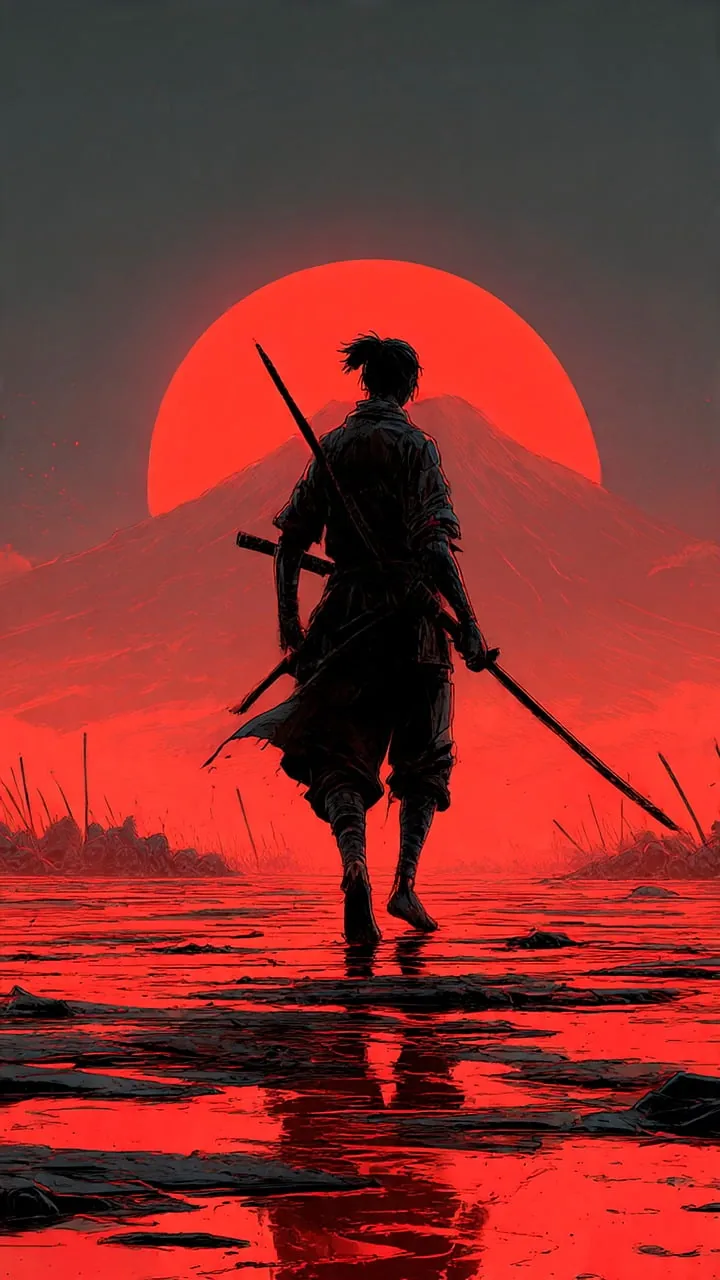
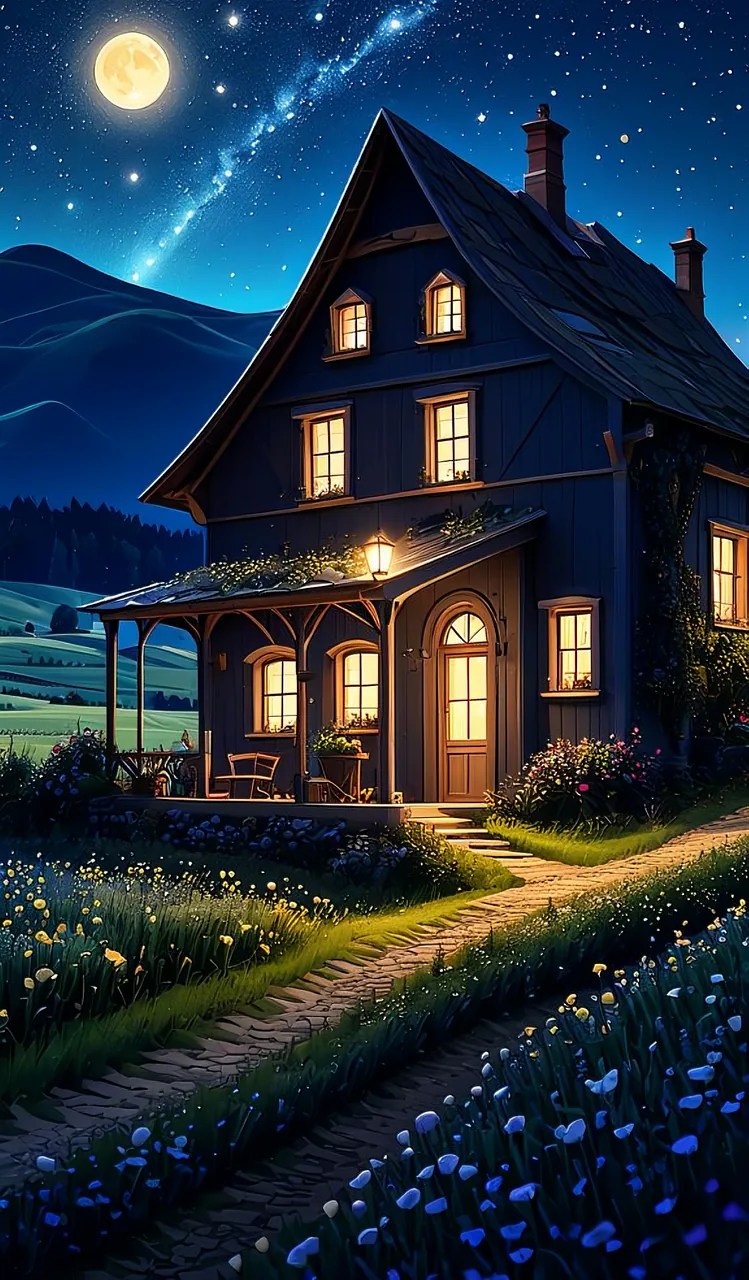
Here is the full collection in 9 styles. Every wallpaper below is free for personal use. To download, tap and hold the image and select Save Image.
Minimal
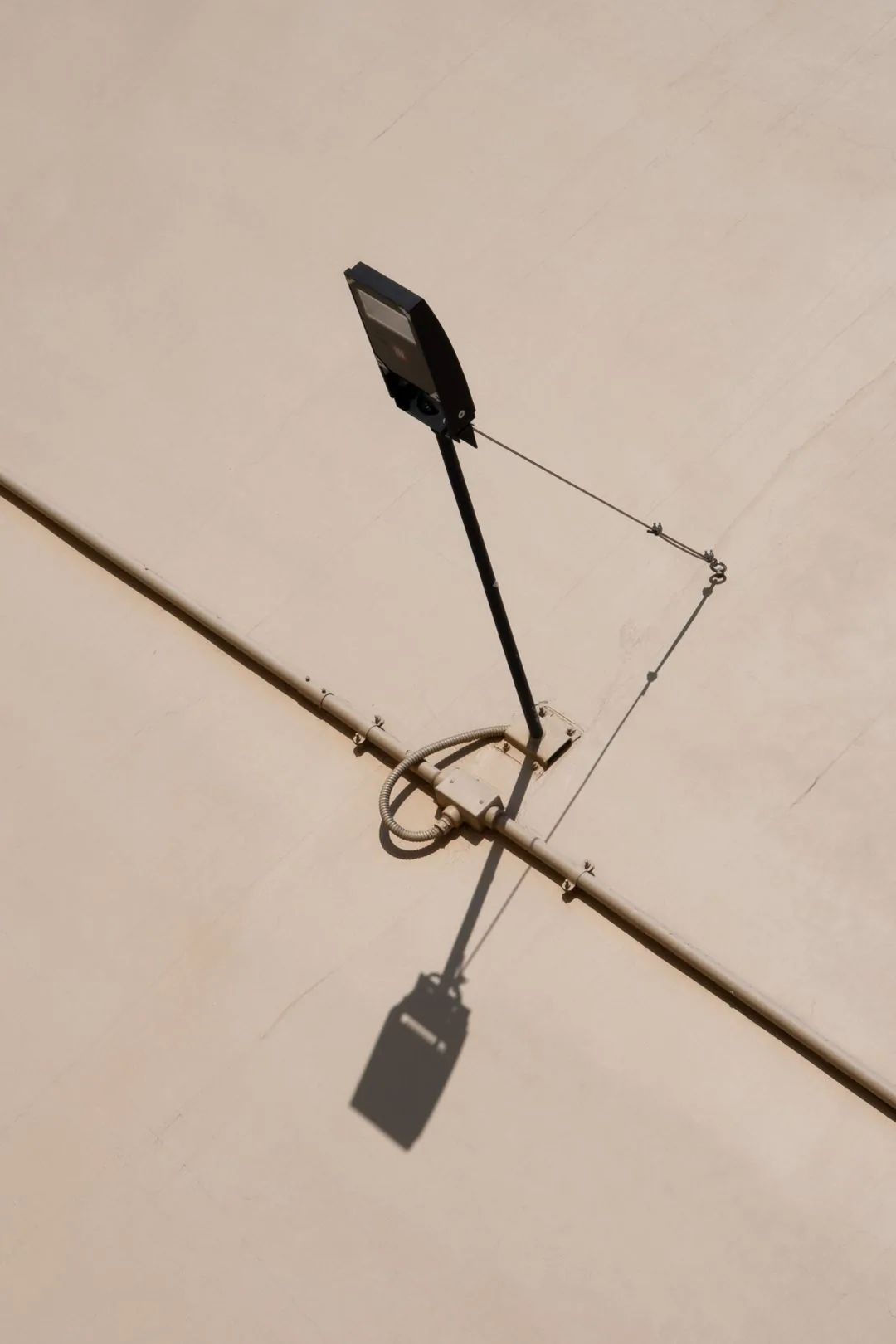
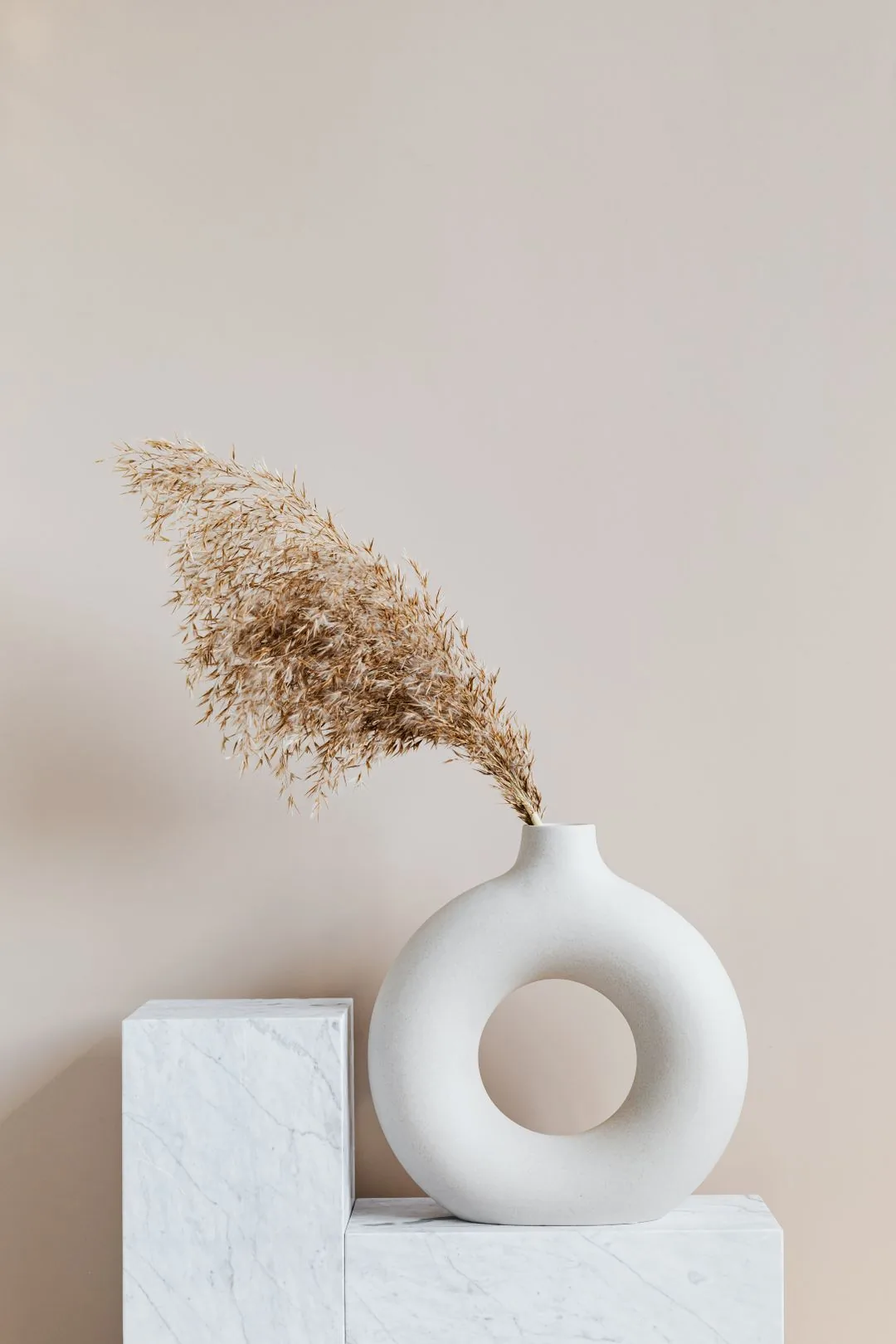
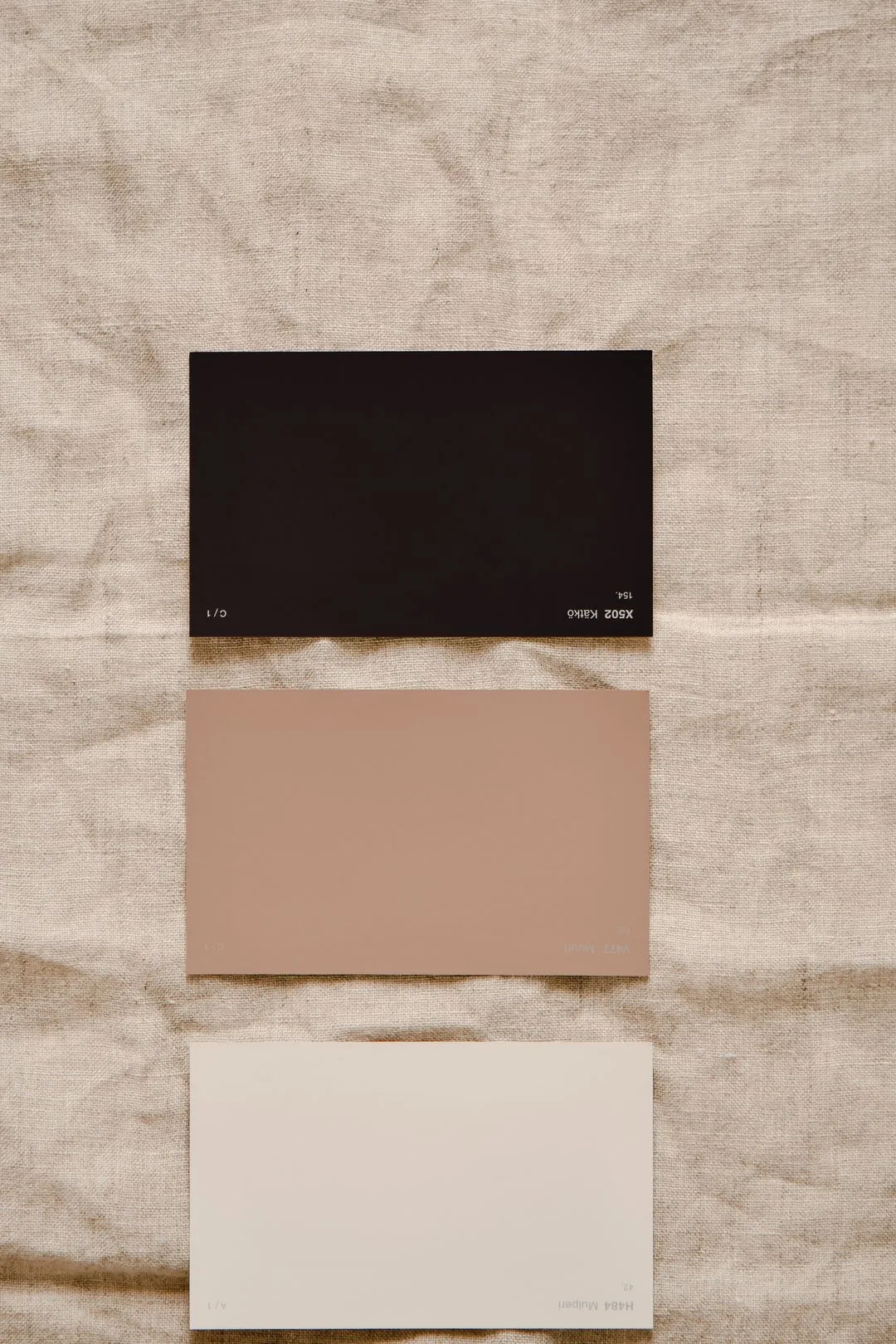
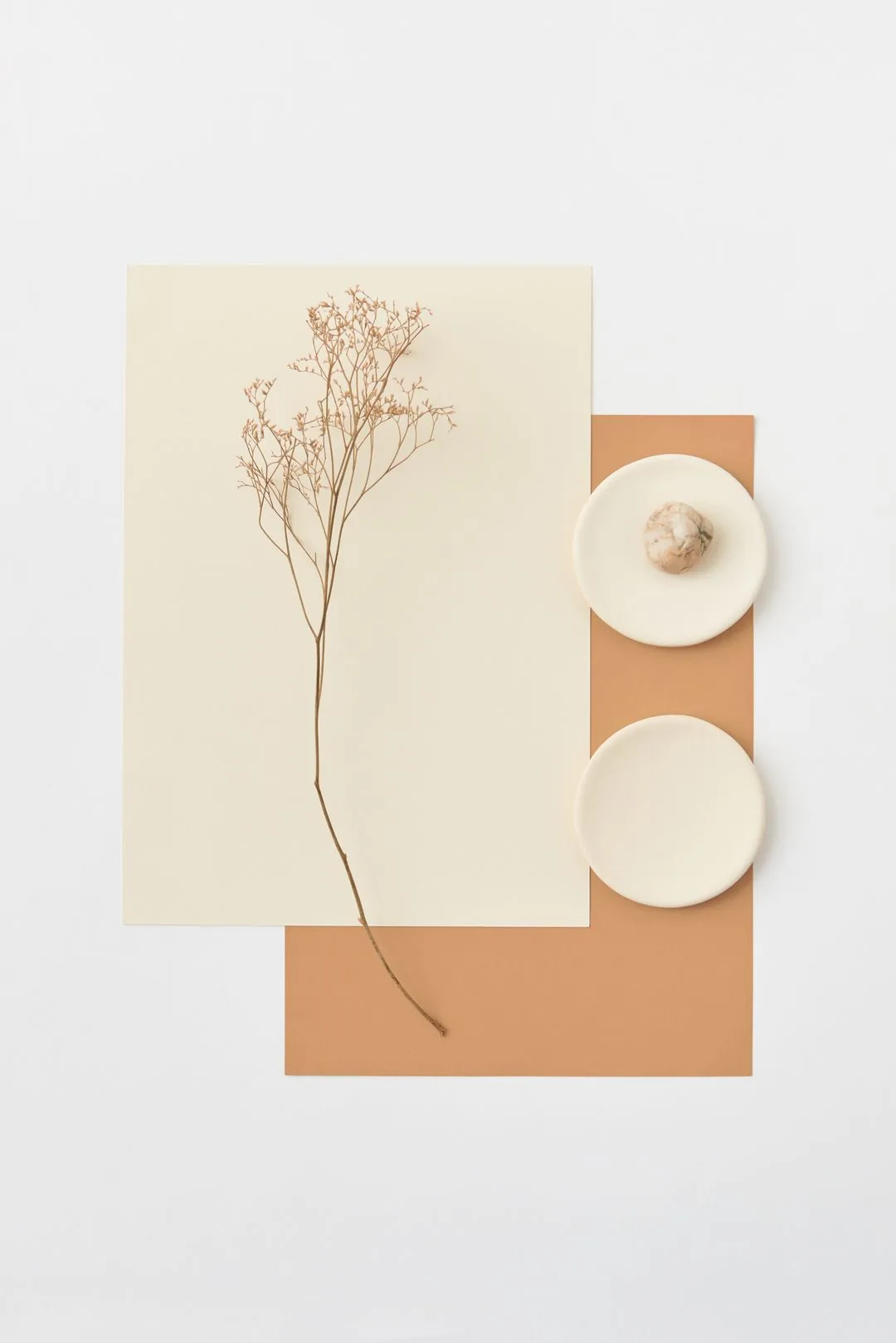
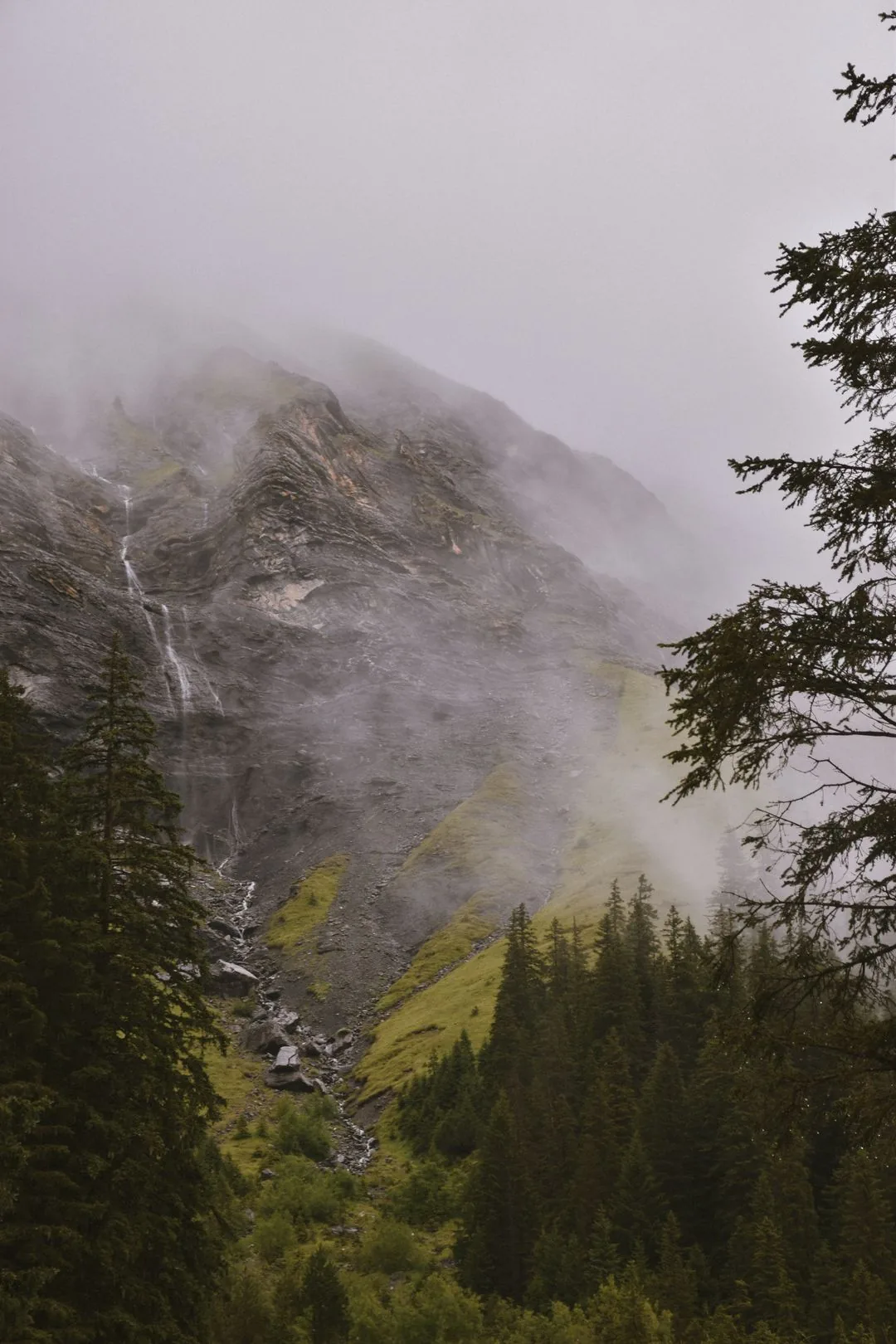
Nature
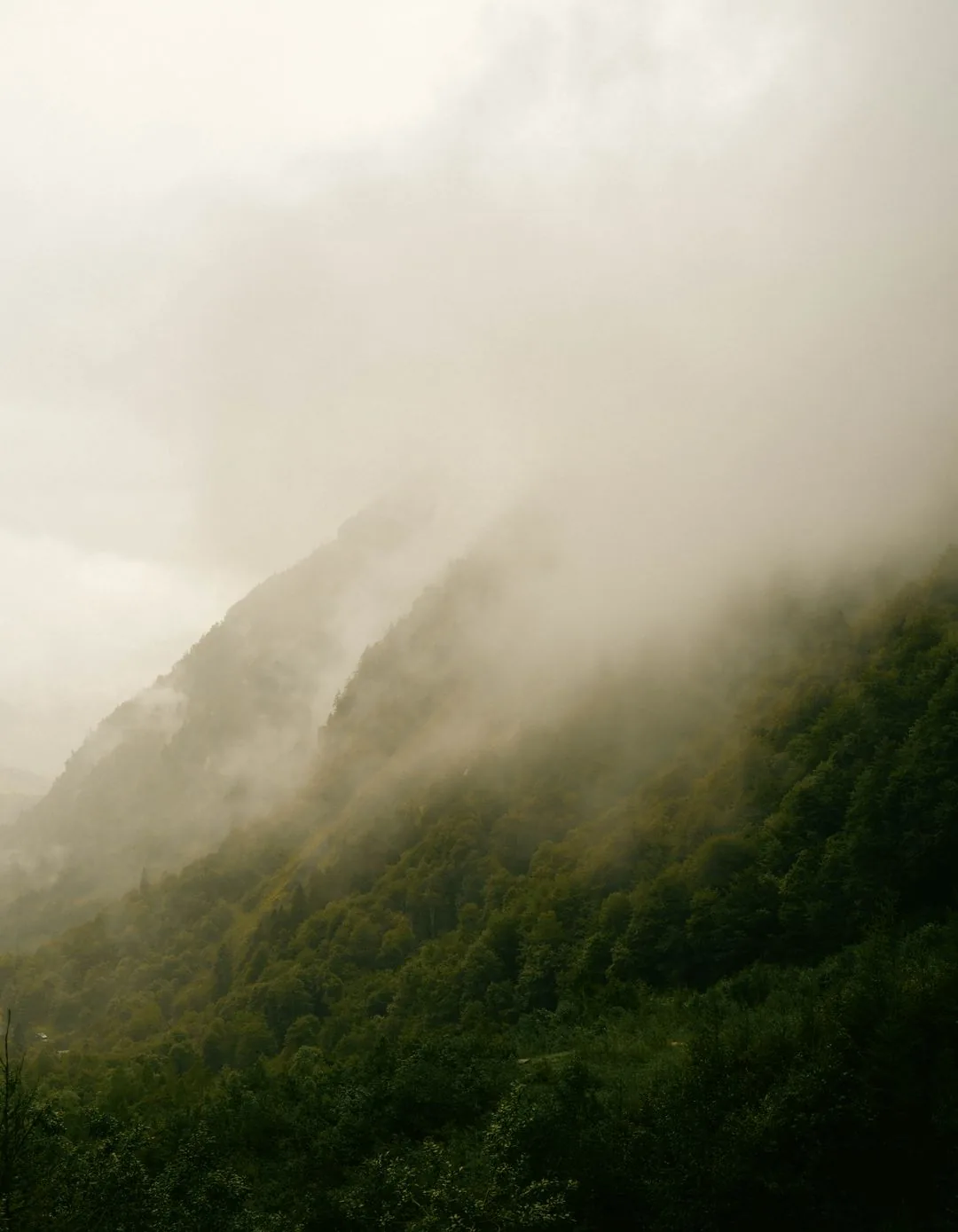
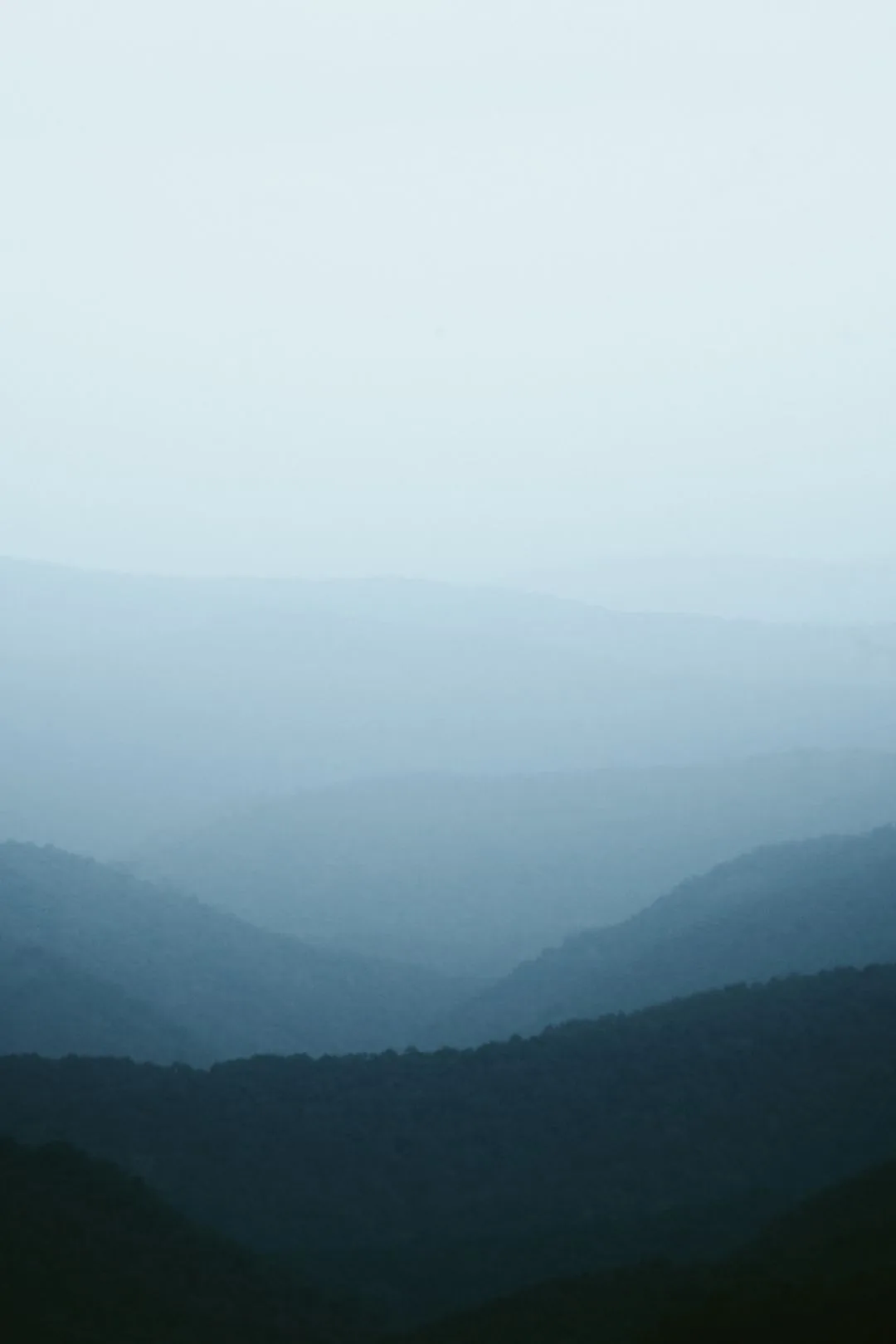

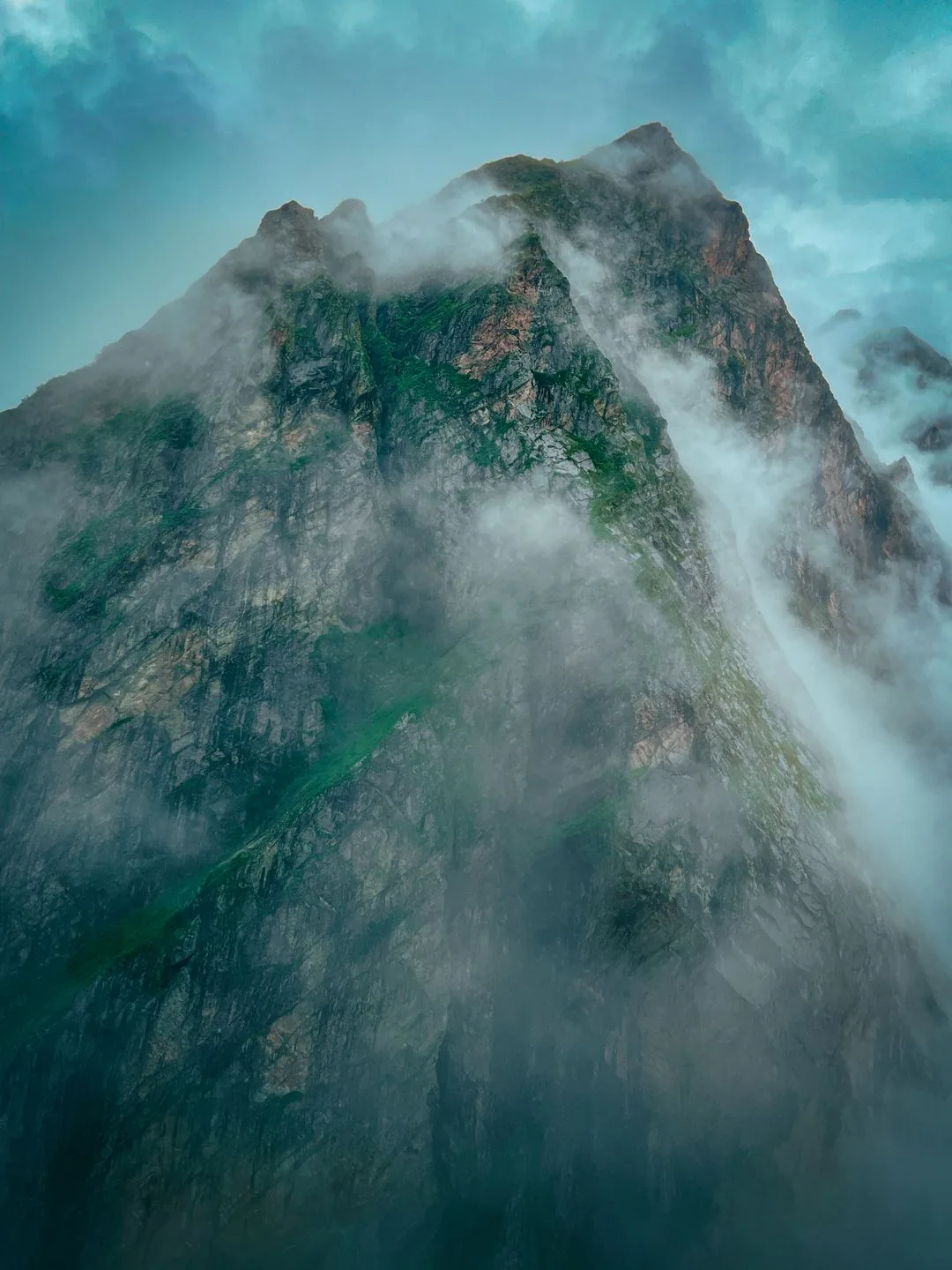
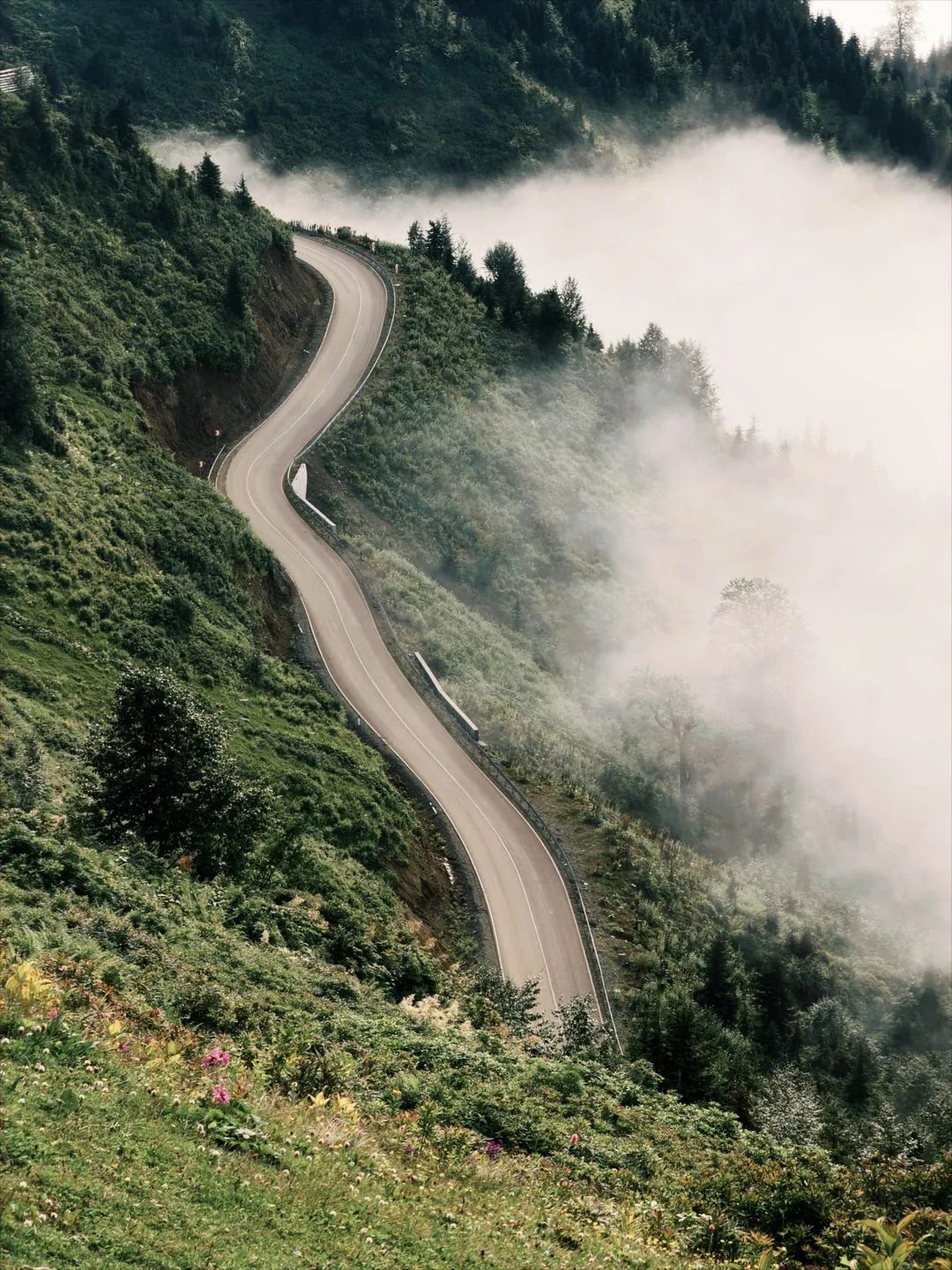
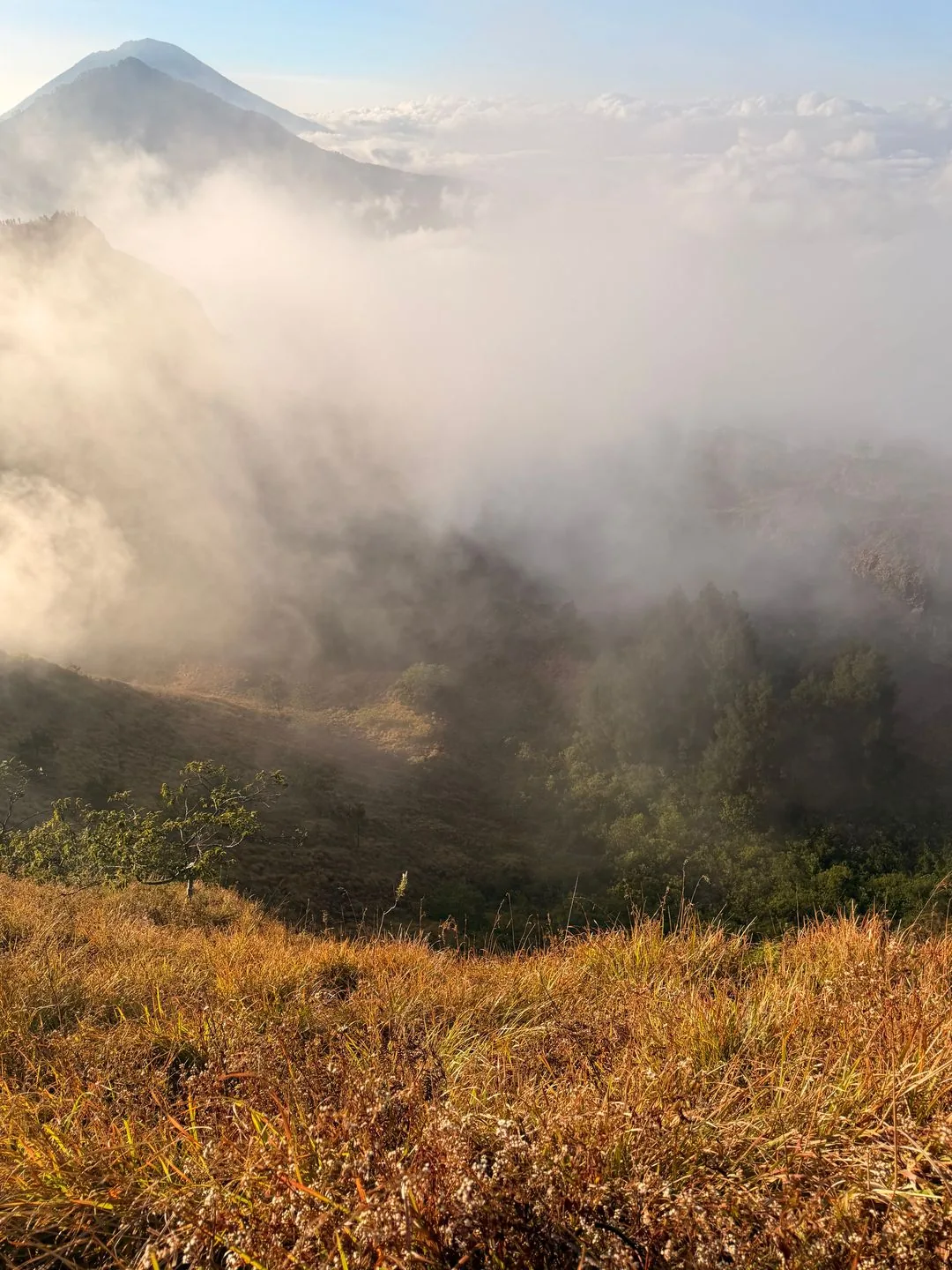

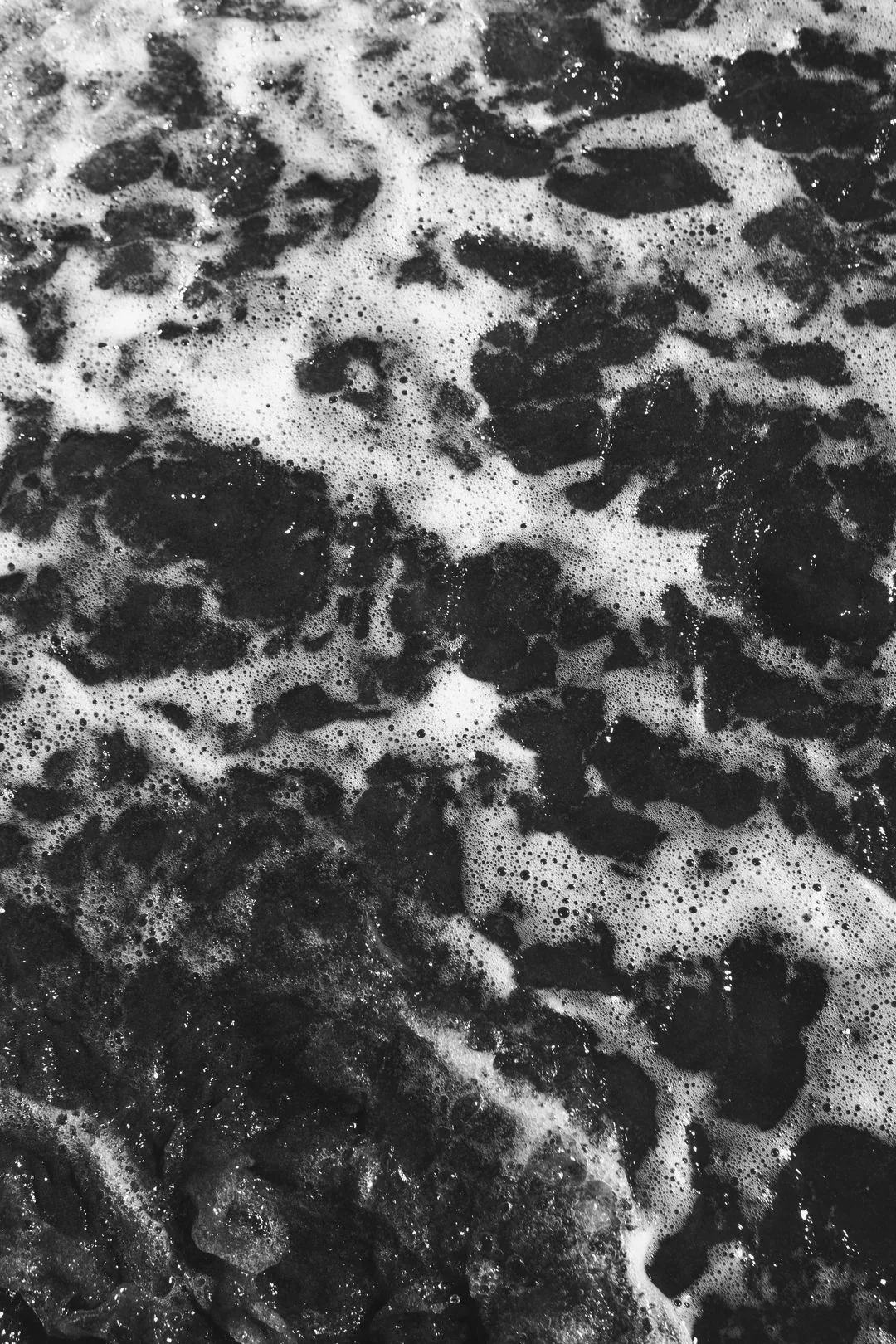
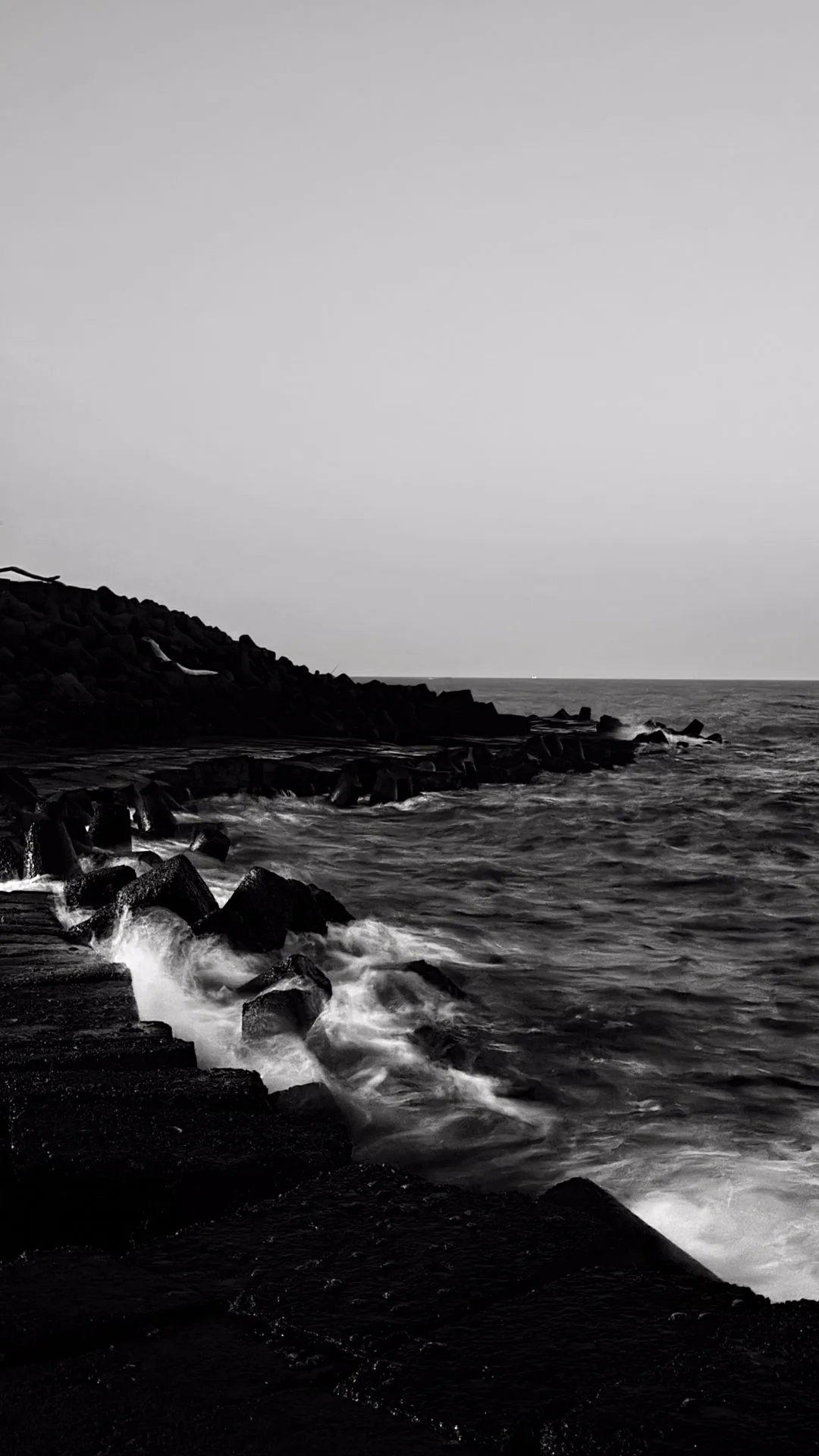
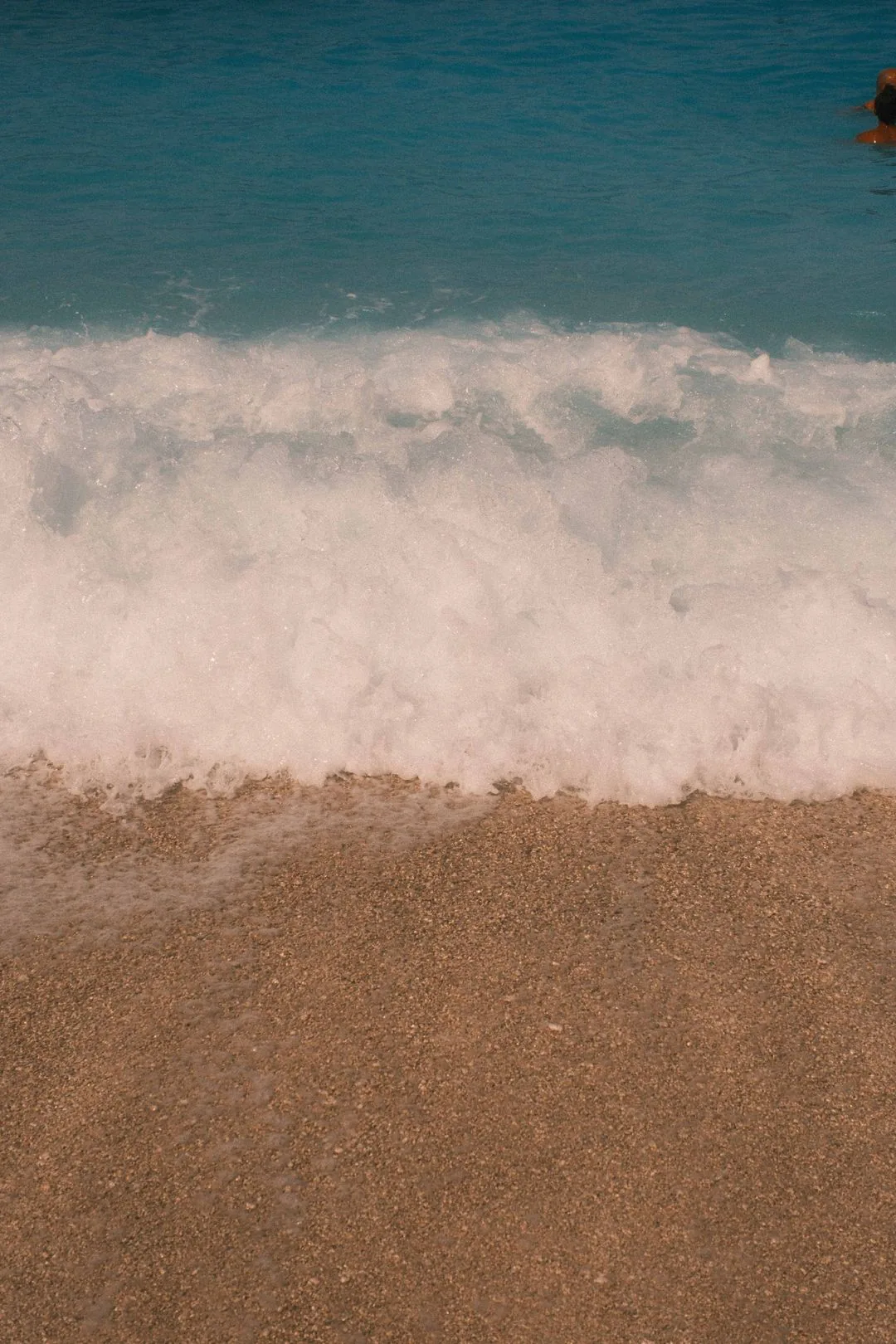
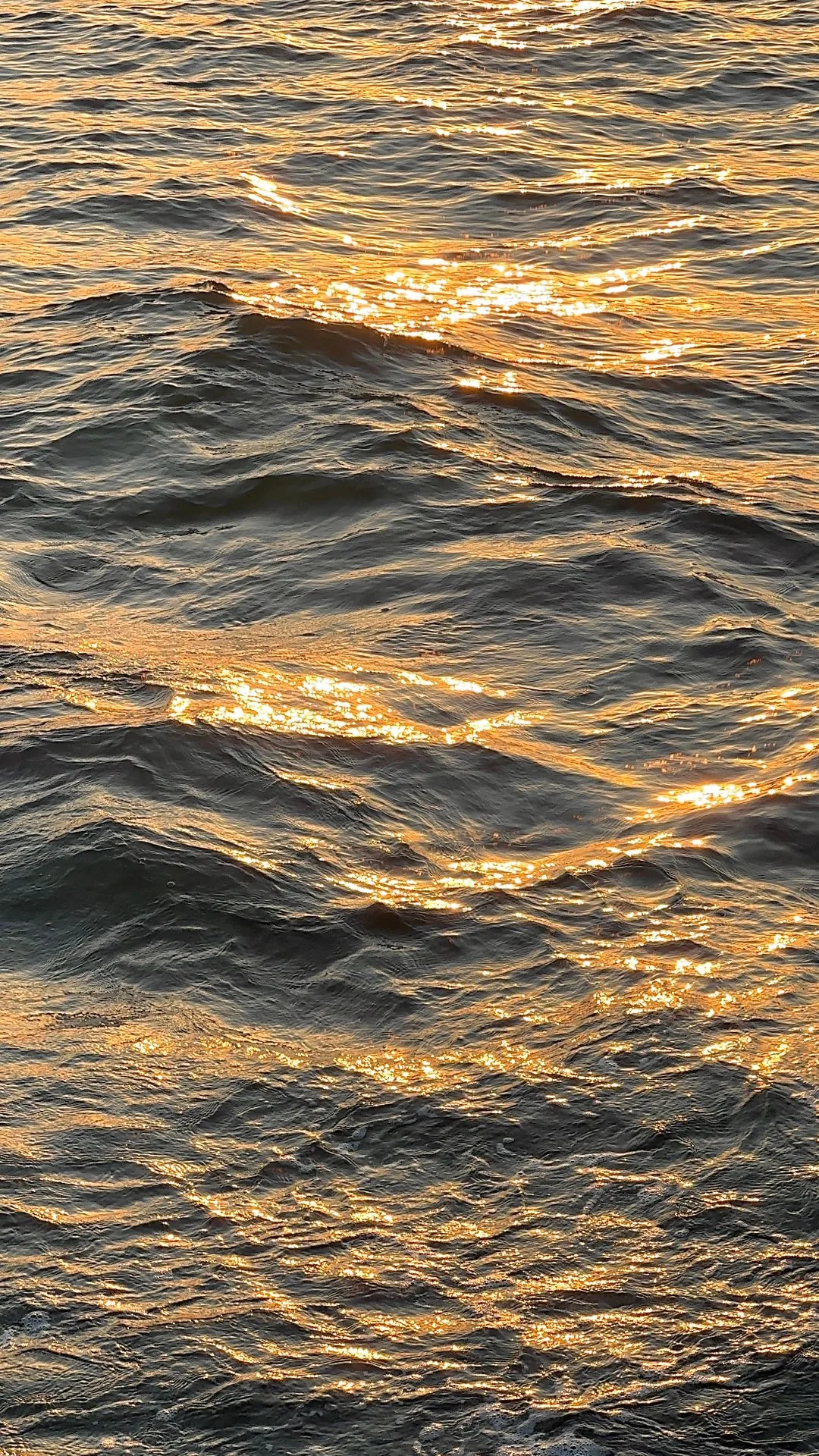
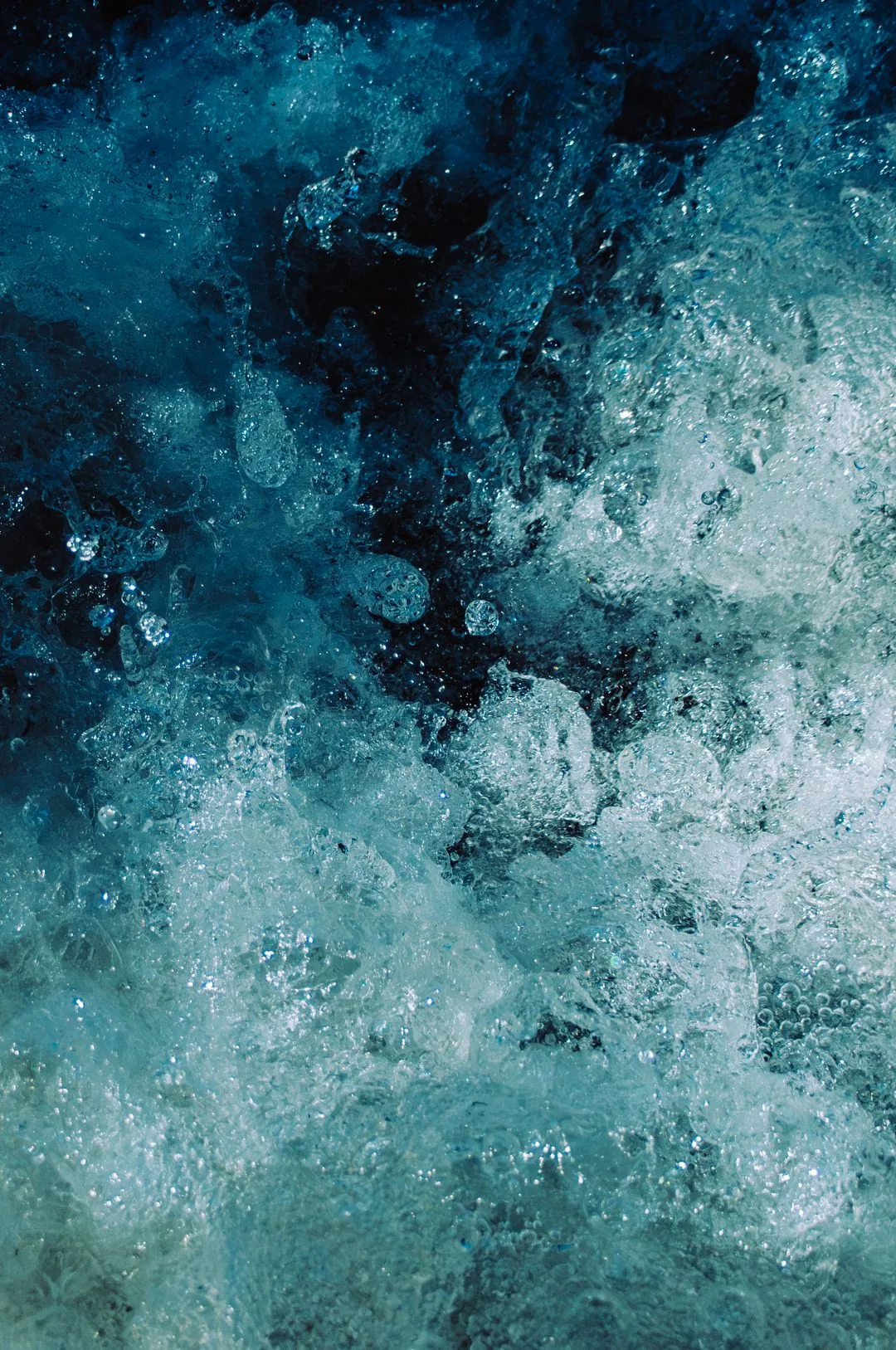
Ocean



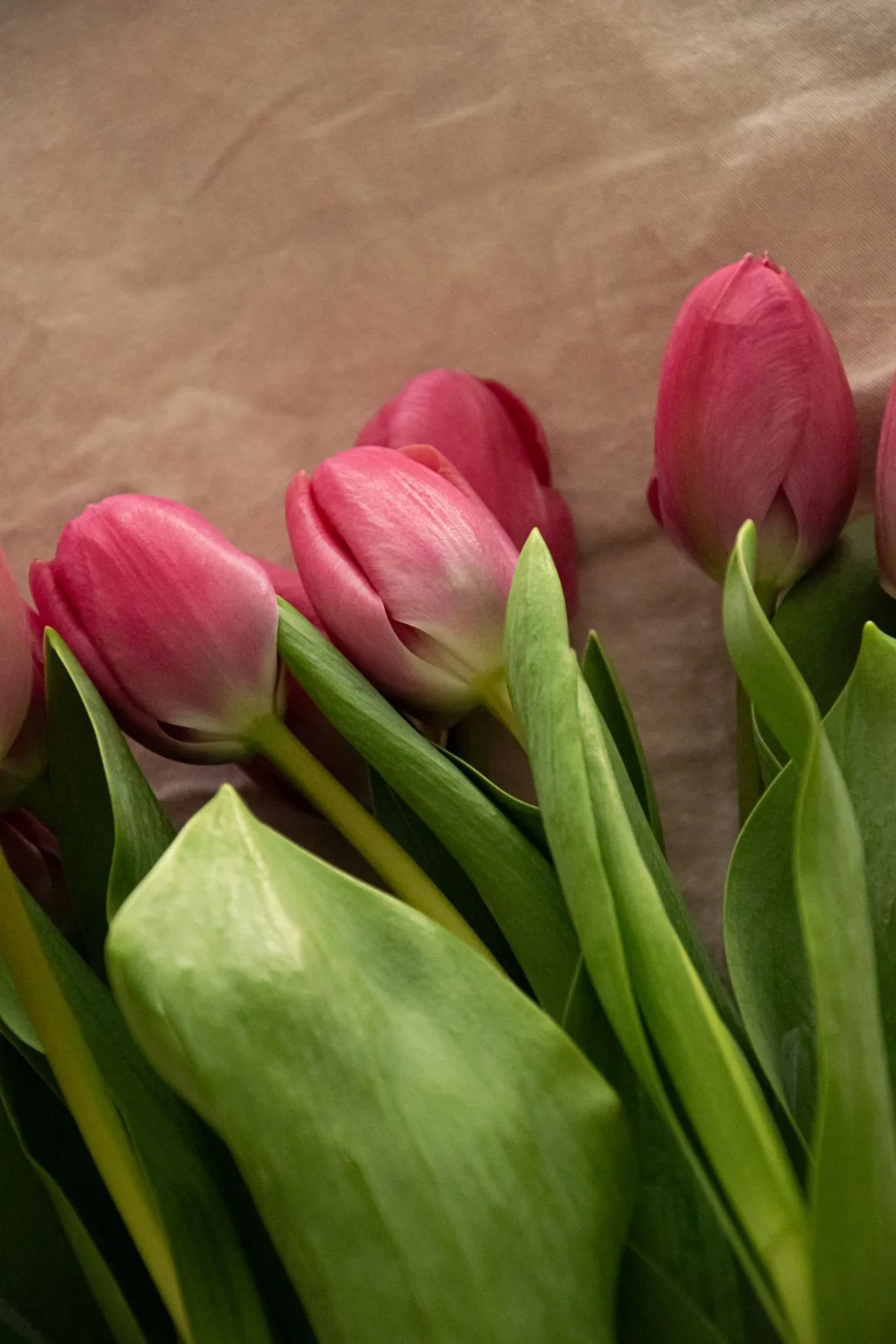
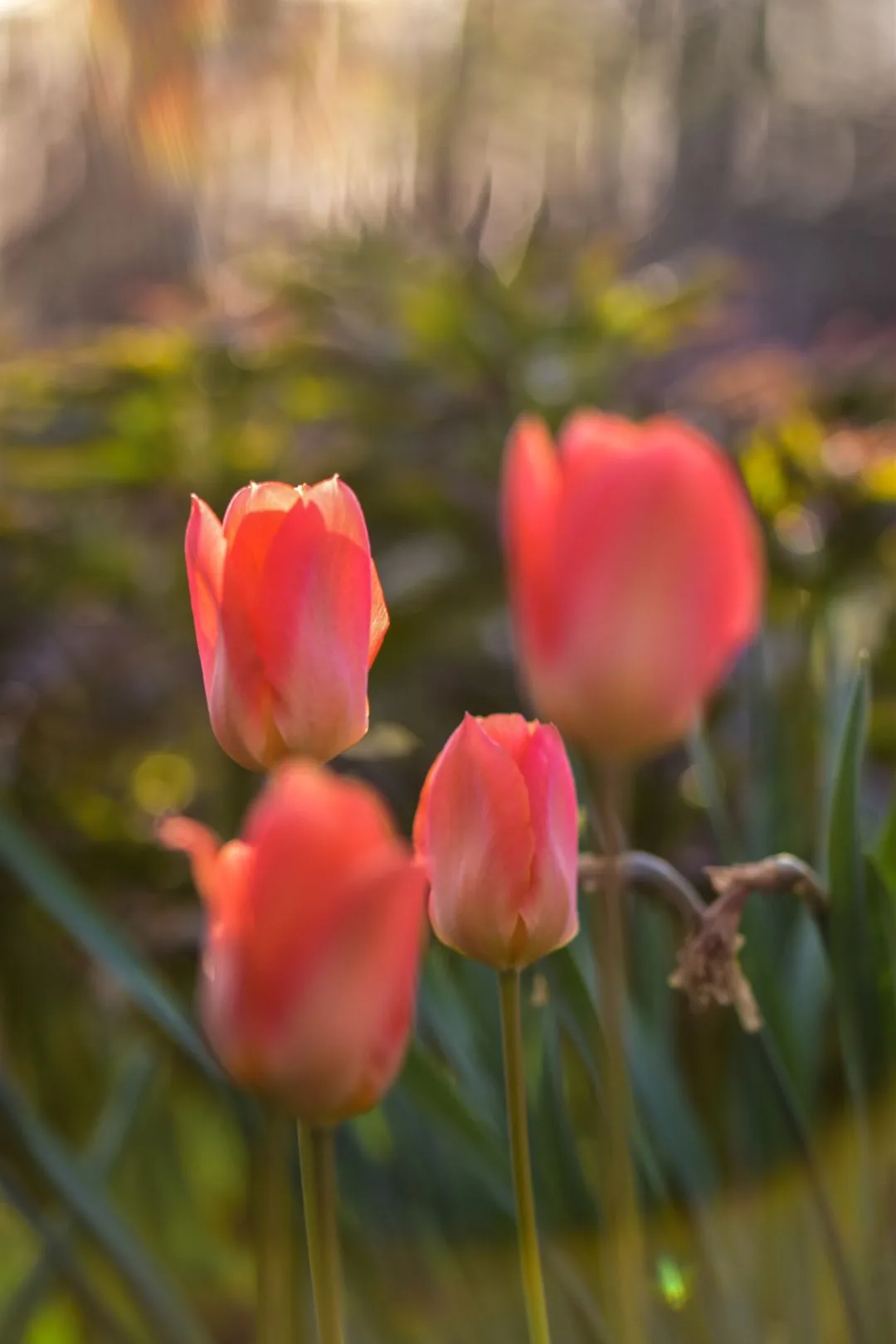
Floral
Abstract



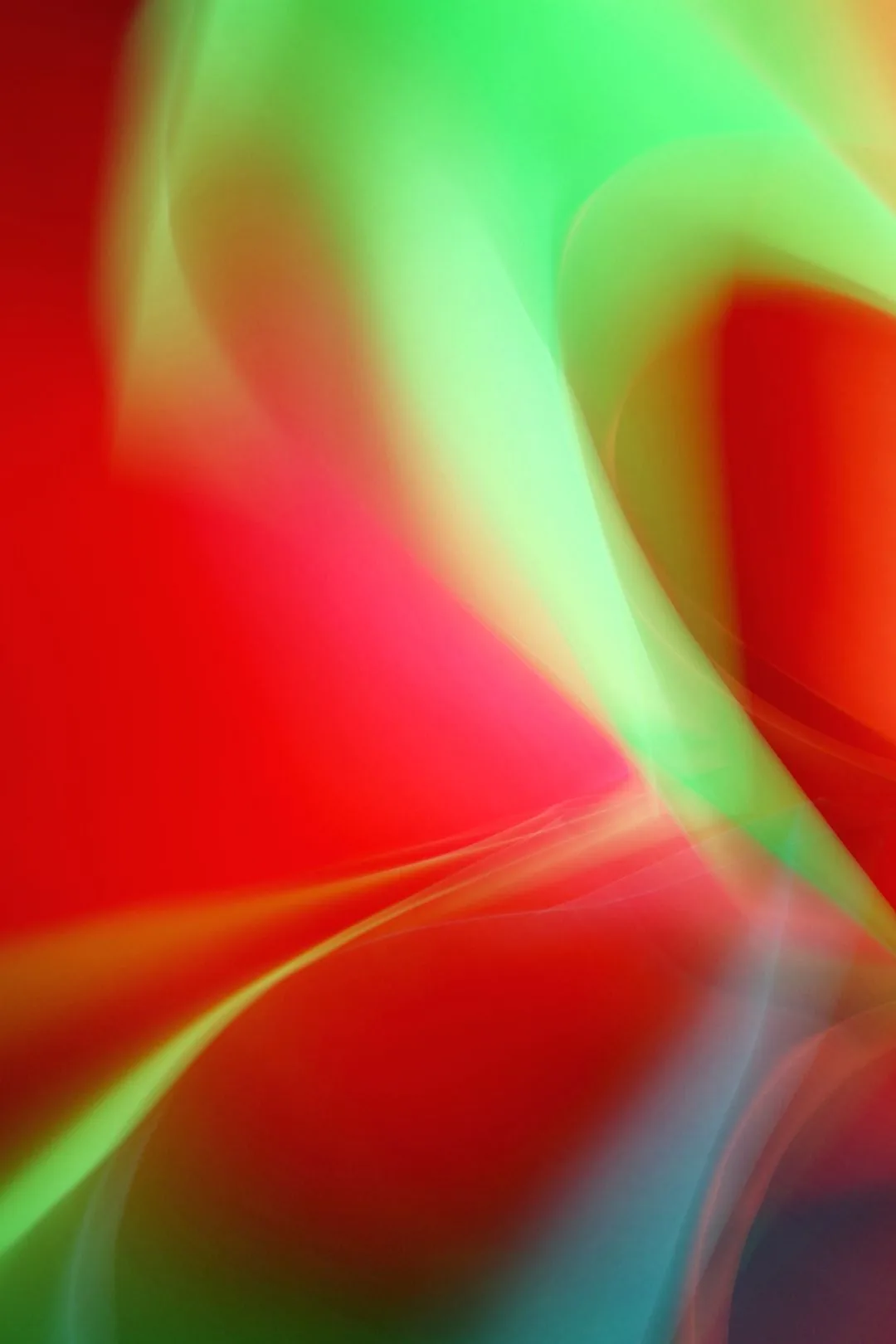
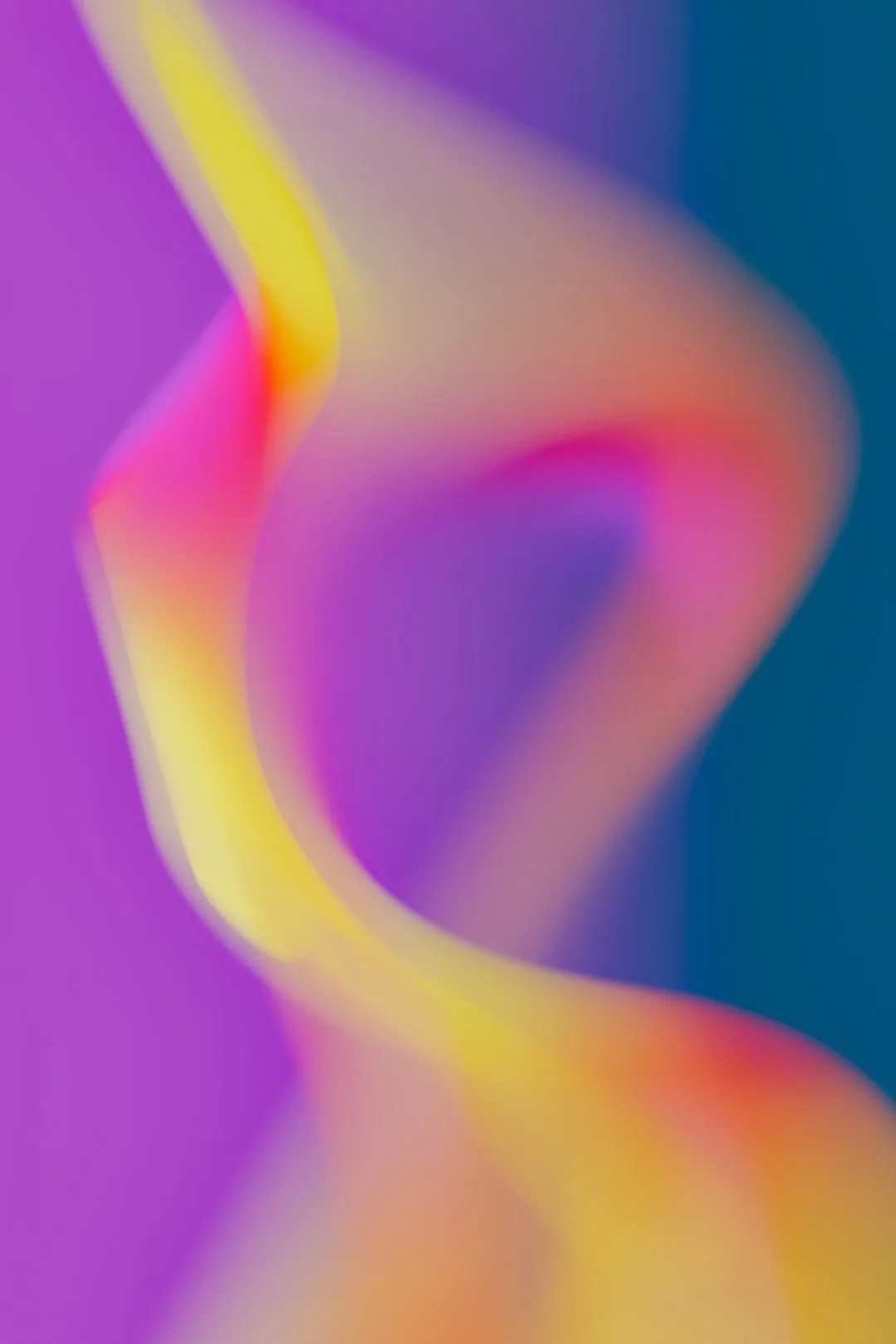

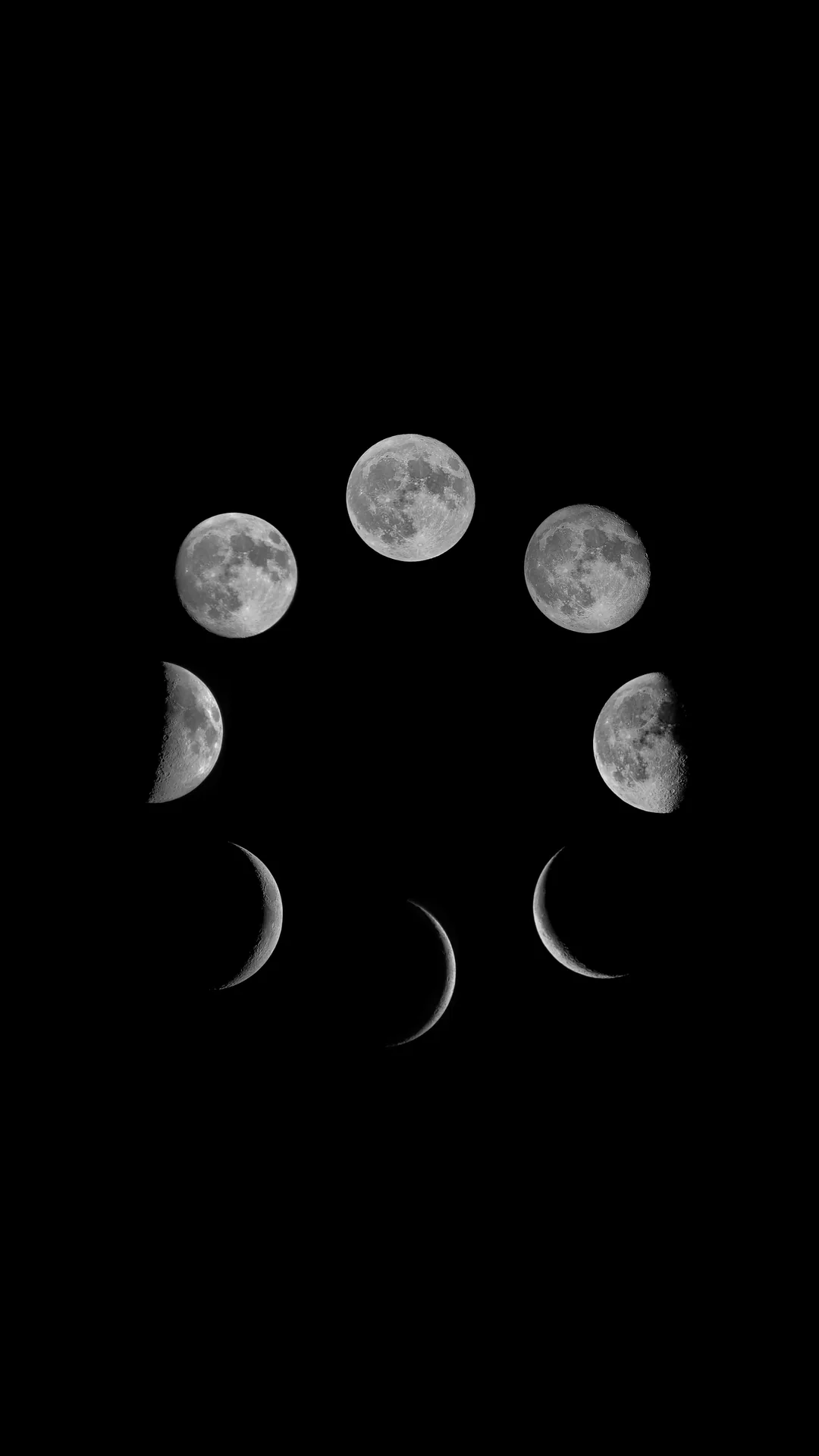
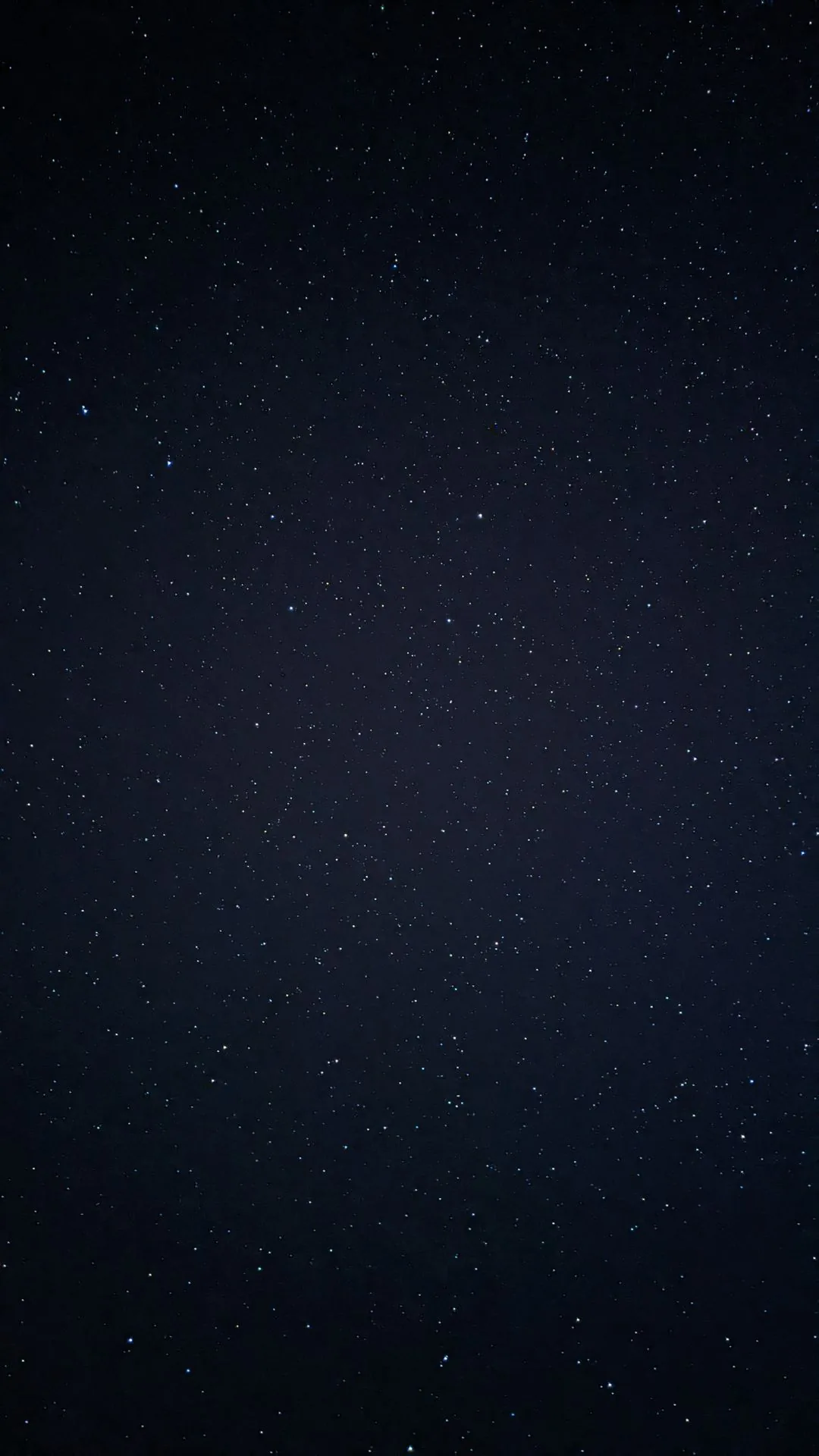
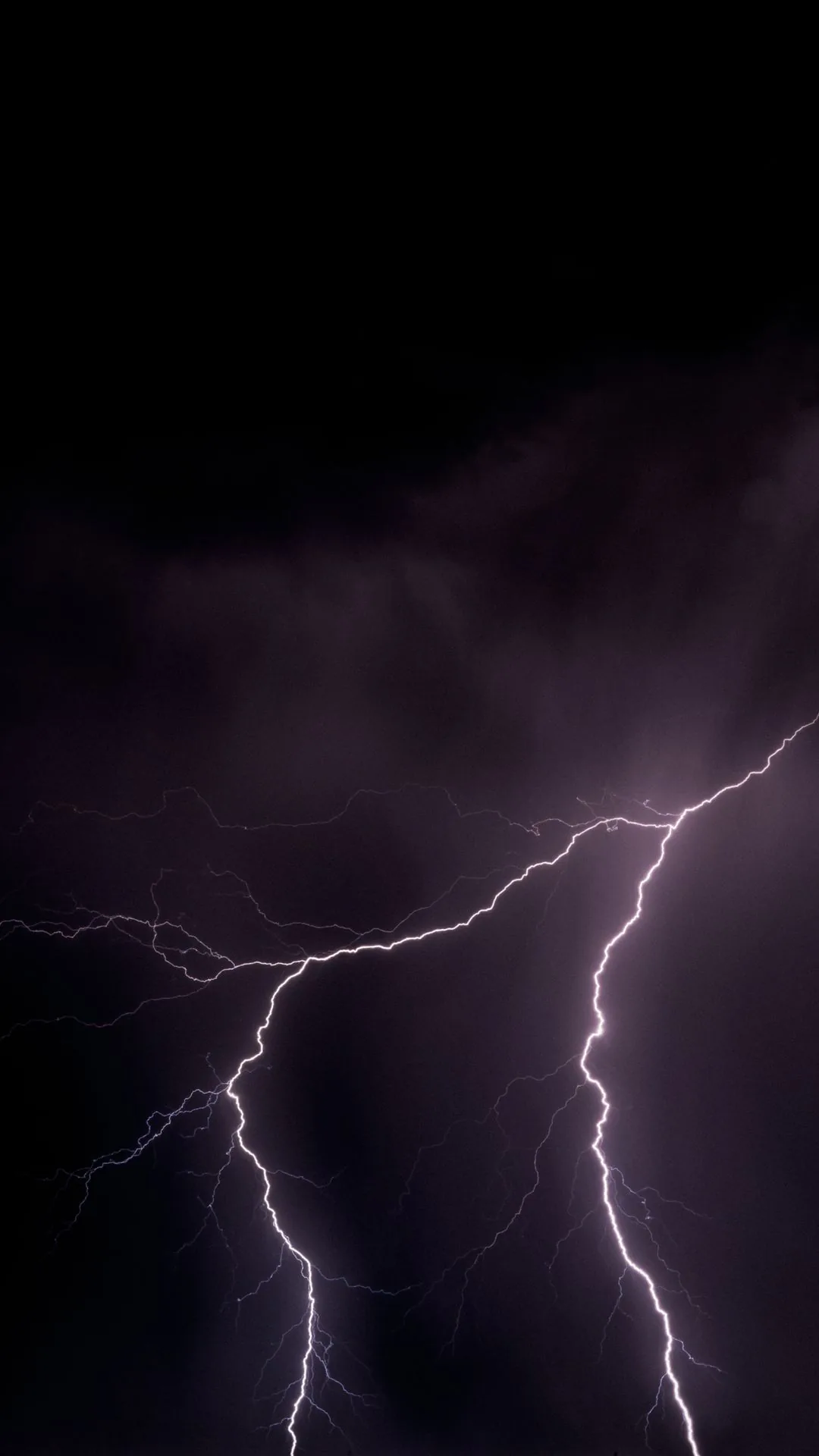
Dark and Moody
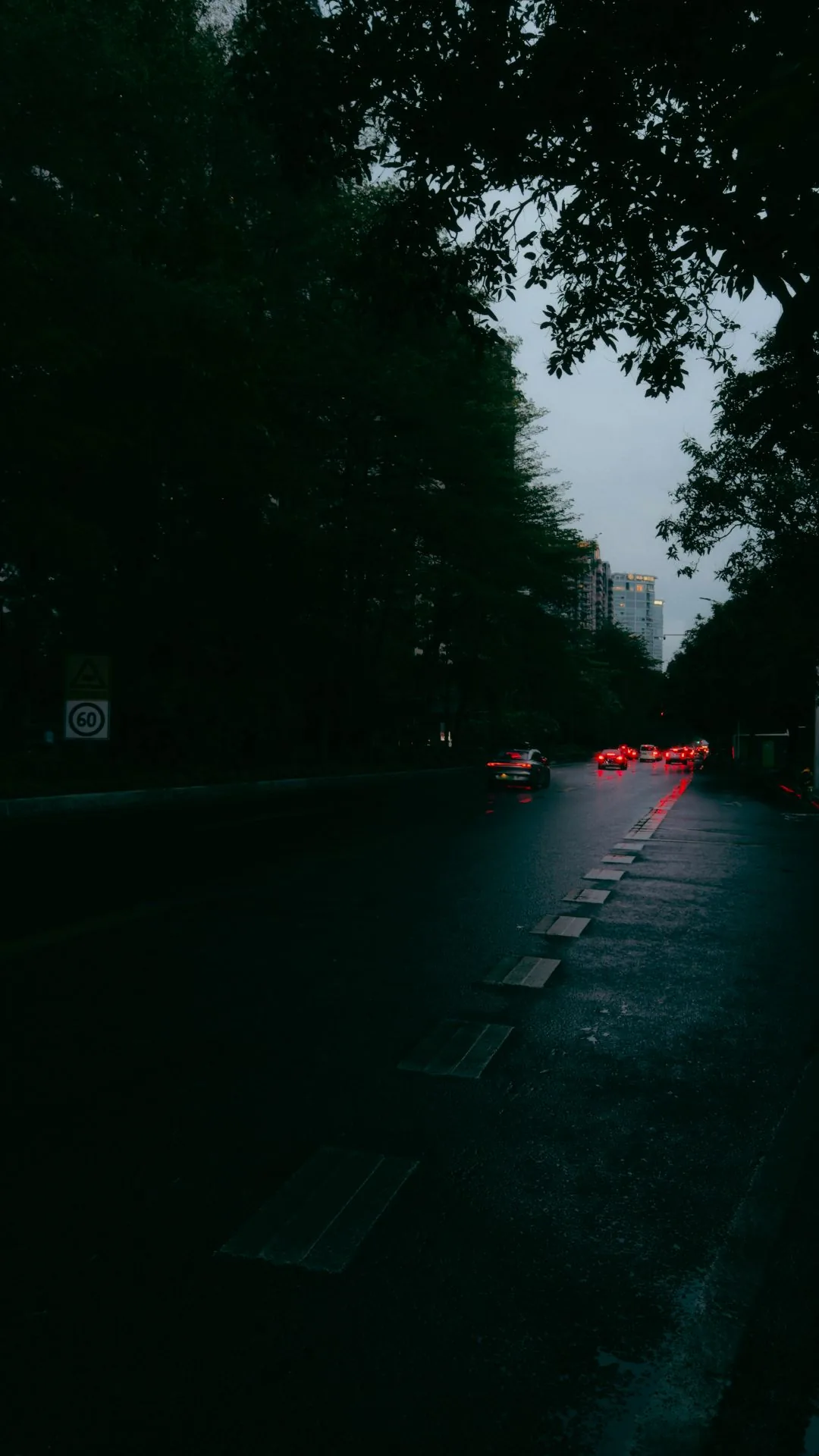
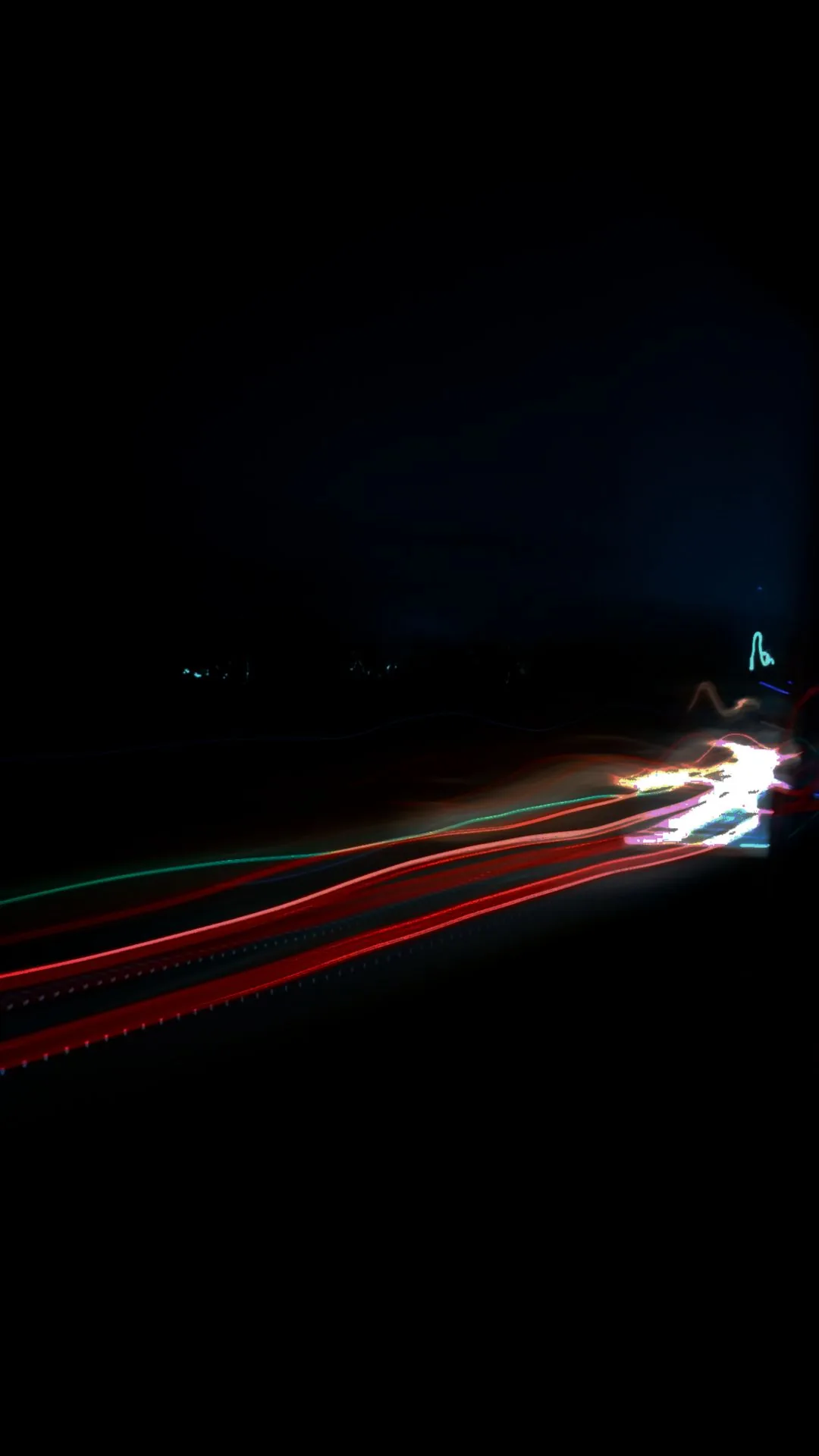

Pastel

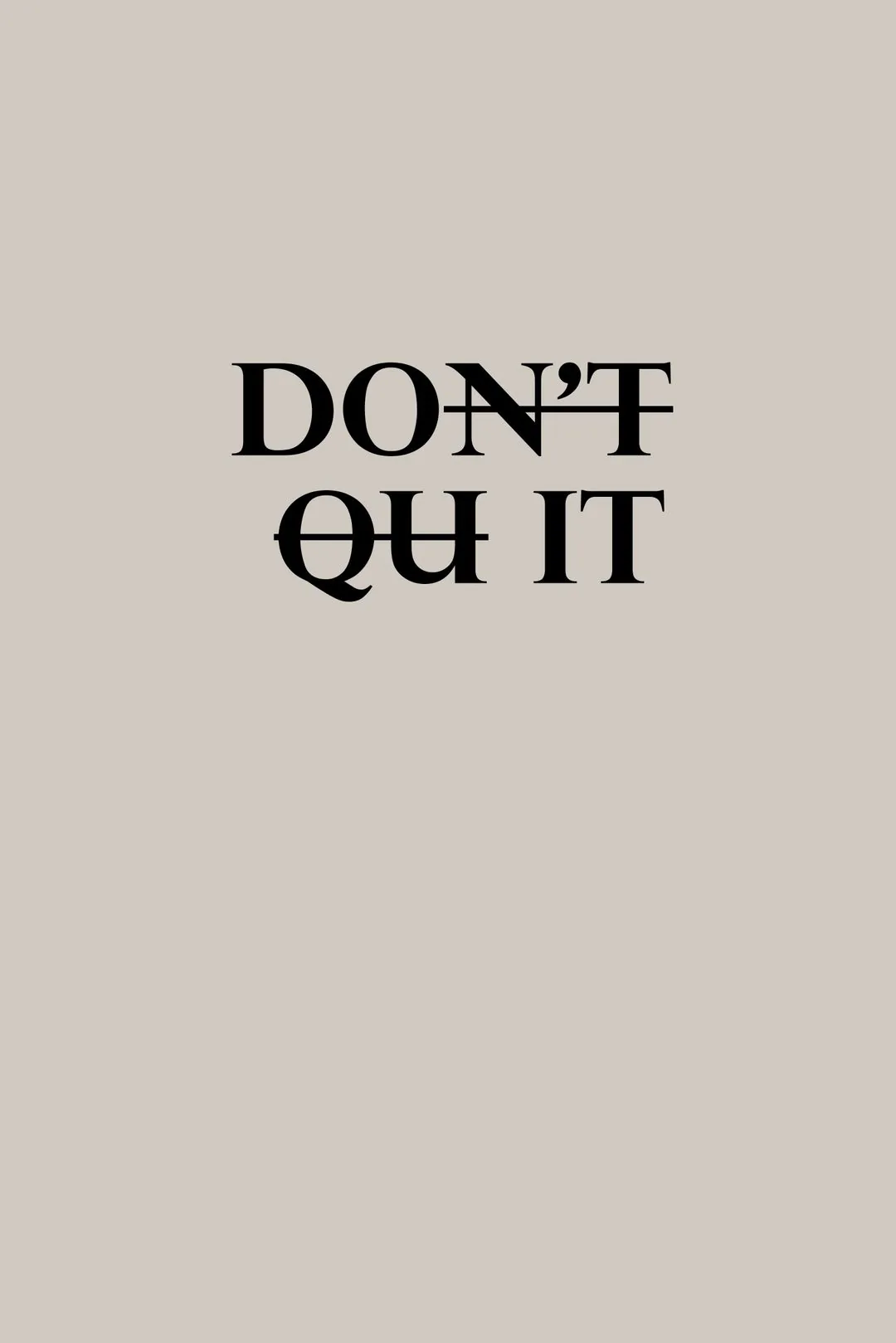
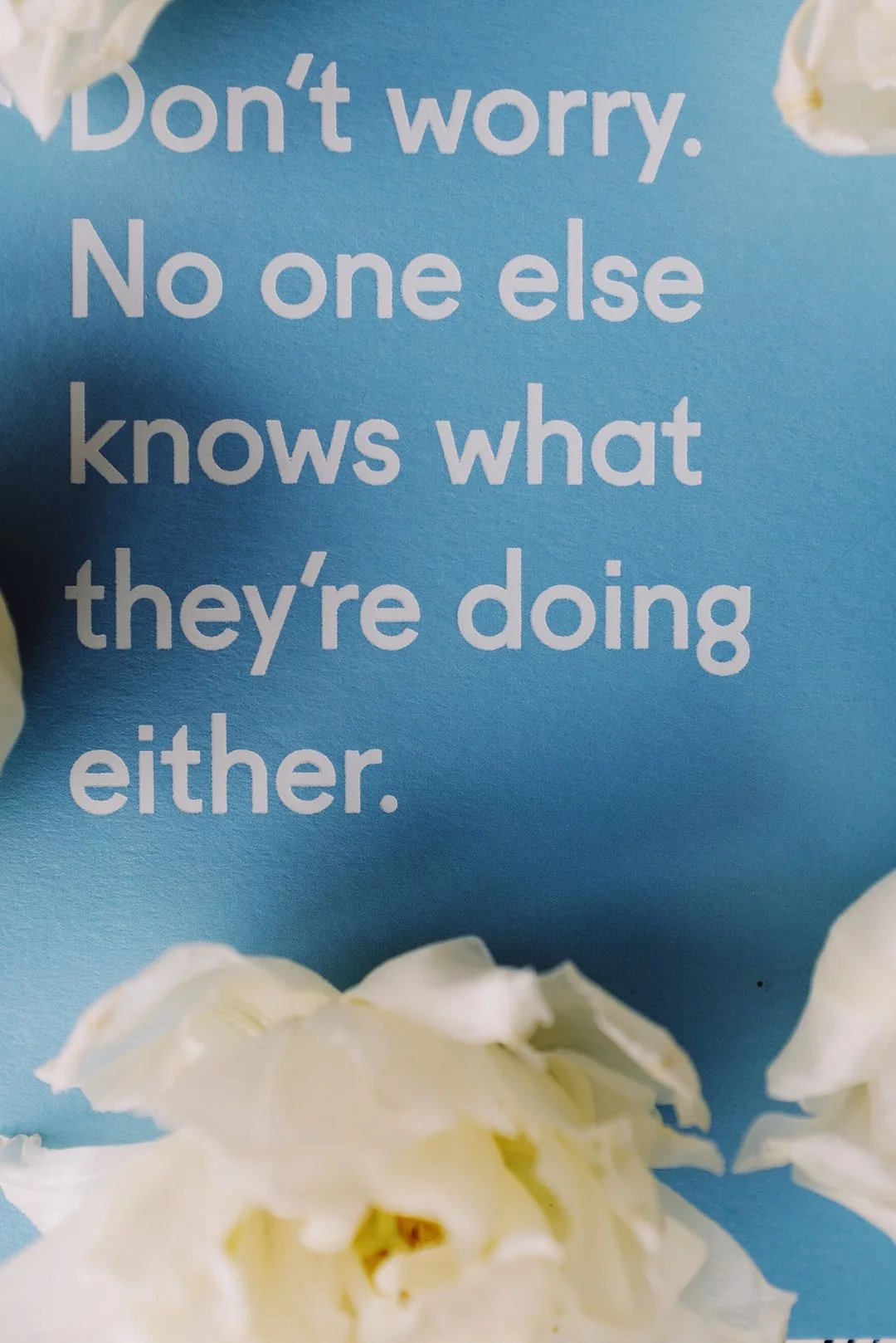
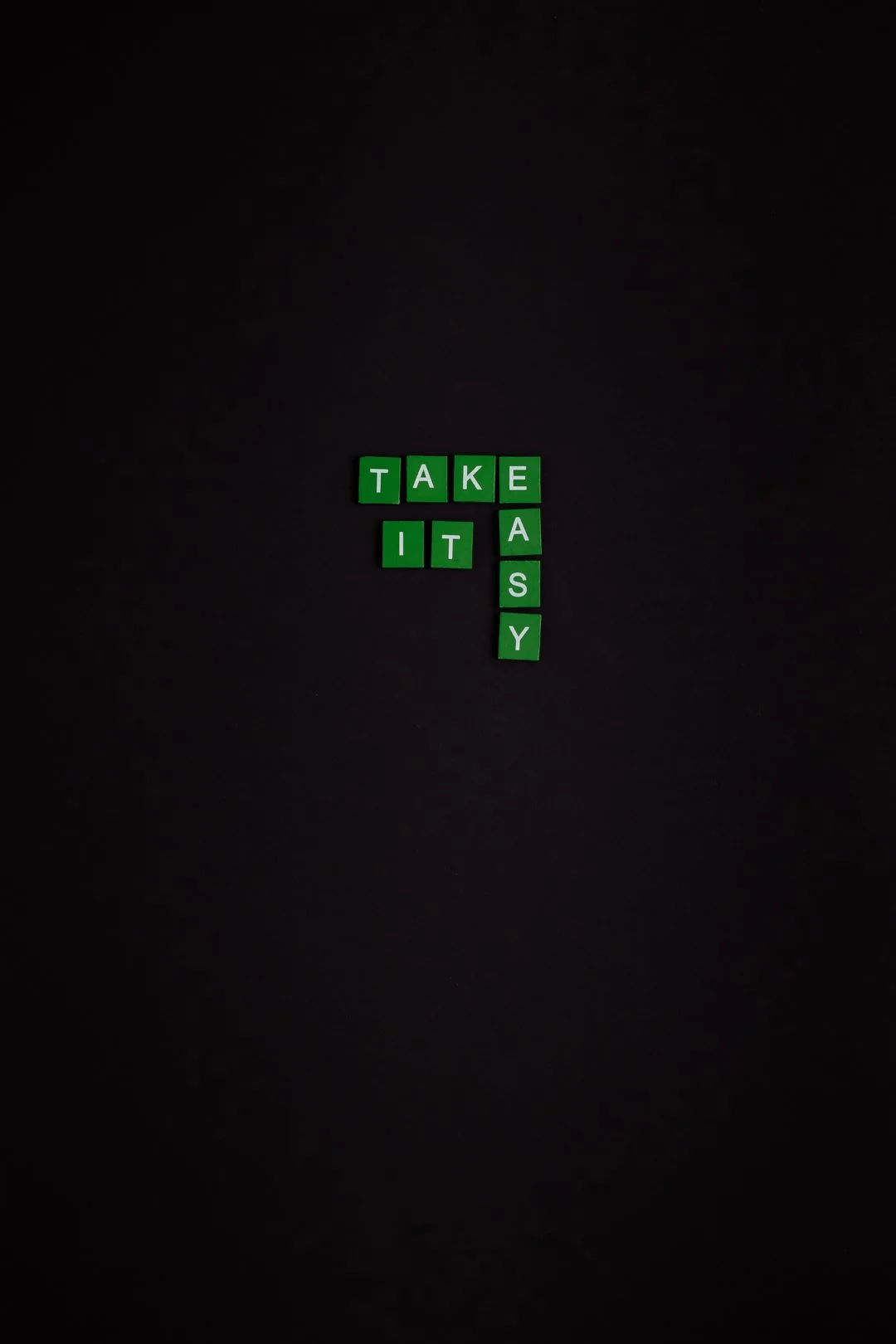
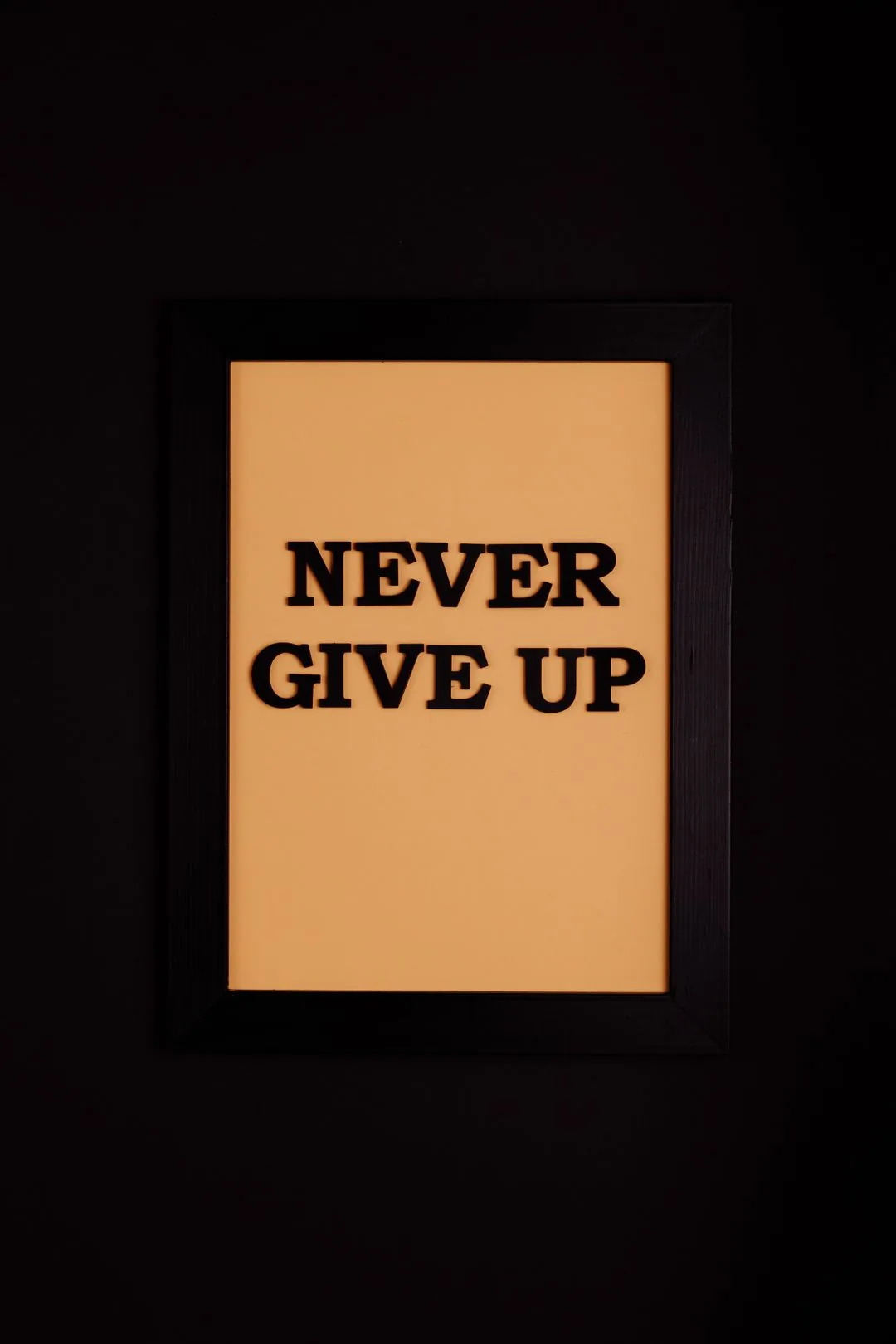
Motivational Quotes
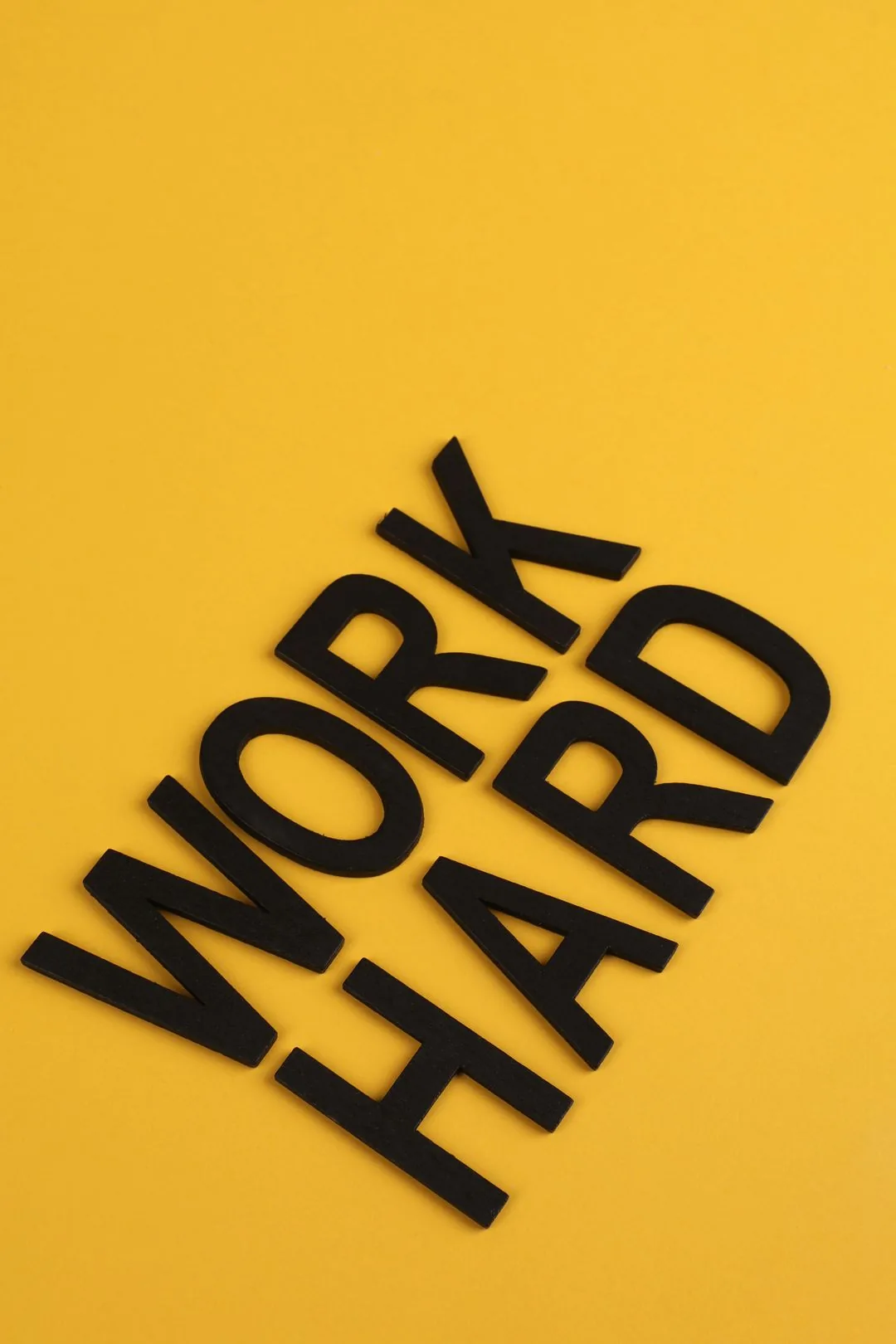

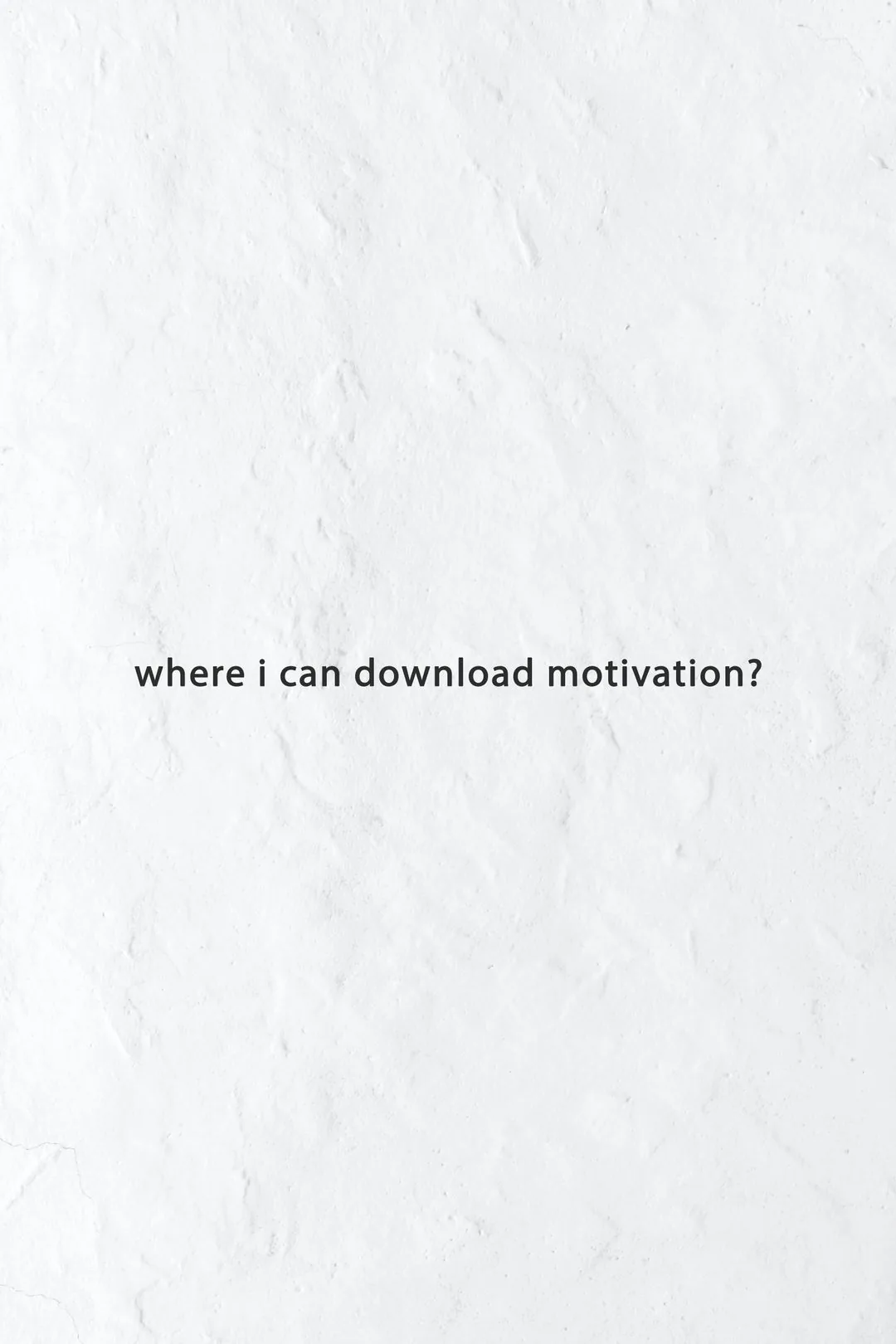
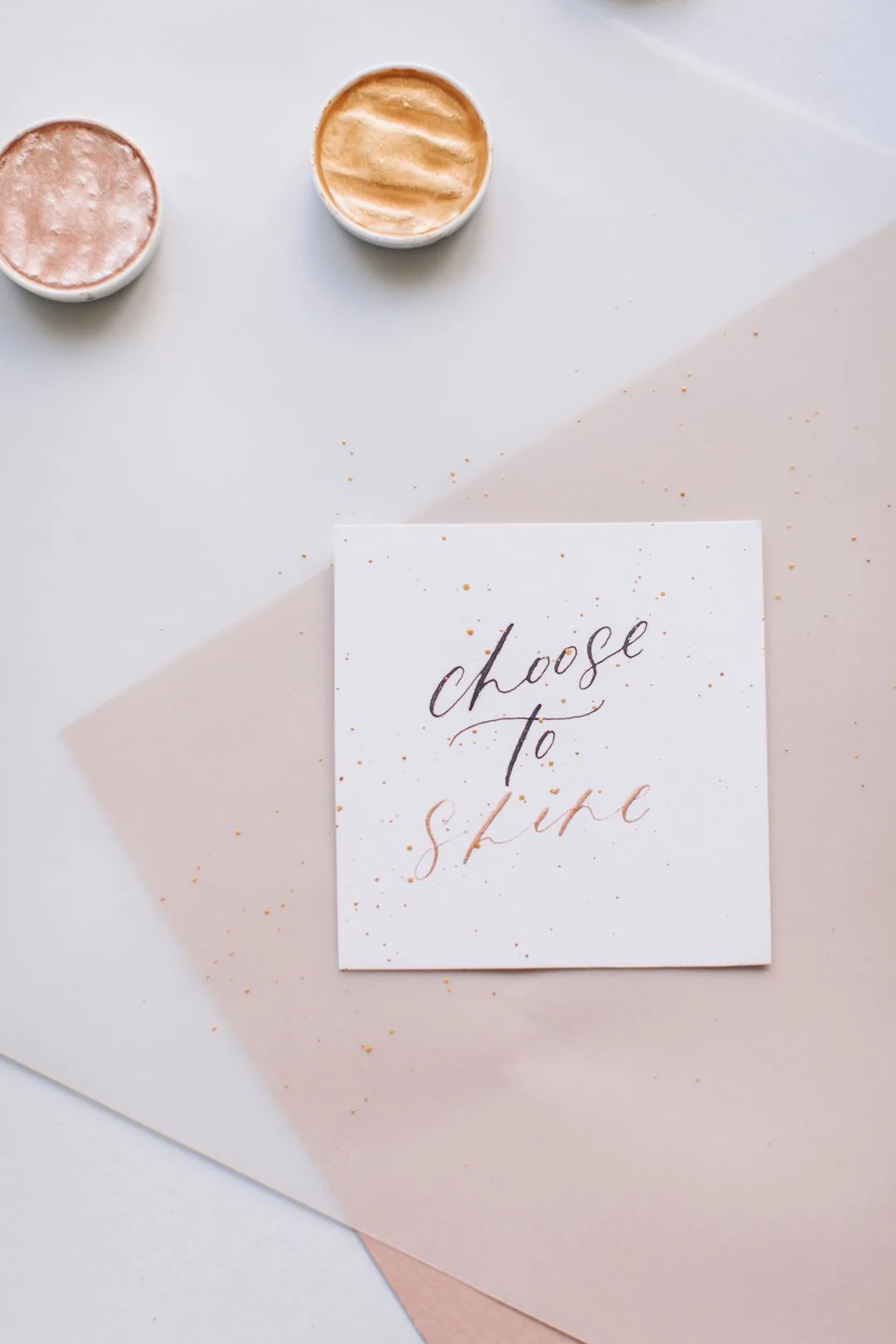
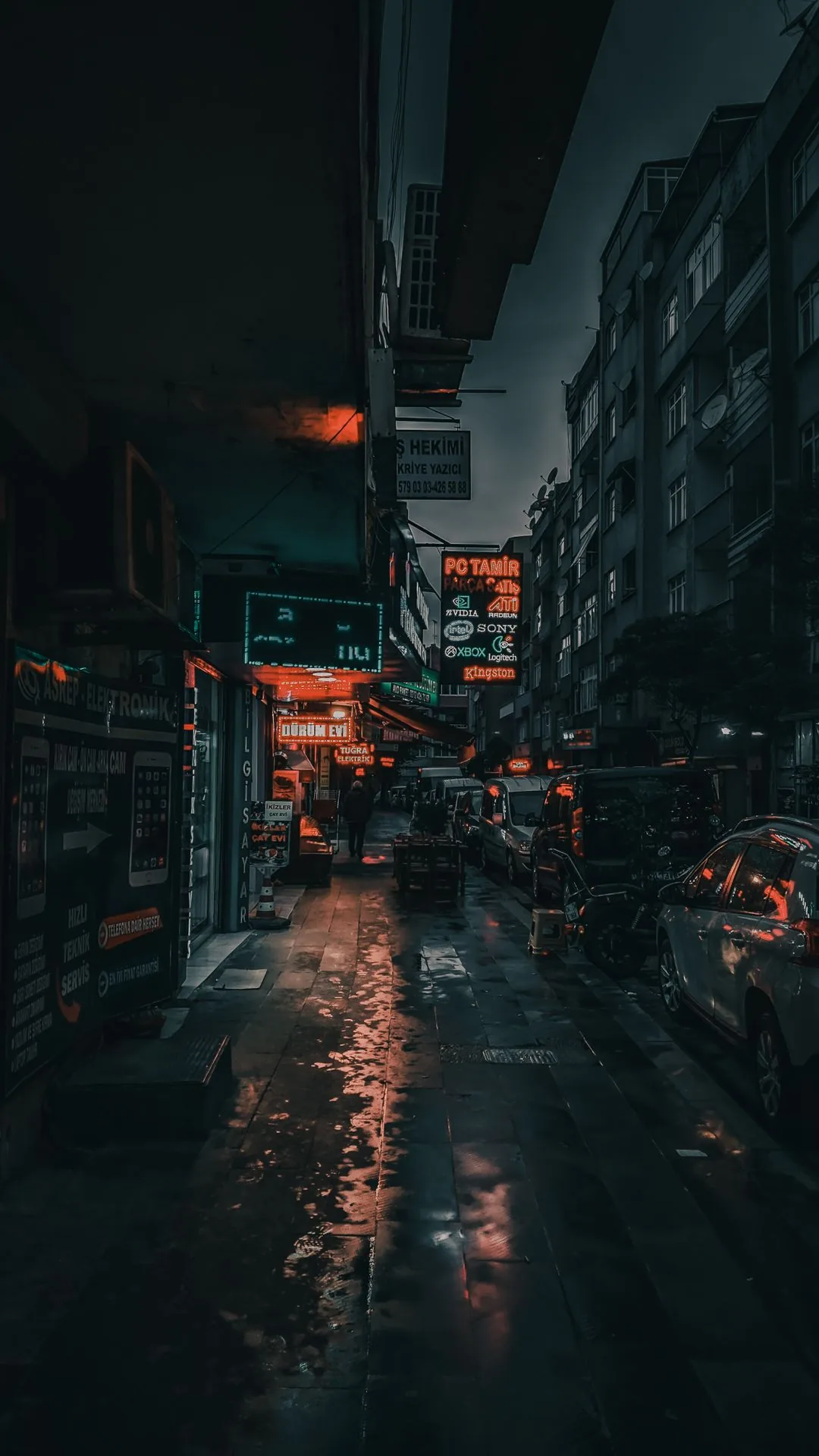
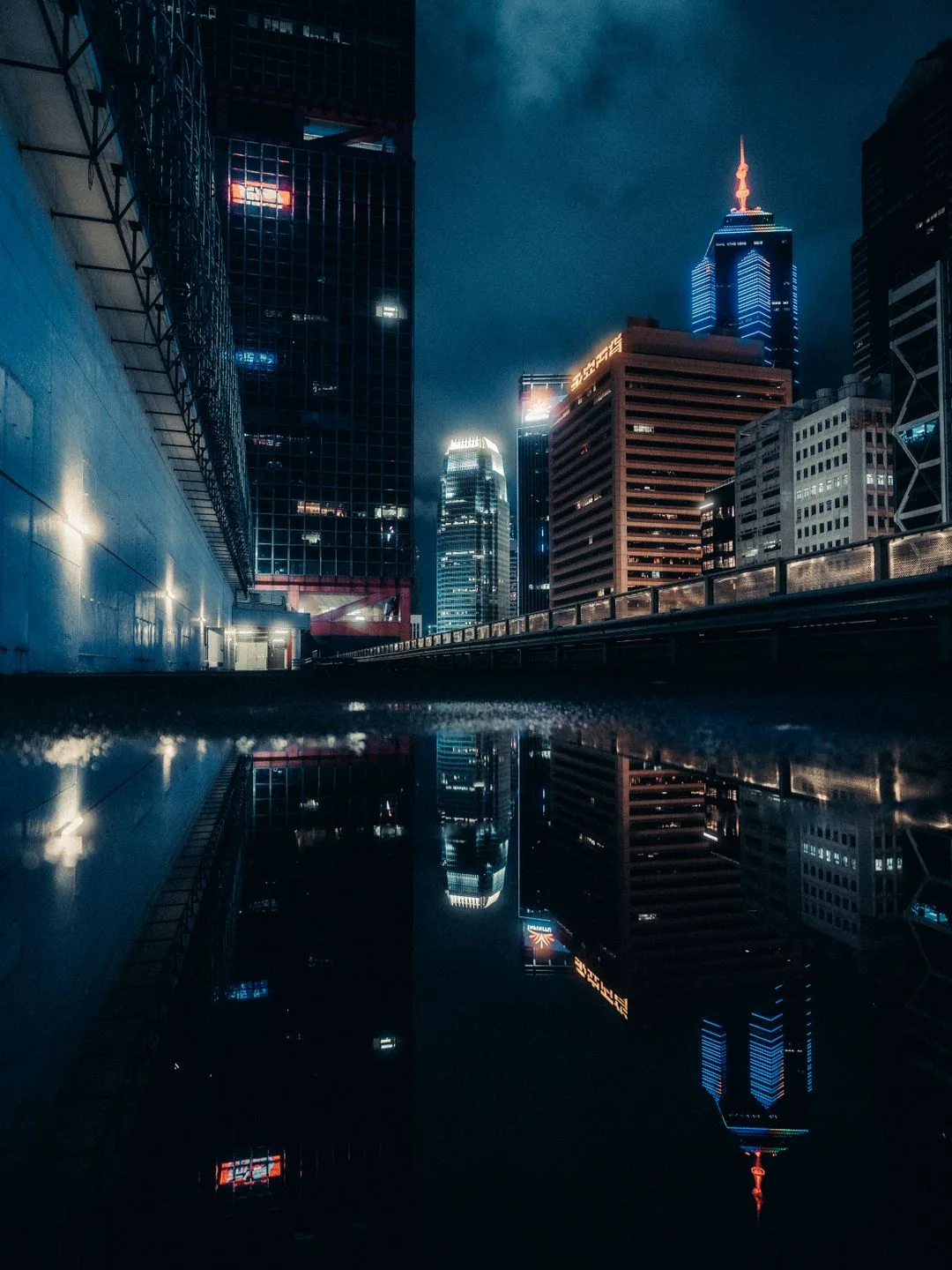
City Night
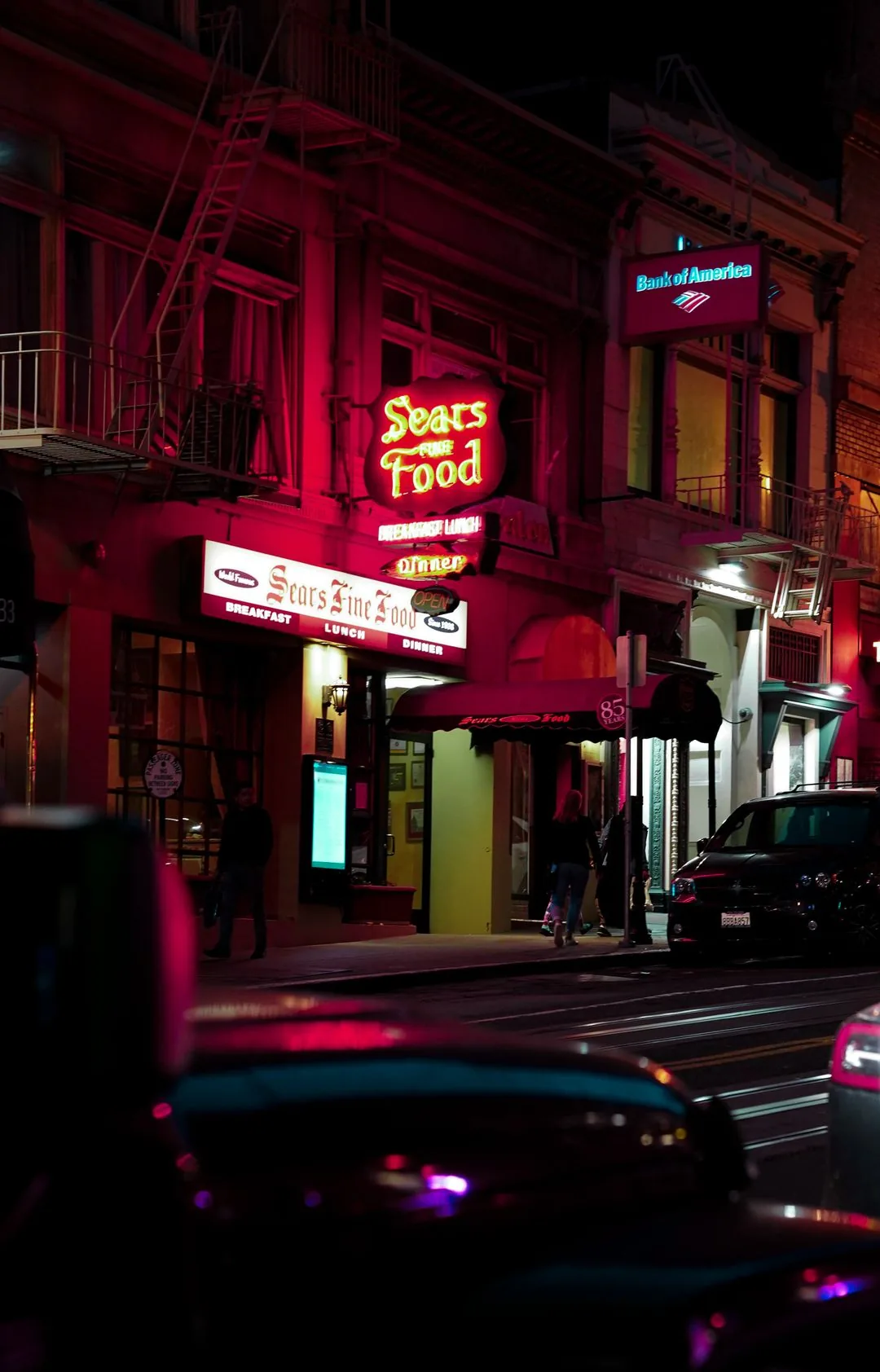
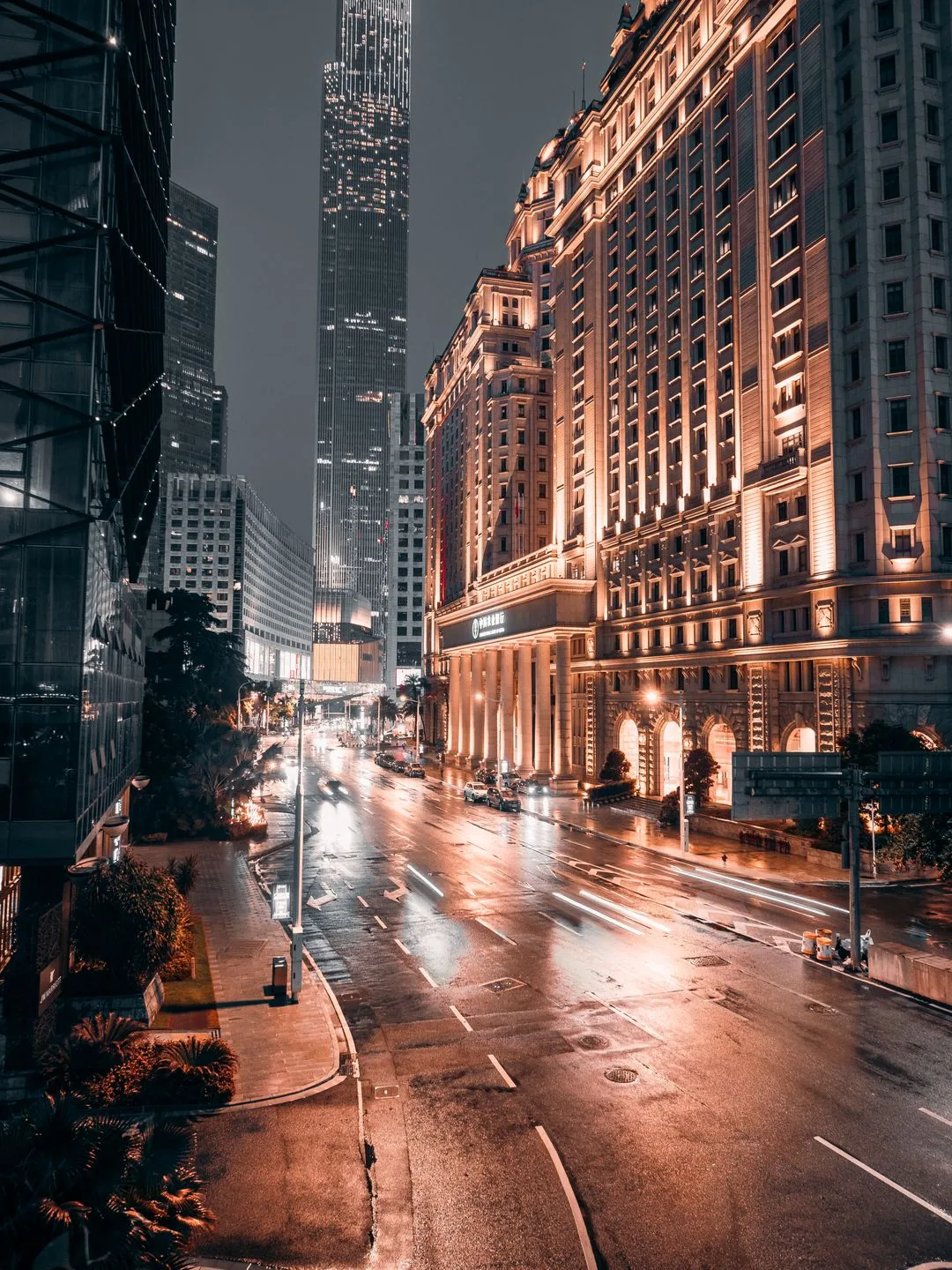
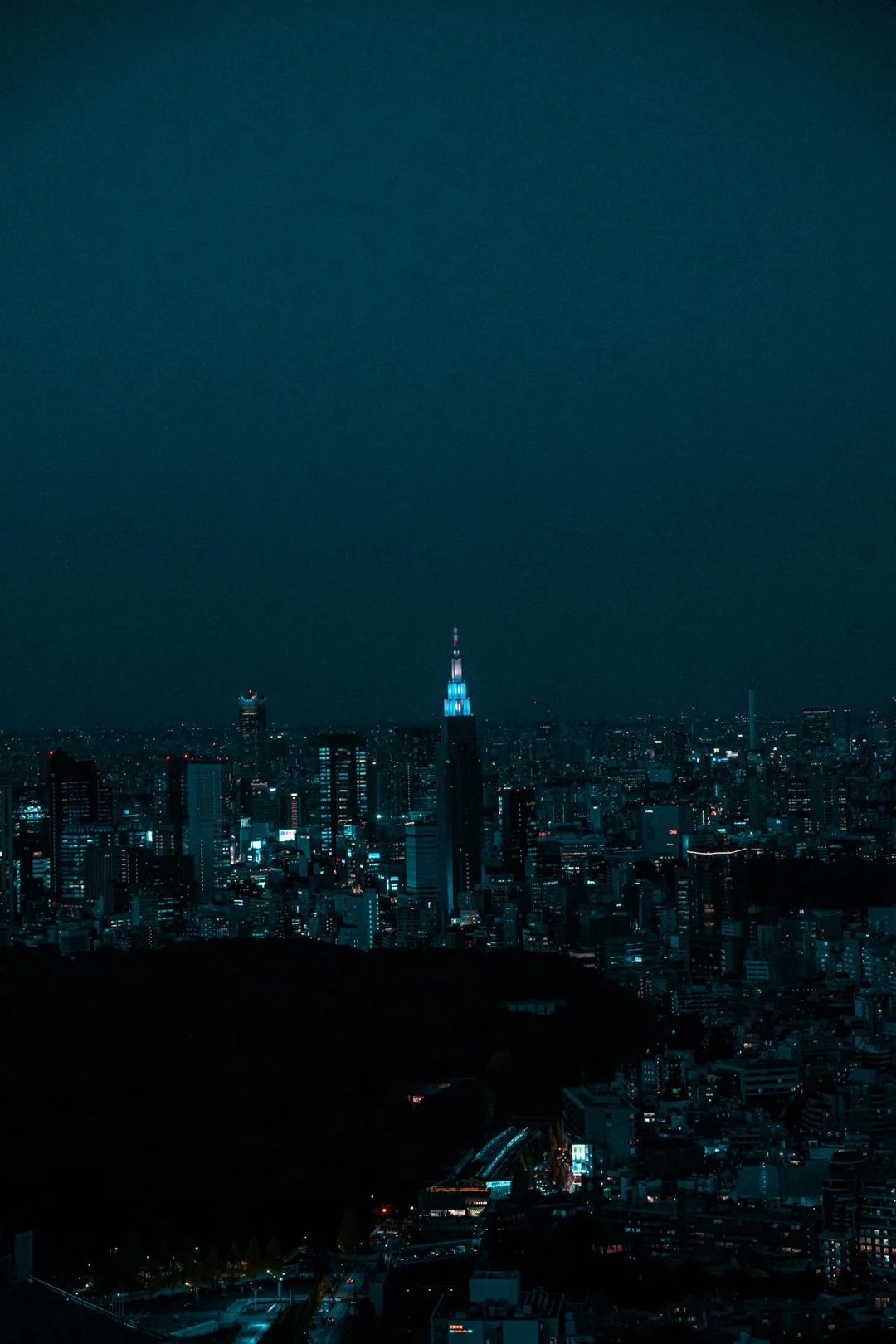

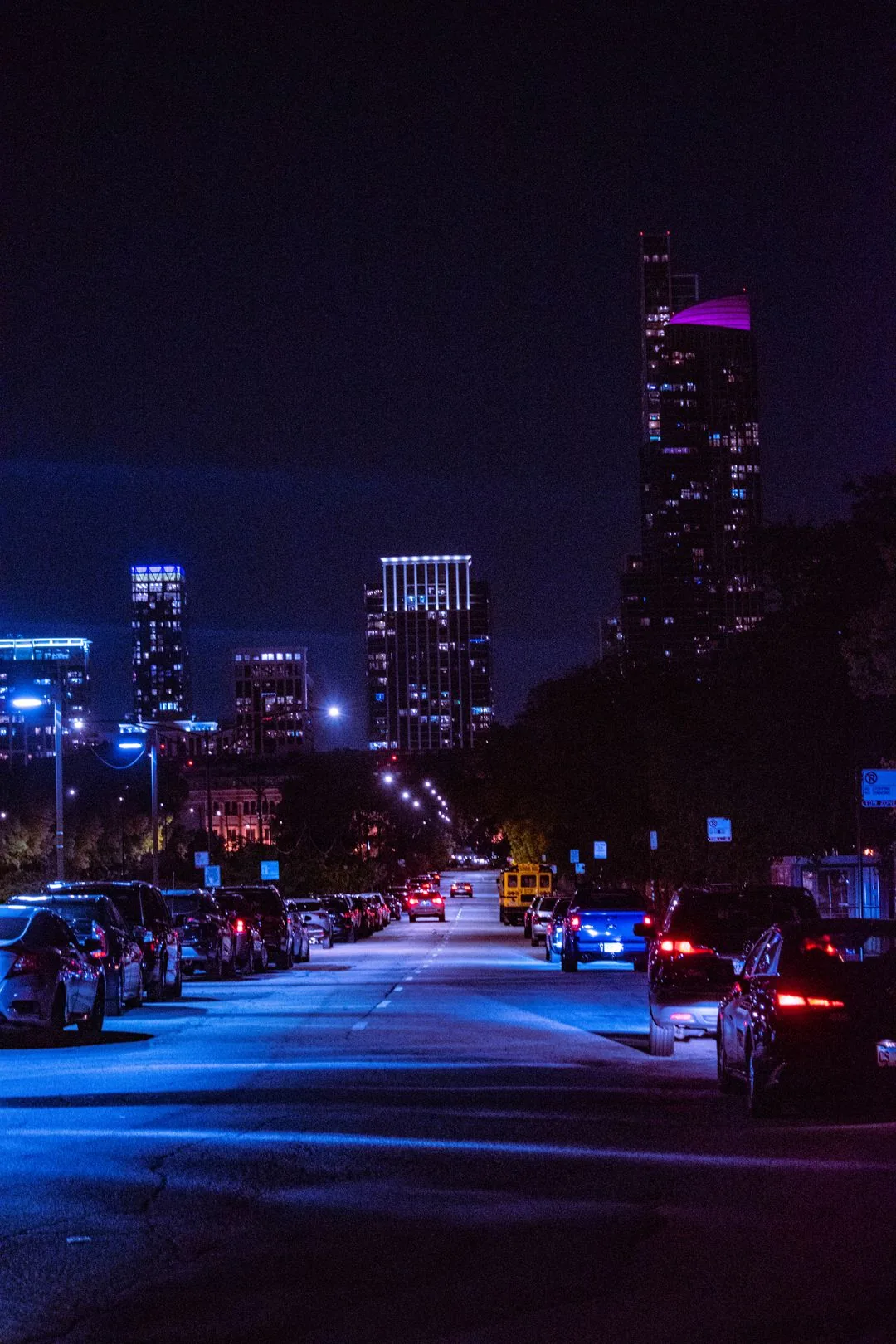
Anime

How to Choose the Right Wallpaper for Your Phone
Not every wallpaper makes a good phone background. Pay attention to these points.
Choose a wallpaper when you want your app icons and widgets to stand out. Light text reads better on backgrounds. Dark and moody styles such as 41‑48 work for this.
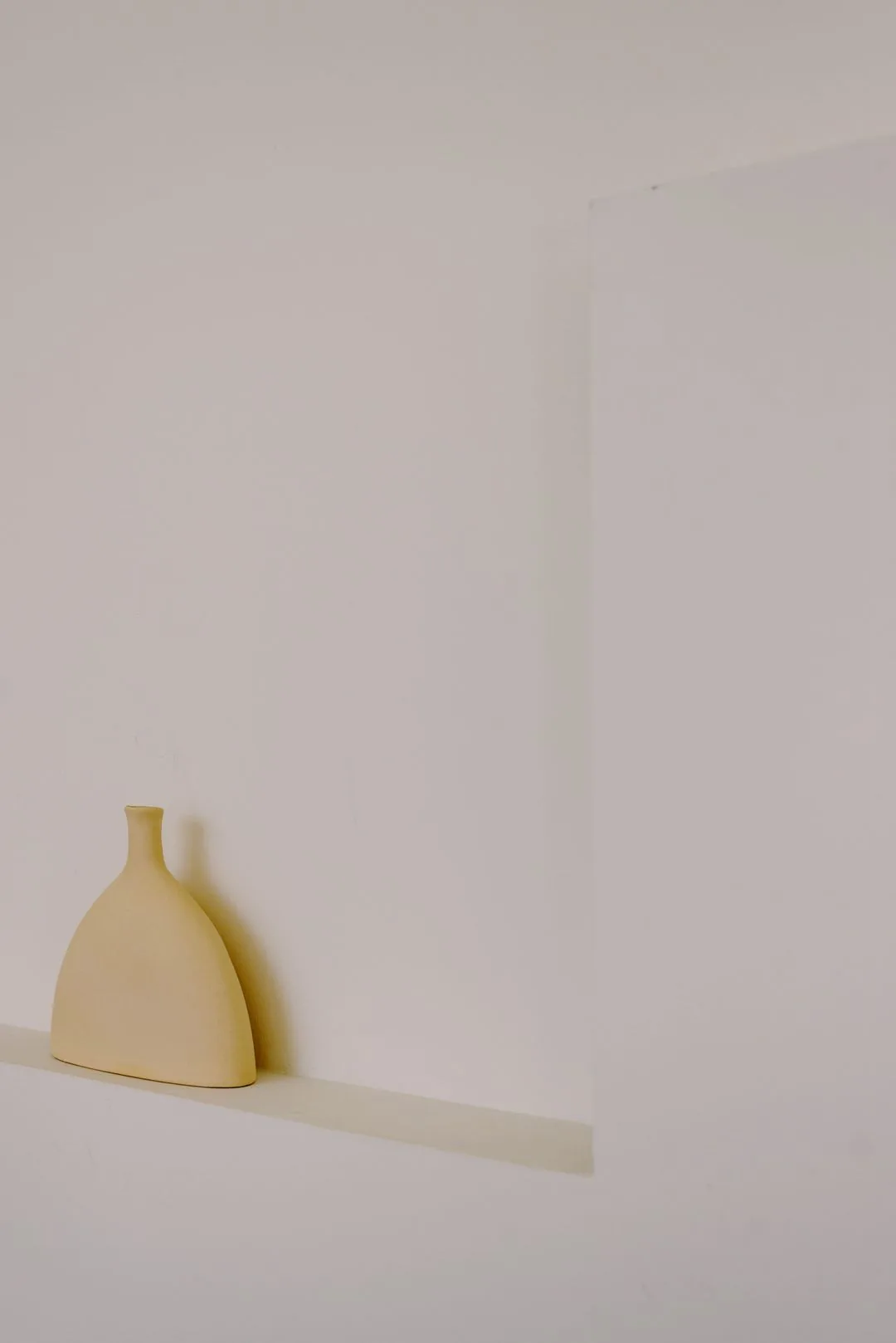
Select a wallpaper if your home screen is crowded with apps and widgets. Busy wallpapers clash with your icons. Make it difficult to locate items. Styles 1‑8 were chosen for this purpose.
For the lock screen, you can choose a wallpaper. You only look at it for a moment, so a beautiful nature or abstract wallpaper is perfect. Many people use a minimal wallpaper on the home screen and a striking wallpaper on the lock screen.
How to Download These Wallpapers
Downloading is simple and takes less than a minute.
1. Scroll to the wallpaper you like.
2. Tap and hold the image (or right-click on desktop).
3. Select Save Image or Download Image.
4. The wallpaper saves to your Photos or Downloads folder in full HD quality.
How to Set a Wallpaper on iPhone and Android
Once downloaded, setting it as your background takes a few clicks.
On iPhone:
1. Open the Photos app and open the wallpaper.
2. Tap the Share button, then tap Use as Wallpaper.
3. Adjust the position, then tap Set. Choose Lock Screen, Home Screen, or both.
On Android:
1. Open the Gallery app and open the wallpaper.
2. Tap the three-dot menu, then tap Set as wallpaper.
3. Choose Home screen, Lock screen, or both.
Are These Wallpapers Really Free?
Yes. All 72 wallpapers are free for use. The photos are from Pexels and Pixabay, which provide them under a free license. No signup, no payment, no watermark.
If you use them in a video or post, giving credit to the photographer is not required.
Frequently Asked Questions
Will these fit my phone screen?
Yes. I chose vertical high‑resolution pictures that fit every iPhone and Android phone. Your phone will change the pictures automatically so they match the screen.
Can I use these commercially?
These wallpapers are free for use. If you want to use them for business or commercial work, look at the Pexels and Pixabay licenses, which allow a lot of freedom.
Do I need an account to download?
No. Just tap, hold, and save the picture. No account or sign‑up is needed.
Where do these wallpapers come from?
All pictures come from Pexels and Pixabay, which provide photography. I selected 72 pictures that look best as phone backgrounds.
Will you add wallpapers?
Yes. I add styles all the time. Bookmark this page. Come back to see new wallpapers.
Can I request a style?
Leave a comment. Tell me which style you want. I will think about adding it sometime.